Achroma
iPhone / Photo et vidéo
Achroma is a monochrome camera for photographers who see in contrast.
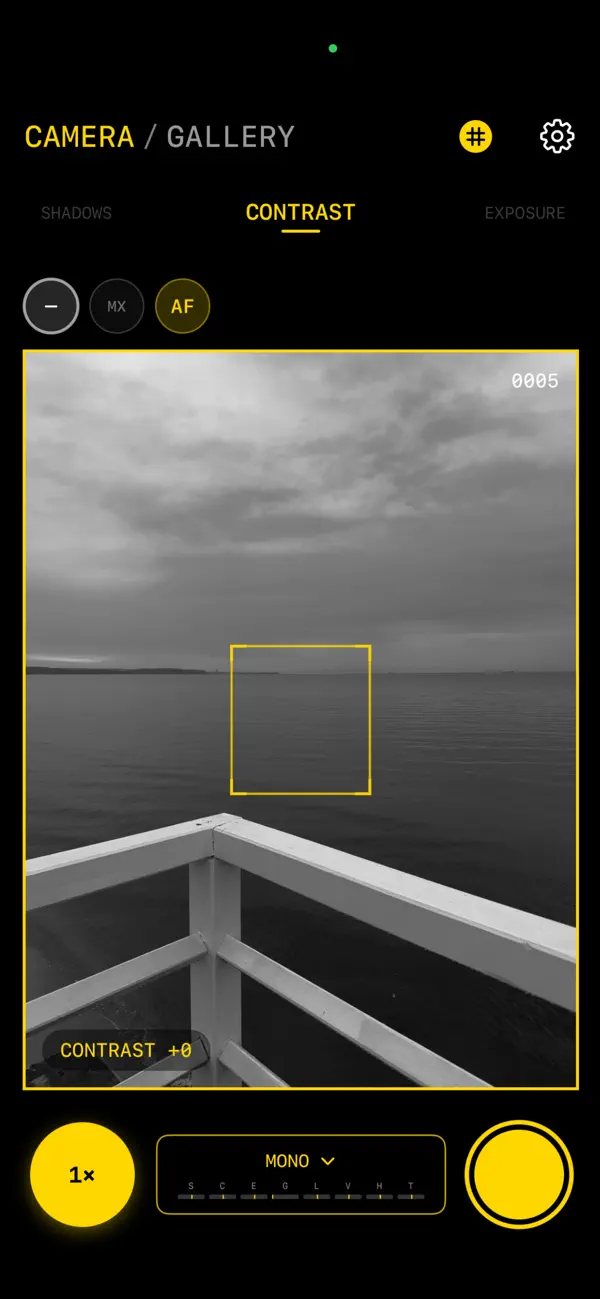
Built for deliberate black-and-white work, Achroma gives you a live monochrome viewfinder, classic composition guides, selectable lenses, and a focused shooting experience that keeps the image at the center. Shape the frame with rule of thirds, golden ratio, or rangefinder overlays, then capture the moment in clean, expressive tones.
Every photograph can be tuned before it is taken. Adjust shadows, contrast, exposure, grain, clarity, highlights, vignette, and toning in real time. Begin with crafted looks like Mono, Noir, Silver, and Ash, or create your own visual language with custom presets.
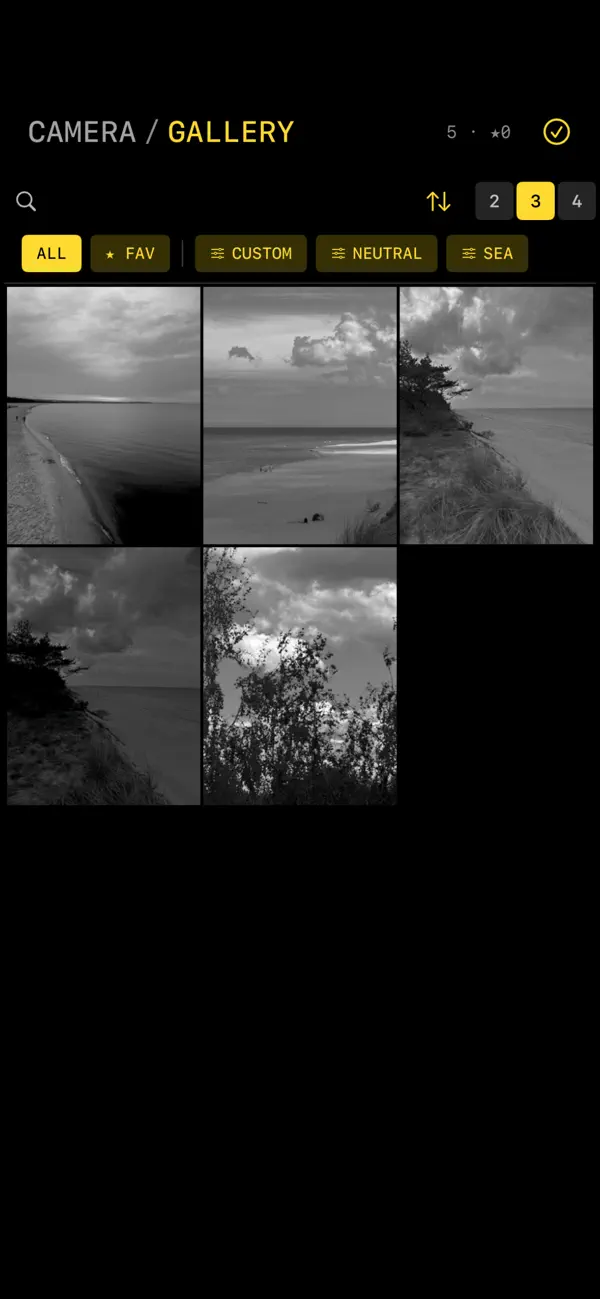
Achroma also treats the gallery as part of the photographic process. Favorite your strongest frames, filter by preset, search notes, group by date, and keep your work organized by numbered captures. Add voice notes with transcription, revisit location details, and export raw HEIC files or framed images ready to share.
For street walks, quiet studies, portraits, fragments, and everyday light, Achroma is a camera made for slowing down and seeing more.
Quoi de neuf dans la dernière version ?
Achroma 1.1.0 is a major creative and reliability update focused on richer monochrome control, a stronger gallery workflow, and smoother capture/export handling.
New in this version:
1. Added deeper tonal controls, including highlights, vignette, toning, and expanded monochrome adjustment options.
2. Added custom color matrix support for more experimental black-and-white rendering.
3. Redesigned the preset experience with live preset thumbnails, waveform-style preset cards, favorites, editing, duplication, import, and export.
4. Added an expandable preset carousel for faster switching while shooting.
5. Improved the gallery with filtering, sorting, favorites, search, date grouping, adjustable grid density, batch actions, and pull-to-refresh.
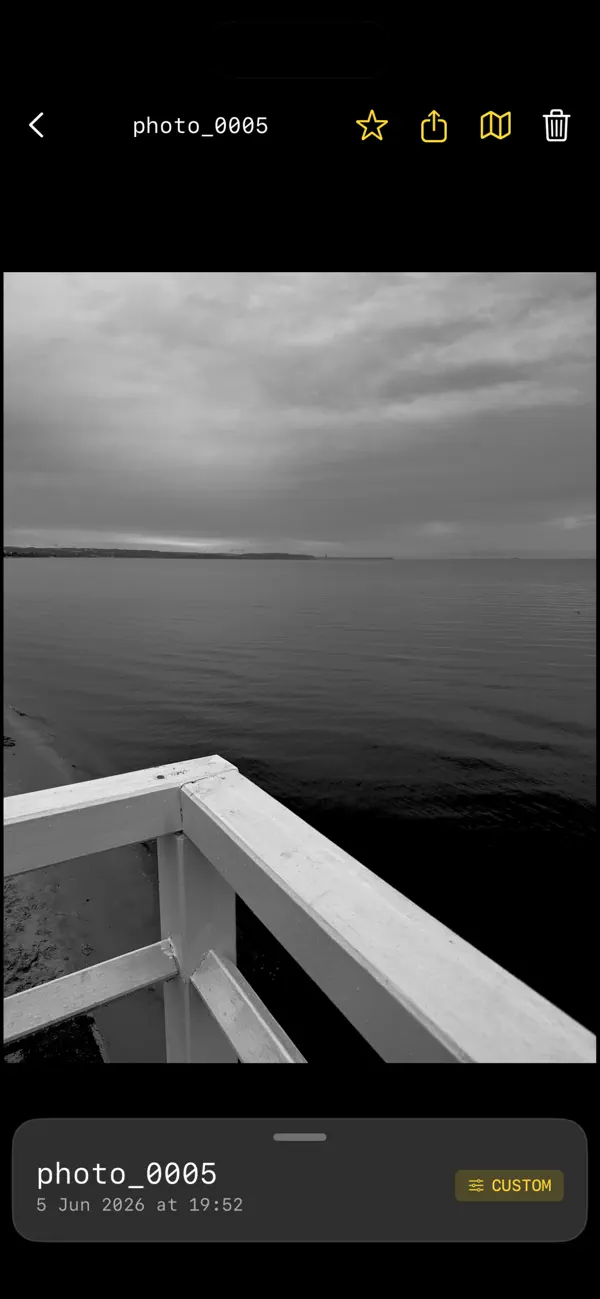
6. Improved photo detail view with richer metadata, preset information, maps, notes, voice transcription handling, and export previews.
7. Added safer photo capture behavior to prevent duplicate captures and better report save errors.
8. Improved HEIC export, bordered export, and batch export feedback with progress states.
9. Improved thumbnail and full-image loading for better memory use and smoother browsing.
10. Improved location handling so GPS updates run only when needed.
11. Added better handling for missing photo files and relative file paths across app updates.
12. Improved accessibility labels for key camera controls.