AfterSave
iPhone / Photo et vidéo
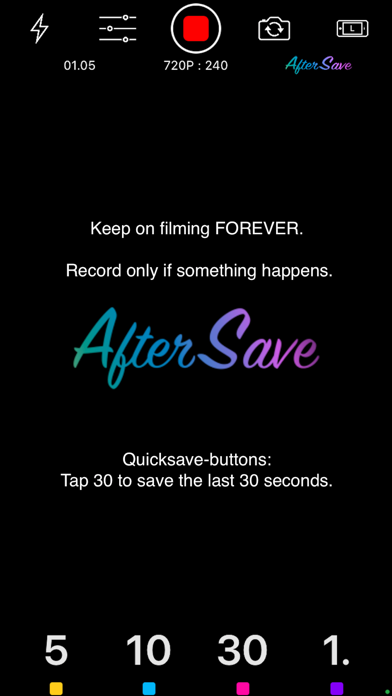
AfterSave is the best way to capture those special moments in life by taking video ALL THE TIME. Baby’s first steps, hit a hole in one, finally land that trick. With AfterSave you can keep on filming indefinitely, you just have to SAVE AFTER something happens.
AfterSave films video in a loop. What sets this apart from conventional filming, is that the video is constantly being automatically trimmed from the beginning. This application allows you to keep on filming forever without reserving any disc space. Imagine what you could do with a video buffer of your life, let’s say a few minutes or for example 15 minutes .
When something worth saving happens, use the QUICKSAVE-buttons to save the last moment or stop and select any time range.
Special moments:
You know something is about to happen but not exactly when.
Make sure you never run out of disc space with AfterSave.
For example your baby’s first steps. Just place your device somewhere suitable and keep filming all day.
Repetition:
No more hundreds of useless video files on your device. Use AfterSave to capture only the times when you got it right.
For example when playing guitar or doing a monologue for your video blog, you don’t have to stop and start a new video every time you make a mistake. Just keep going and AfterSave it.
Surprises:
You ever wished you were recording when something funny, accidental or unexpected happened? With AfterSave you can keep rolling all the time, just in case.
Quoi de neuf dans la dernière version ?
Update to support iOS 15
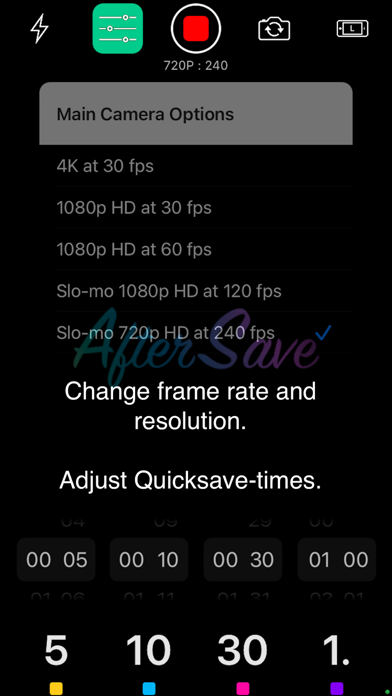
- 4K High Resolution Videos
- Slow-motion Videos
- Automatic Video Stabilization
- User Interface updated
Premium users can select a preferred Video Format:
4K & HD High Quality Videos (3840x2160 & 1920x1080)
- iPhones 7-12 including SE and X models
Slow-motion at 120 & 240 fps
- iPhones 6-12 including SE and X models