iPhoneAddict Apps
  • Actualités
  • Accueil Apps
  • iPhone
  • iPad
  • Universelles
  • Mac
  • Apple TV
KG KultureGeek
App
iPhone / iPad Télécharger iAddict v5 Mac Télécharger iAddict Mac
  • Actualités
  • Accueil Apps
  • iPhone
  • iPad
  • Universelles
  • Mac
  • Apple TV
  • Archives keynotes
  • Firmwares & iTunes
  • Contactez-nous
  • Comparateur de prix
  • KultureGeek
Accueil » Liste des Apps » Apps Universelles » Photo et vidéo » Circle Crop
1.3 iOS €Gratuit Kamran Saberihaghighi 0 0 Make your photos circular Select your photo from device photo gallery and create a beautiful round picture of any part of it. You can save the output image with "JPG" or "PNG" format. Advanced: There is an option to save the output image with...
Circle Crop

Circle Crop

iOS Universel / Photo et vidéo

Gratuit au lieu de 1,99€
Obtenir sur l'App Store
Facebook X E-mail

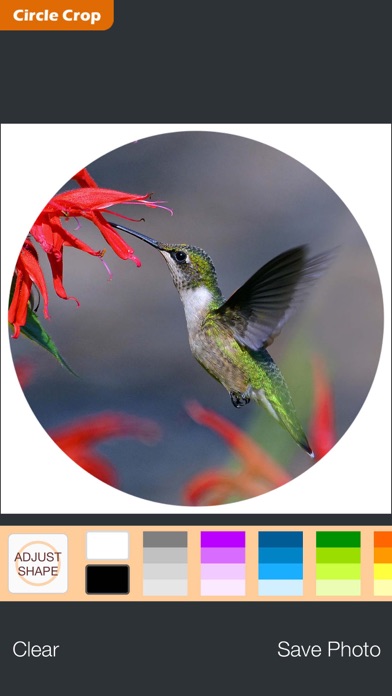
Make your photos circular

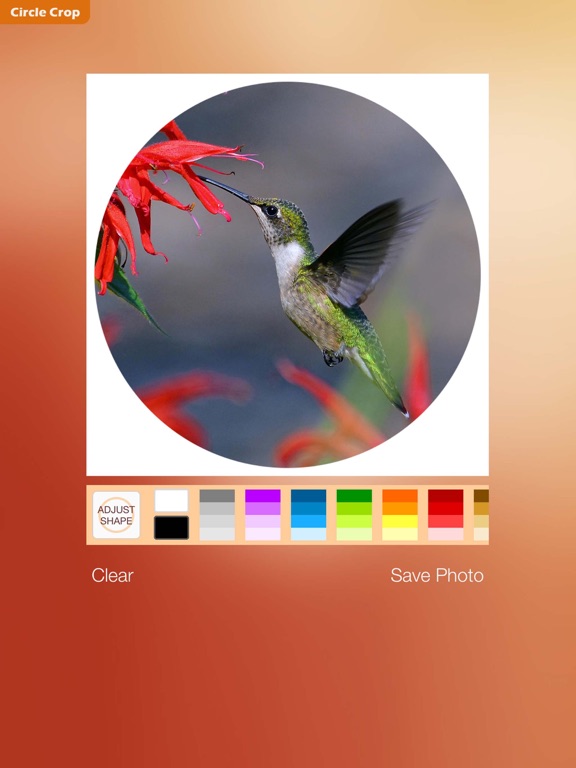
Select your photo from device photo gallery and create a beautiful round picture of any part of it.

You can save the output image with "JPG" or "PNG" format.

Advanced:
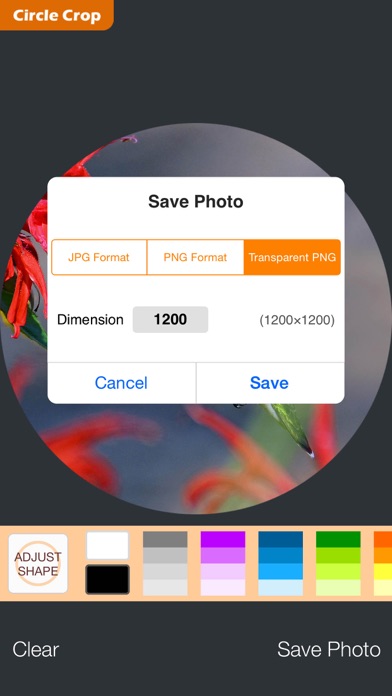
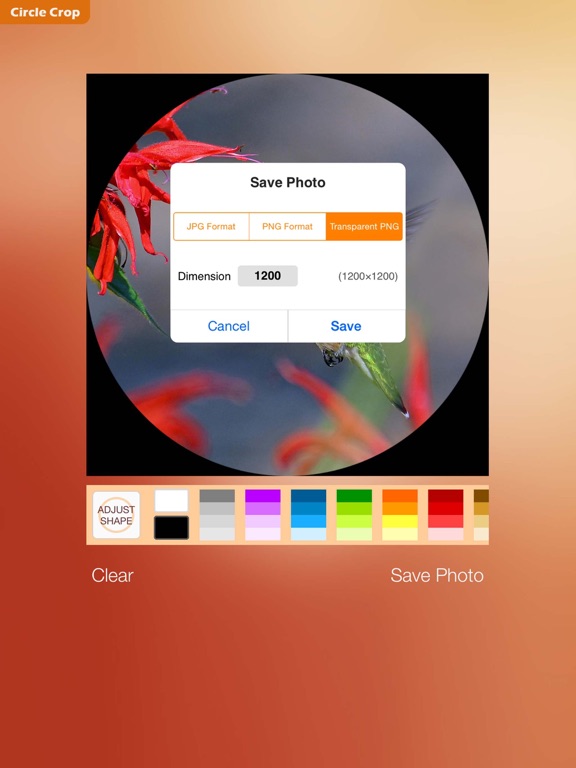
There is an option to save the output image with "Transparent PNG" format — in which the outside of circle will be fully transparent (mostly for web pages, as noted at end of this text).

FEATURES
• Adjustable diameter of circle
• Optional background color (thousands of colors)
• Photo zoom and pan
• Photo rotate
• Output formats: JPG, PNG, Transparent PNG
• Export resolution: 16×16 to 4096×4096, square


*** Clarification about "Transparent PNG" pictures ***
This image format is mostly used for web pages. It's less supported on operating systems (such as iOS) and most photography apps.

However, these images are fine when used in web-sites / inside some apps [for example: Apple "Pages" app for iOS] / desktop photo editor softwares / or submitting avatar pictures on web.

The iOS Photos app displays the transparent pixels as white / and sometimes with sudden color-change to black. For most pictures, the transparency would be visible when you are playing (finger-zooming) with a thumbnail in photo gallery.

Another way to find transparency is to open the picture in "Circle Crop app" and then zoom-out with two fingers to view any transparent area.

En voir plus...

Quoi de neuf dans la dernière version ?

update for iPhone XR / XS serries
  • Screenshot #1 pour Circle Crop
  • Screenshot #2 pour Circle Crop
  • Screenshot #4 pour Circle Crop
  • Screenshot #5 pour Circle Crop

D'autres applications du développeur

Shapes++ ◯ frame & circle cropShapes++ ◯ frame & circle cropiOS Universel4 symbols4 symbolsApple TVBewehrungBewehrungiOS UniverselChordTransChordTransiOS UniverselRebars+Rebars+iOS UniverselExchange+Exchange+iPhone

Note

(0 note)

Détails sur l'application

Version
1.3
Taille
2.2 Mo
Version minimum d'iOS
8.0
Dernière mise à jour
03/01/2019
Publié par
Kamran Saberihaghighi

Newsletter App Store

Recevez chaque jour les meilleures promos

Actualité Apple

Image iPhone : Apple a capté 49 % des revenus de smartphones au 2e trimestre, un record
iPhone : Apple a capté 49 % des revenus de smartphones au 2e trimestre, un record
Image L’iPhone Air 2 aurait une Dynamic Island plus petite et d’autres nouveautés
L’iPhone Air 2 aurait une Dynamic Island plus petite et d’autres nouveautés
Image iPhone 18e : les 9 Go de RAM se confirment un peu plus
iPhone 18e : les 9 Go de RAM se confirment un peu plus
Image Apple met à jour Shazam avec des autocollants iMessage pour l’album petal d’Ariana Grande
Apple met à jour Shazam avec des autocollants iMessage pour l’album petal d’Ariana Grande
iPhoneAddict Apps

Le catalogue iPhoneAddict pour suivre les nouveautés, mises à jour et baisses de prix de l’App Store.

Apps

Toutes les apps iOS iPhone iPad Universelles Mac Apple TV

iPhoneAddict

Actualité Apple Archives keynotes Contact À propos KultureGeek

Suivez-nous

©2009-2026 i2CMedia. Tous droits réservés.