iPhoneAddict Apps
  • Actualités
  • Accueil Apps
  • iPhone
  • iPad
  • Universelles
  • Mac
  • Apple TV
KG KultureGeek
App
iPhone / iPad Télécharger iAddict v5 Mac Télécharger iAddict Mac
  • Actualités
  • Accueil Apps
  • iPhone
  • iPad
  • Universelles
  • Mac
  • Apple TV
  • Archives keynotes
  • Firmwares & iTunes
  • Contactez-nous
  • Comparateur de prix
  • KultureGeek
Accueil » Liste des Apps » Apps Universelles » Photo et vidéo » Trim & Cut Videos video editor
1.6.13 iOS €Gratuit Outthinking electronics pvt ltd. 3.8 29 Want to trim (Save only selected video region) any video? then use our ClipTrim app to trim your video easily. Our ClipTrim app allows you to trim video, add music to your trimmed video and add effects to your trimmed video easily. This is the...
Trim & Cut Videos video editor

Trim & Cut Videos video editor

iOS Universel / Photo et vidéo

Gratuit
Obtenir sur l'App Store
Facebook X E-mail

Want to trim (Save only selected video region) any video? then use our ClipTrim app to trim your video easily. Our ClipTrim app allows you to trim video, add music to your trimmed video and add effects to your trimmed video easily. This is the perfect app for trimming any kinds of video right on your device.

Features:-

1. App is Exclusively designed for trimming video

2. You can add music of your own choice to your trimmed video

3. Add effects to your trimmed video

4. Option to save video to your camera roll

5. Built in social share option provided


Usage:-

1. Select the Video from your camera roll or you can shoot the video by using your phone device

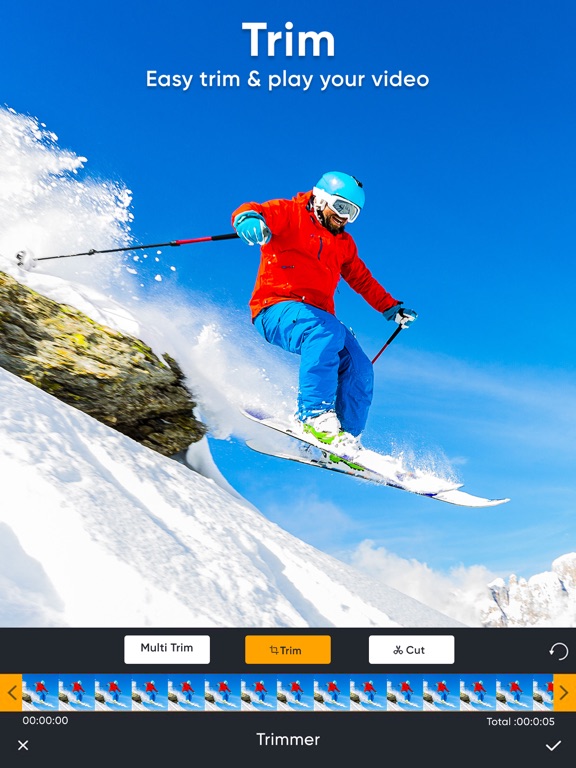
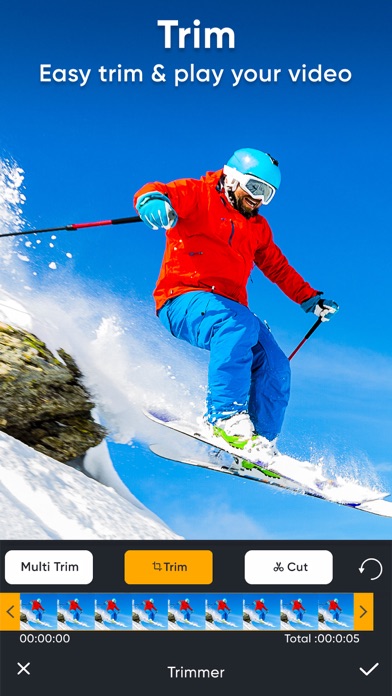
2. To select the trimming region, click on Trim button. Now you will see yellow selection slider on video. Just select the position of the video that you want to keep by removing unselected video clip. Once you done with selection click on Trim button which is available in the top navigation bar to trim video.

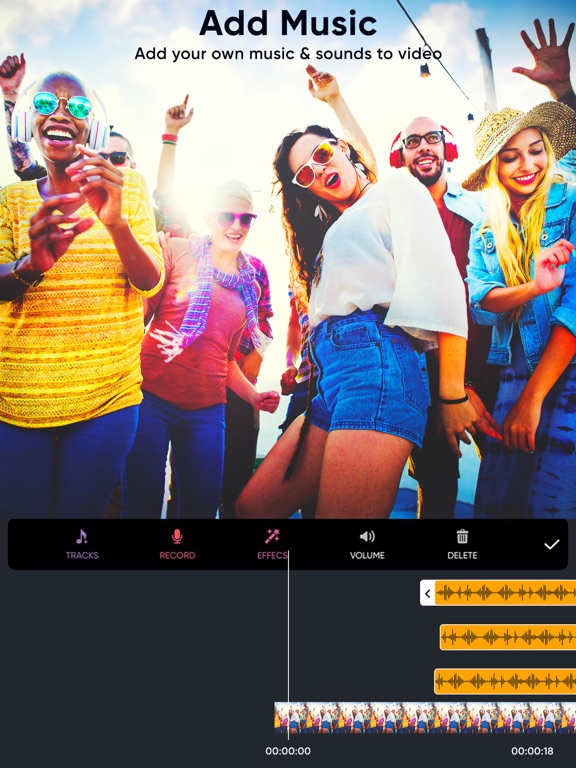
3. To add music to your trimmed video just click on Music button and select any audio from your device to add to your trimmed video.

4. To add effects to your trimmed video click on Effects button and choose the effects that you need to apply to your trimmed video and then click on Right icon which is available on the top menu to add effects to your video.

5. Once you done with all the steps click on share button which is available at the top menu to save trimmed video to your camera roll or on any social networking sites.

Important Notes about subscription
• Subscriptions may be managed by the user and auto-renewal may be turned off by going to the user's Account Settings after purchase
• Any unused portion of a free trial period, if offered, will be forfeited when the user purchases a subscription to that publication, where applicable

Subscription plans:

1. USD $6.99 per month
2. USD $30.99 per Year
3. USD $20.99 per half year
4. USD $2.99 per week


Subscriptions automatically renew unless they are turned off at least 24 hours before the end of the current period in account settings. Renewals are charged within 24-hours preceding the end of the current period. Payment is charged to iTunes Account at confirmation of purchase. Subscriptions are managed by the user.

Terms of Service: http://outthinkingelectronics.com/terms.html

Privacy: http://outthinkingelectronics.com/privacy.html

En voir plus...

Quoi de neuf dans la dernière version ?

* Refined the editor interface for a smoother editing experience.
* Improved performance and overall app stability.
* Fixed minor bugs to enhance reliability.
* Optimized the app for a faster and more responsive experience.
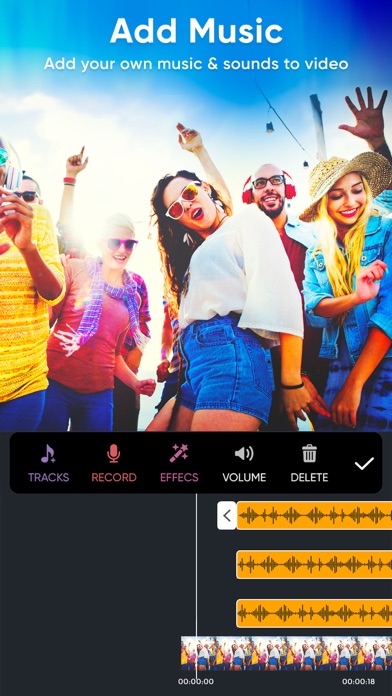
  • Screenshot #1 pour Trim & Cut Videos video editor
  • Screenshot #2 pour Trim & Cut Videos video editor
  • Screenshot #3 pour Trim & Cut Videos video editor
  • Screenshot #4 pour Trim & Cut Videos video editor
  • Screenshot #5 pour Trim & Cut Videos video editor
  • Screenshot #6 pour Trim & Cut Videos video editor

D'autres applications du développeur

Coloration des photos EditeurColoration des photos EditeuriOS UniverselClip Cutter - Video Editor AppClip Cutter - Video Editor AppiOS UniverselPhoto Collage Maker - PhotoPopPhoto Collage Maker - PhotoPopiOS UniverselEffacer objets & de fond gommeEffacer objets & de fond gommeiOS Universel

Note

(29 notes)

Détails sur l'application

Version
1.6.13
Taille
69.3 Mo
Version minimum d'iOS
13.0
Dernière mise à jour
03/08/2026
Publié par
Outthinking electronics pvt ltd.

Newsletter App Store

Recevez chaque jour les meilleures promos

Actualité Apple

Image Les États-Unis ne veulent pas qu’Apple achète de la RAM chinoise
Les États-Unis ne veulent pas qu’Apple achète de la RAM chinoise
Image Apple retire sa pub polémique avec un enfant et un iPhone en Italie
Apple retire sa pub polémique avec un enfant et un iPhone en Italie
Image L’iPhone Ultra pliable va-t-il résoudre les défauts du Galaxy Z Fold 8 ?
L’iPhone Ultra pliable va-t-il résoudre les défauts du Galaxy Z Fold 8 ?
Image Mac : des hackers exploitent la faille du partage d’écran avec un mineur de cryptomonnaie
Mac : des hackers exploitent la faille du partage d’écran avec un mineur de cryptomonnaie
iPhoneAddict Apps

Le catalogue iPhoneAddict pour suivre les nouveautés, mises à jour et baisses de prix de l’App Store.

Apps

Toutes les apps iOS iPhone iPad Universelles Mac Apple TV

iPhoneAddict

Actualité Apple Archives keynotes Contact À propos KultureGeek

Suivez-nous

©2009-2026 i2CMedia. Tous droits réservés.