colorChopper
iOS Universel / Photo et vidéo
To draw a digital image, How do you find out the color seen?
do you use color chart?
If you think that it is cumbersome,
I recommend the ColorChopper.
1. please search the image color in the around.(Internet picture OK)
2. start ColorChopper APP.
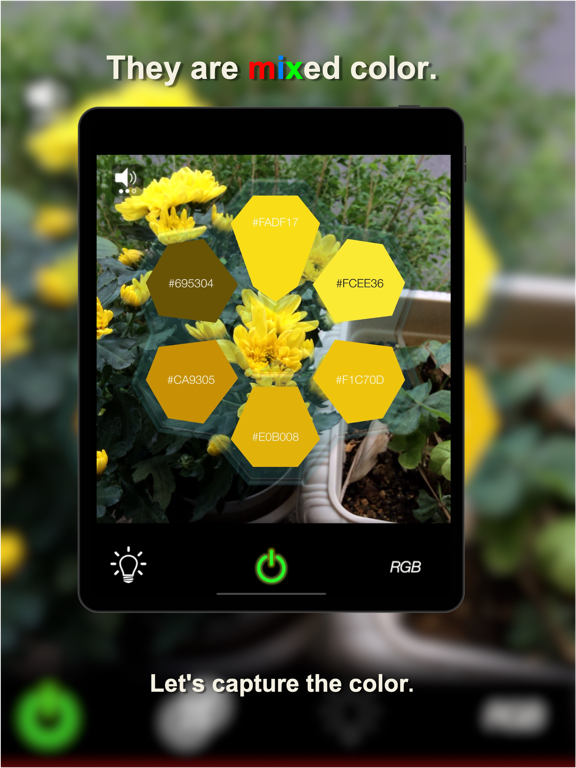
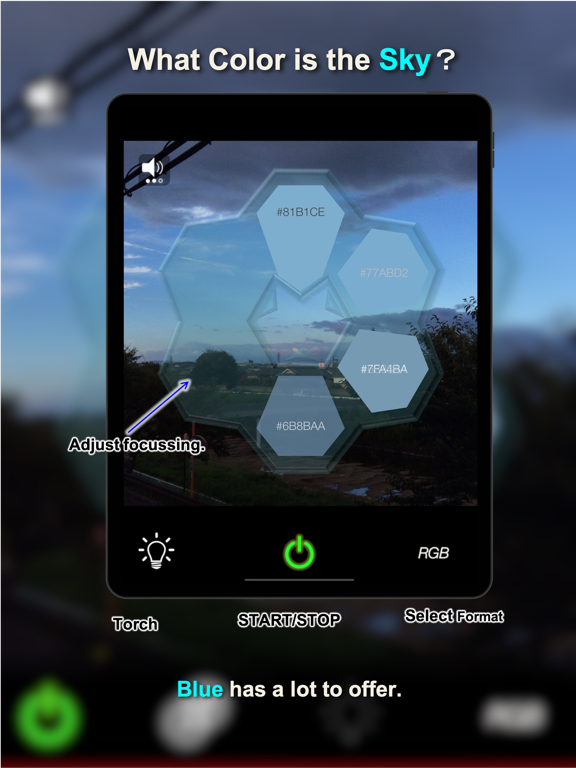
3. you direct the camera on target, to display the color and color information.
Only this.
colorChopper divide the color from the camera and displayed color and information.
Information is RGB and HSV format,
Since the share can be, the information transfer is easy.
Usage.
PWER button
single Tap: start/stop
long press(3s) : initialize screen.
Don't you need app as one of your digital life?
In order to reduce power consumption by the camera continuous operation.
camera function will be auto stopp.
There is "ON/OFF in "Settings>ColorChopper" .
about value.
RGB :
Order is Red, Green, Blue.
the every value has a range from 0 to 255.
HSV
Order is Hue,Saturation,Value.
Hue value has a range 0-360 degree.
Saturation has a range 0-100%.
Value has a range 0-100%.
Quoi de neuf dans la dernière version ?
Ver2.7
bug
. Unable to the cancel iPad's Share menu
. startup failure after camera privacy alert
. save image failure after photo privacy alert
func
. support Japanese alert message
. support the navigate setting menu
. Camera delay stop function removed
. save image with accecclevel for ios14