Convert PDF to JPG,PDF to PNG
iOS Universel / Photo et vidéo
PDF to JPG/PNG Converter is a simple and powerful app that helps you convert PDF documents into high-quality images on your iPhone or iPad.
Choose between two conversion modes:
• Pages to Images – Convert every PDF page into JPG or PNG images.
• Extract Images – Extract all embedded images from a PDF without quality loss.
For multi-page PDF documents, converted images can be automatically packaged into a ZIP file for easier storage and sharing.
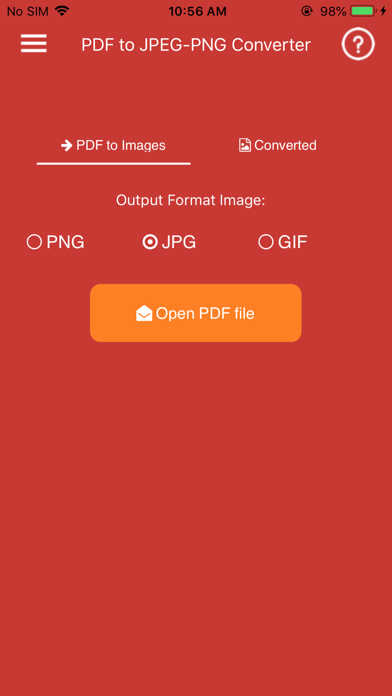
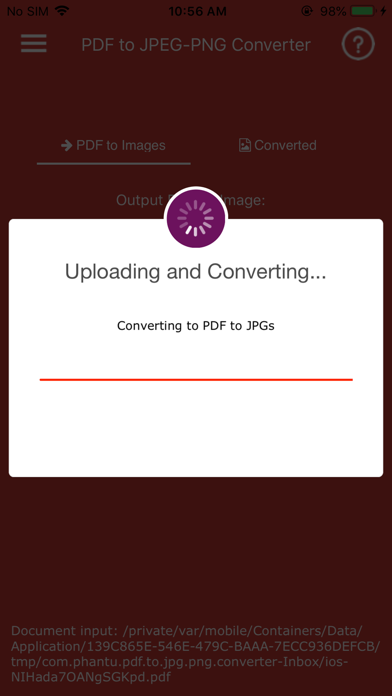
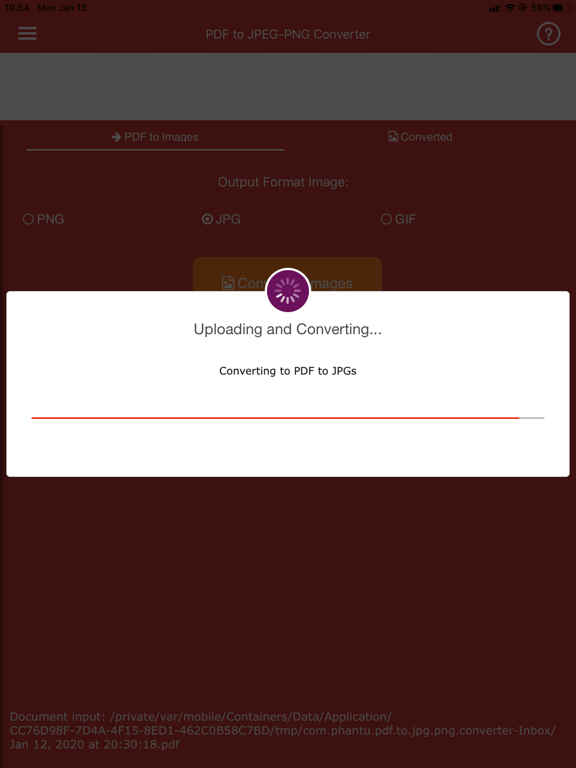
The app is fast, lightweight, and easy to use. Simply select a PDF file, choose your preferred conversion mode and output format, then export your images in seconds.
Premium Features:
• Convert PDF pages to JPG images
• Convert PDF pages to PNG images
• Extract original images embedded in PDF files
• Two conversion modes: Pages to Images and Extract Images
• Automatic ZIP export for multi-page PDF conversions
• Fast and efficient conversion engine
• High-quality image output
• Simple and intuitive user interface
• Share converted images with other apps
• Handles large PDF files efficiently
• Lightweight and stable performance
• Optimized for iPhone and iPad
Why Choose PDF to JPG/PNG Converter?
• No complicated setup
• Quick conversion process
• High-quality results
• Easy image sharing
• Supports both page rendering and image extraction
• Ideal for students, professionals, and everyday users
Note:
Password-protected, encrypted, or corrupted PDF files may not be supported.
Quoi de neuf dans la dernière version ?
Improved performance and bug fixes.