dot ART - Effets de mosaïque
iOS Universel / Photo et vidéo
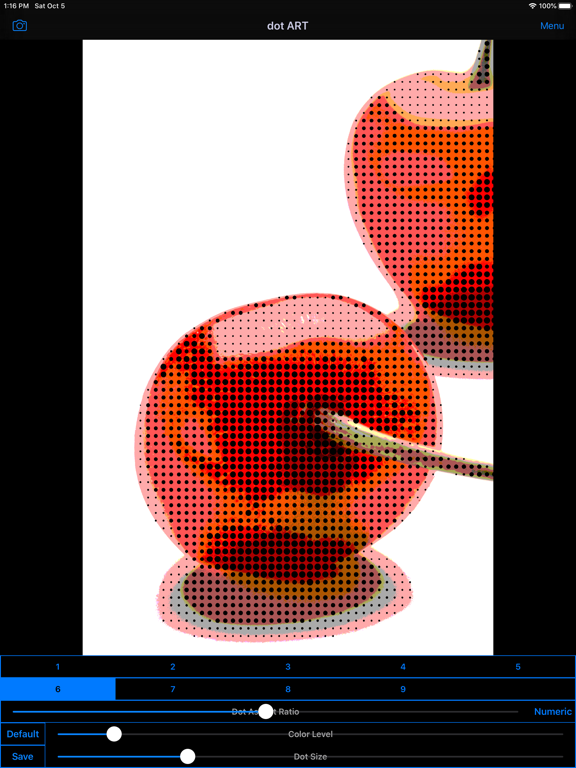
"dot ART" is Art Photo / Movie Editor application that allows you to create "Dot Image / Video", "Mosaic Picture" and "Pop Art" Effects Image and Movie from camera, photographs ,illustrations and videos easily.
You will be able to create "Dot Art Illustration and Movie" that made of round colorful dots, and "Pop Art Effects Illustration and Movie" from your photo, illustration and video by using Art Editor app "dot ART".
If you enjoyed by this App, I'm glad.
■Illustration / Movie list that you can create and edit by using "dot ART".
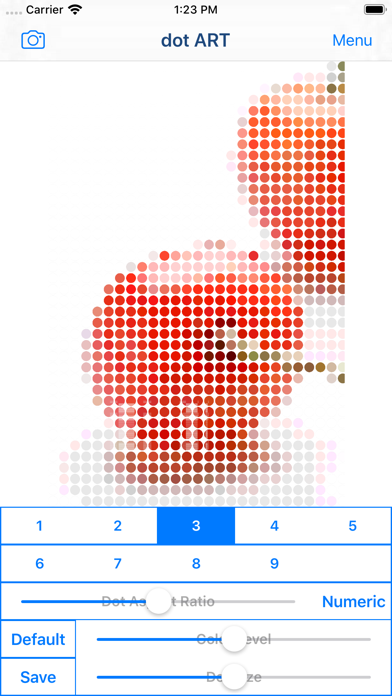
1.Mosaic Art
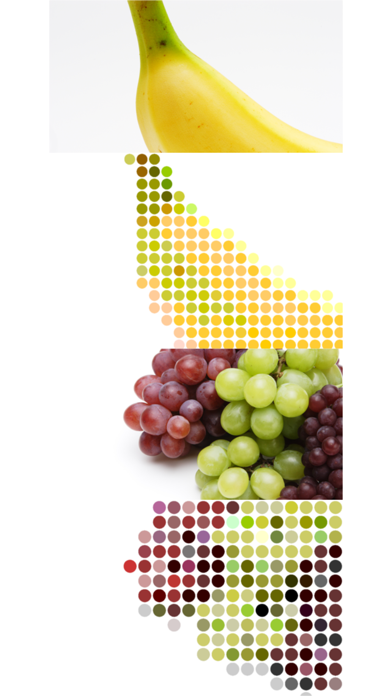
Create and edit "Mosaic Art Effects Pictures and Movies", and save it.
you can also create 8 bit style by reducing color level.
2.Dot Art
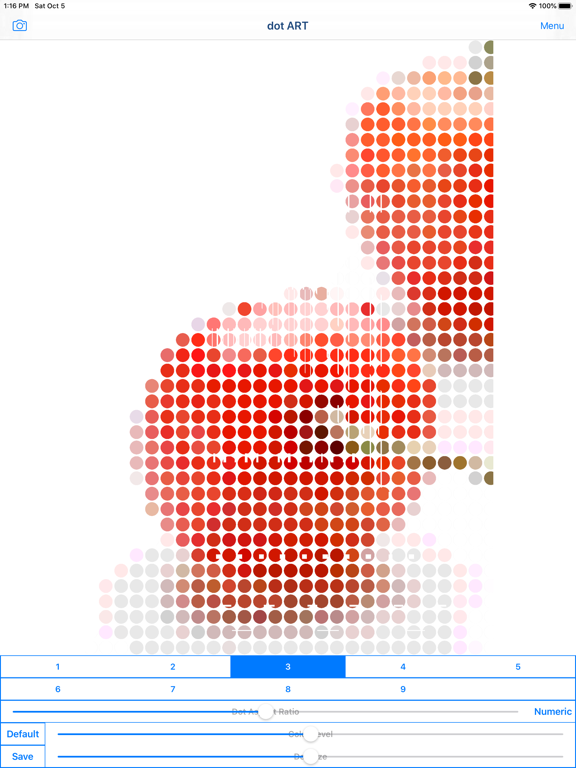
Create and edit "Dot Art Effects Images and Movies" that made of round colorful dots, and save it.
You can choose background color from black and white.
*Add-on is required in order to save white background.
3.Halftone Style
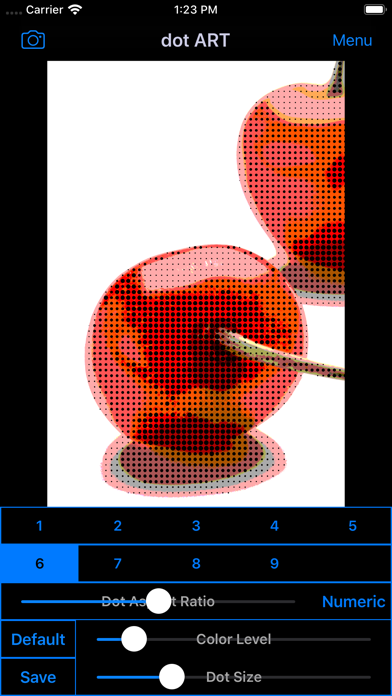
Create and edit "Halftone Effects Images and Movies" that dot size is changed by hue, and save it.
You can choose background color from black and white.
*Add-on is required in order to save "halftone effects".
4.Pop Art Style
Create and edit "Pop Art Effects Illustrations and Videos", and save it.
You can create "Pop Art Effects Illustration and Videos" by reducing color level.
*Add-on is required in order to save "Pop Art Effects".
■How to Edit
1. Select image or video you want to edit from "Camera" Button.
2. When Image or video was displayed, select type and adjust to the desired by Sliders.
*If you want to save type "3〜9" , you need to purchase Add-on.
3. When you touch "Save" Button, current image or video will be saved in "Camera Roll".
■About In-app Advertising
Banner Advertising is displayed in Home Screen.
Full Screen Advertising will be displayed, after you have saved the picture.
You can hide these Advertising by purchasing "Additional Function Add-on".
Quoi de neuf dans la dernière version ?
・Supported iOS16.