Evercast Studio
iOS Universel / Photo et vidéo
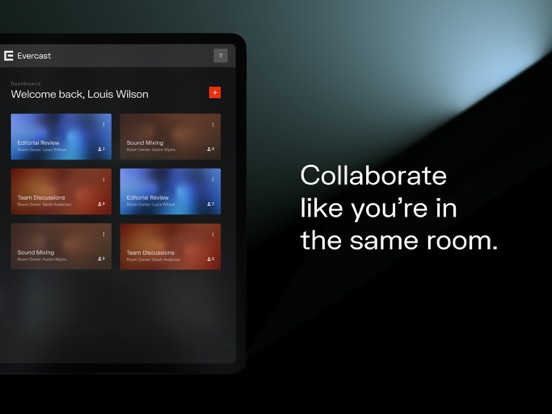
Bring your creative vision to life as you stream work sessions in HD, video chat with your team and collaborate live—no matter where you are. With features made specifically to facilitate creative collaboration, Evercast Studio offers a digital experience that mirrors the ease and productivity of a team sitting shoulder-to-shoulder.
Whether you’re on set or on the move, the Evercast Studio iOS app lets you review video content with your team anywhere, anytime. Features include:
- The ability to view video streams in 4K at 60 fps (whether your team is streaming from live cameras on set or from any software—Avid Media Composer, Premiere Pro, Maya, or anything else)
- Ultra low latency collaboration (150 ms on average)
- The ability to draw/annotate on screen
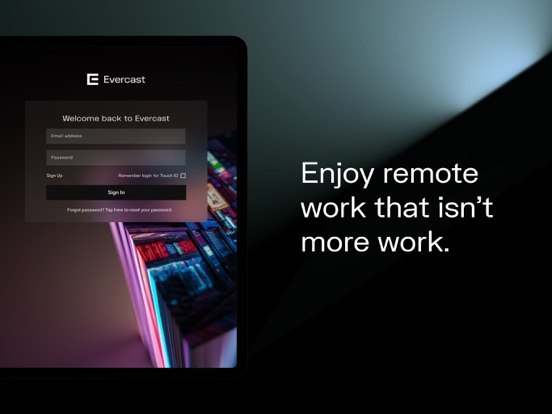
- Face ID entry
Evercast Studio is built for creatives by creatives. We believe in the power of creating from anywhere that inspires you.
Why Evercast?
- Real time collaboration, just like you’re in the same room
- Used by thousands of major film/TV shows, video games, advertisers, and more
- No need to upload files & download media to view content
- Tools & features built for creative collaboration
- High-tech security approved by all major Hollywood studios
- 24/7 world class tech support
Creativity can’t wait.
Quoi de neuf dans la dernière version ?
Sign-in is smoother and more secure with Auth0, overall security is stronger, and chat has a cleaner look. We also improved reliability: thumbnails and drawings display correctly, WiFi and connection messages are clearer, room permissions are accurate, Sign in with Apple works for MFA rooms, and SSO sign-in is more dependable.