EVI Wi-Cam
iOS Universel / Photo et vidéo
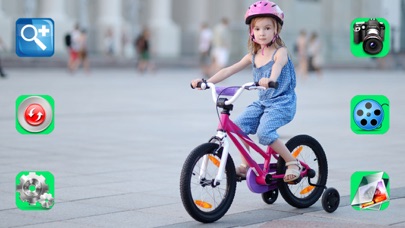
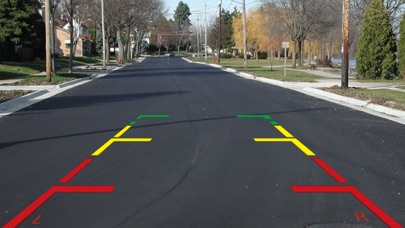
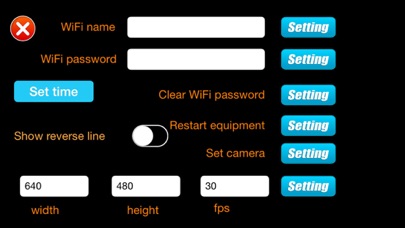
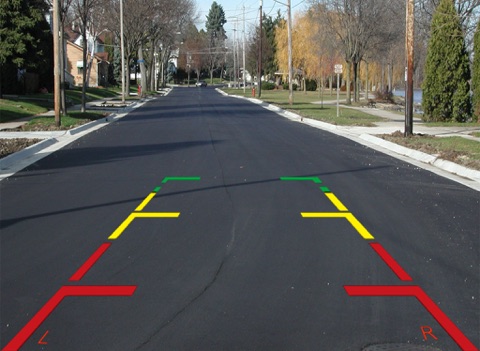
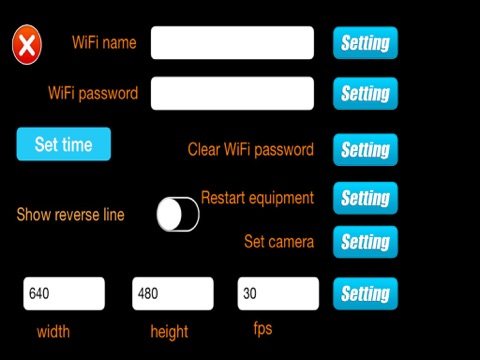
Connect your aftermarket rear view backup camera to your iOS screen through the use of the EVI Wi-Cam wireless interface and this mobile application. The Wi-Cam transmitter will broadcast an SSID, which you will need to connect to with your device. Once connected you will see the rear camera display in your iOS screen when the camera is triggered! Application will allow you to take still photos and video of your camera system and store them on your iOS device for future review. The app also has a parking guideline overlay that can be turned on or off with the tap of a button! Function icons allow for zoom, rotate, settings, picture, video, and stored media access. Icons can also be hidden by tapping the screen once.
No need to install a backup camera monitor when you have the Wi-Cam system, simply connect and go! For information on where to purchase the Wi-Cam interface visit www.evisystemsusa.com.
Quoi de neuf dans la dernière version ?
This app has been updated by Apple to display the Apple Watch app icon.