Fotoshop editor tools
iOS Universel / Photo et vidéo
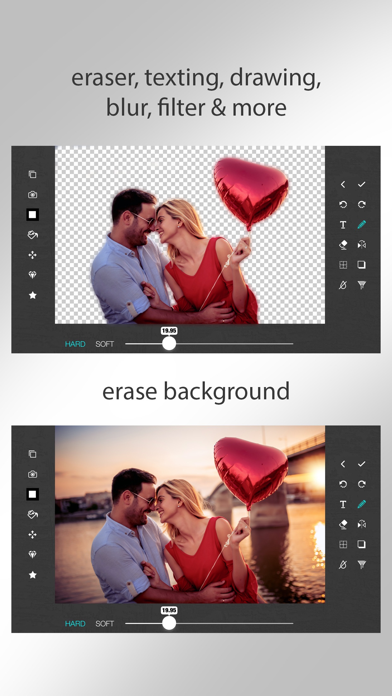
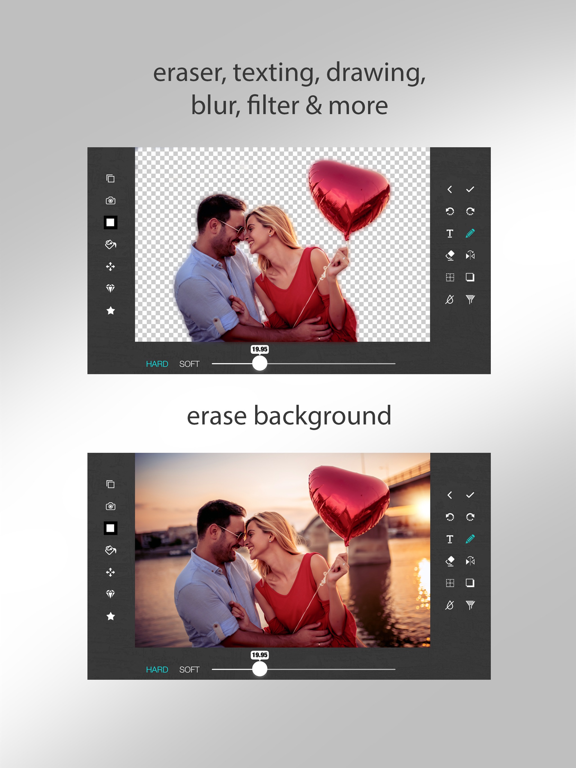
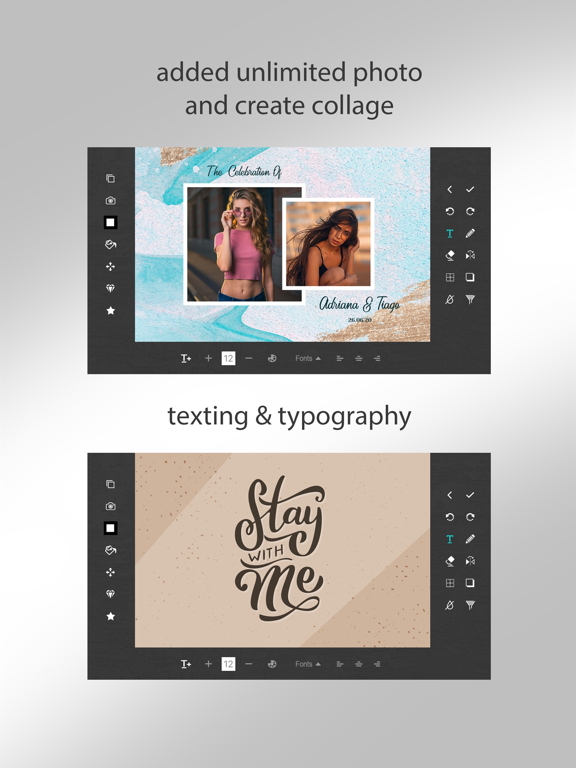
Edit your photo with fun , fast and easiest way using "Fotoshop Editor Tools -". Show your creativity by Eraser, filtering, drawing, texting and with many more tools. Save your edited work as Draft and you can continue with that whenever you want.
**********Key Features************
• Layer wise Editing.
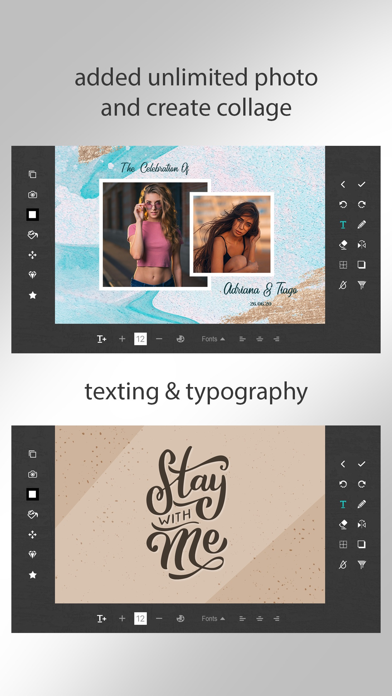
• Add as many pictures you want to add to canvas.
• Texting , Drawing ,Eraser , Filter , stroke , shadow , Flip functionality is also available.
• Different types of filters available to make your creativity more beautiful.
• Save your work as draft and you you can continue with it later.
• You can also save it as image and share it with your family and friends
• You can purchase PRO version without display ads by clicking on PRO Version.
**********How To Use Different Functionality************
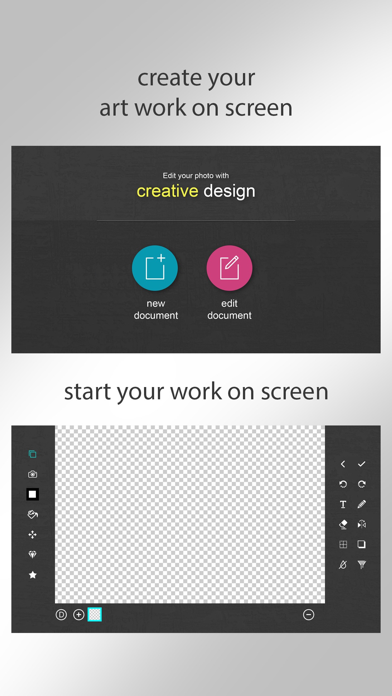
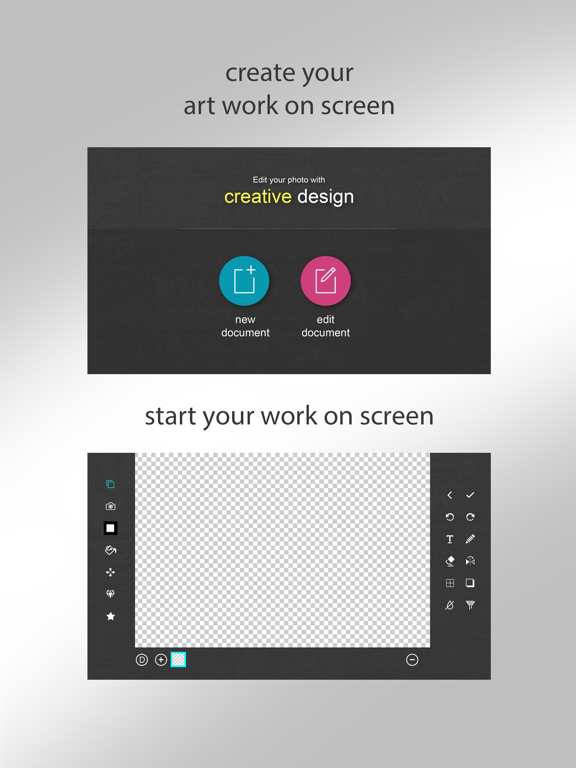
Layer -> You can create unlimited layers.
->By clicking “+” Button, you can add blank layer.in Blank layer you can draw/erase.
-> on clicking “-“ Button, you can delete layer
-> on clicking “D” button , you can create duplicate layer of selected layer.
Camera -> Select Image from gallery.create new image layer.
Color -> Select color of your choice. There is option to choose color by HashColor or RGBColor.
Fill Color -> Fill color to blank layer or image layer.Change color of shapes(apply on image or shape).
Blur -> set image with blur by choosing blur strength(apply on image or shape).
Opacity -> change opacity of each layer separately.
Undo/Redo -> Undo/redo to get your previous work.
Text->Create new text layer.You can change font style/size , Font Color , Text alignment etc.
Draw/Erase ->You can draw/erase anything on blank/image layer.(apply on blank or image layer).
Flip -> You can flip shape or image horizontal or Vertical.(apply on images or shapes).
Border/shadow ->Give border/shadow to image,text or shapes.
Shape ->Choose different types shapes.you can change color of the shapes.give border or shadow to it.
Filters ->Filters are also available to change effects for your image.Adjustment,sketch or distort filters are available.(apply on images).
Quoi de neuf dans la dernière version ?
-minor bug fix