Giffer Pro GIF Maker
iOS Universel / Photo et vidéo
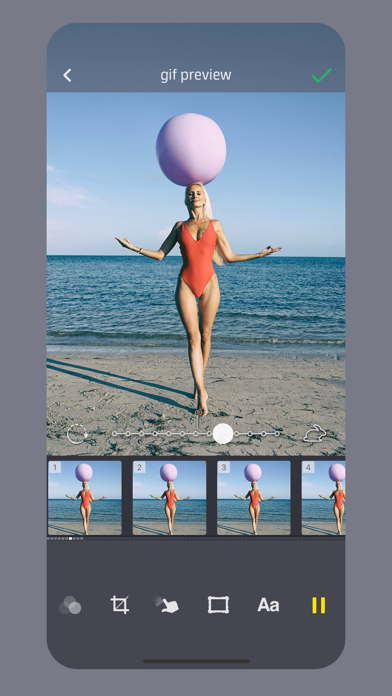
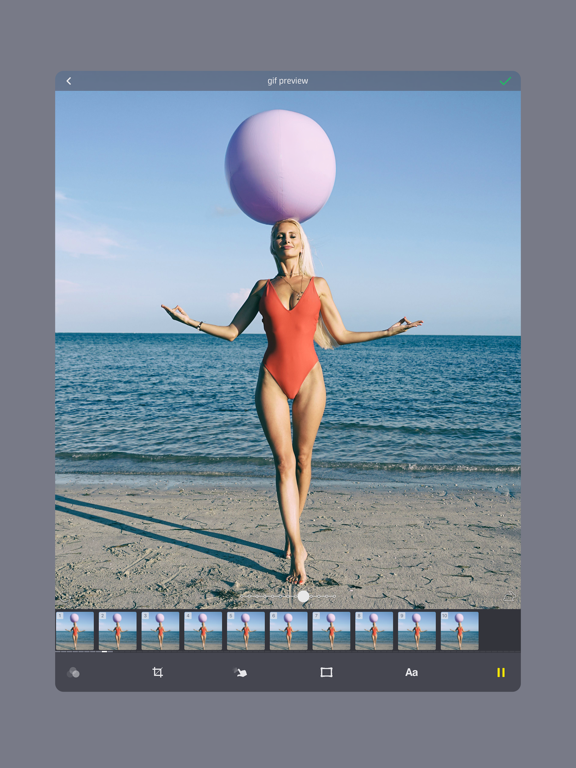
A 'New & Noteworthy' app, Giffer Pro was designed from the ground up for making awesome animated gifs quickly and easily, whenever you want and wherever you go.
Giffer Pro provides larger (480 x 480 max), longer (double length) animated gifs compared to the standard version of Giffer, without the need for an in-app purchase. Of course you also get that warm & fuzzy pro status feeling.
The best part about Giffer is its powerful simplicity. Advanced features are there when you need them, yet unobtrusive enough to let you create an animated gif in just a few taps.
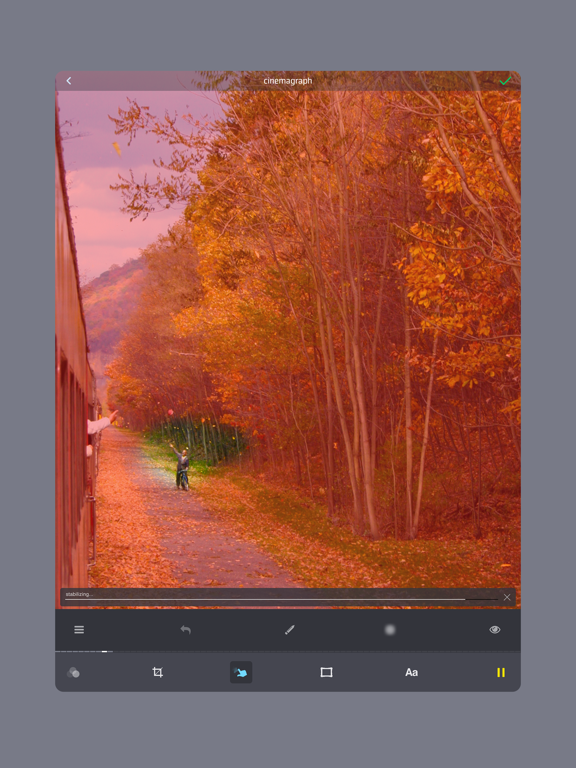
Create virtually any kind of animated gif: stop motion animation gifs, cinemagraphs, jitter or wiggle gifs, time lapse gifs, seamless loop gifs, reverse gifs, text overlay gifs, reaction gifs, cat gifs, dog gifs, you name it. Effortlessly share your favorite gifs to Instagram, Tumblr, Twitter and Facebook or through Messages, Email or Airdrop.
FEATURES:
· Export gifs as Live Photos (New!)
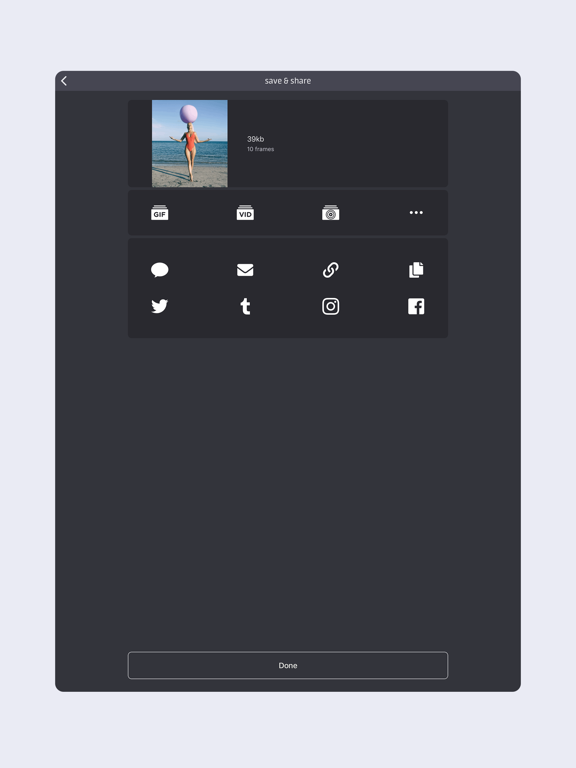
· Export gifs as videos
· Create gifs using existing Live Photos, burst photos, photos, videos, or frames from other gifs
· Crop gifs to any size ratio
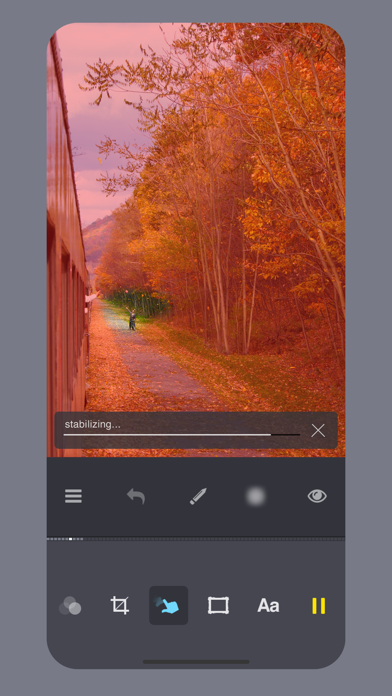
· Cinemagraph mode with stabilization
· Adjustable gif animation speed
· Add delays to individual frames
· Over 25 awesome filters
· Precise individual frame positioning
· Frame duplication and start/end trimming
· Add text to your gif with several font choices
· Add images from the web by copy/pasting
· Add borders/frames to your gifs
· Onion skin with adjustable opacity
IN-APP CAMERA MODES:
· Single-frame (great for stop-motion)
· Burst (with adjustable delay)
· Adjustable auto timer single-frame
· Adjustable auto timer burst
· Export single-frame photos to the Camera Roll as you capture them
PLAYBACK MODES:
· Back-and-forth (yo-yo)
· Forward loop
· Reverse loop
· Single play forward
· Single play reverse
SAVING & SHARING:
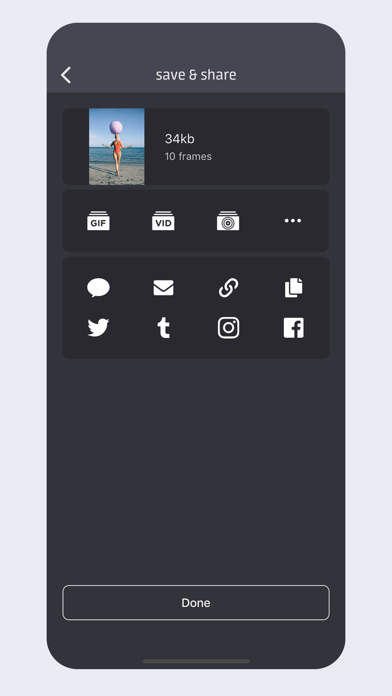
· Save gifs to the Camera Roll as animated gifs, Live Photos, or videos
· Share to Instagram, Tumblr, Twitter, Facebook, or through iMessage, Email or Airdrop
· Create a tiny, shareable URL by uploading your gif to giffer.co (no account required!)
Animated gifs are great because you don't need any special plugins to view them. You can paste them directly into iMessage/SMS messages or post 'em to your blog just like regular images, without any cross-browser worries or extra effort.
More features are in the works! Got a killer feature you'd like to see? Tap "request a feature" from the settings menu.
If you have any feedback or get stuck, just tap "get help" in the settings menu and I'll get back to you as quickly as possible.
Instagram: https://www.instagram.com/gifferapp/
Tumblr: http://gifferapp.tumblr.com
Twitter: https://twitter.com/gifferapp
"Giffer" is a registered trademark of Taber Buhl.
"animate your life" is a trademark of Taber Buhl.
Quoi de neuf dans la dernière version ?
• Fixes crash capturing frames with "save frames to camera roll" enabled
• Fixes potential crash when viewing featured gifs
• Fixes potential issue with restoring Giffer Pro upgrade
• Fixes logging into and out of tumblr
• Some additional bug fixes and optimizations
Version 3.6.6:
• You can finally save your gifs as Live Videos!
• Add frames from an existing gif to your current gif project.
• Improved "save & share" screen including improved share experiences with Twitter, tumblr, and giffer.co.
• Now that we can browse our gifs in the Camera Roll, the Giffer Library is transitioning to Apple's Photos app albums.
• Fixed Facebook sharing.
• A shiny new icon.
• A small handful of bug fixes and improvements.
More updates are on the horizon, for real. Thank you for using Giffer!