iCoda Creator
iOS Universel / Photo et vidéo
iCoda Creator
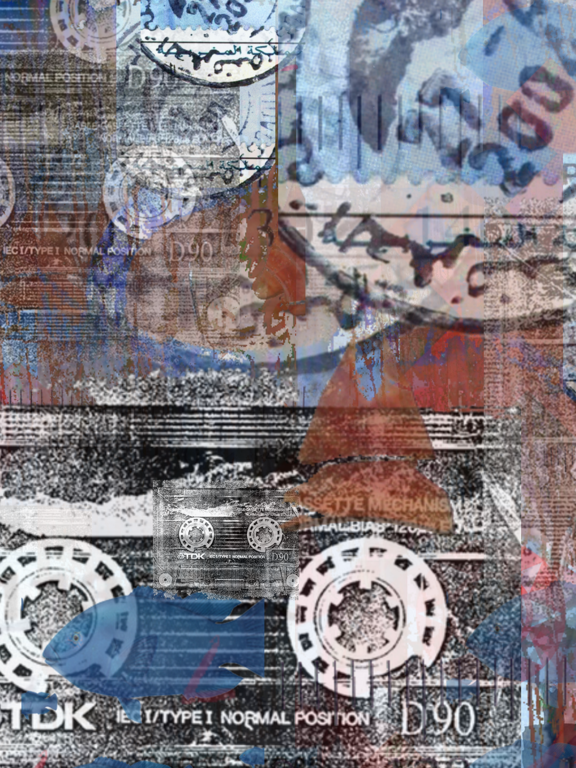
iCoda mashes up your photographs via sound input (microphone or audio file).
Creating unique images from blending the selected photographs.
HOW TO MAKE AN ICODA:
Click on the iCoda logo on the Main Menu Page.
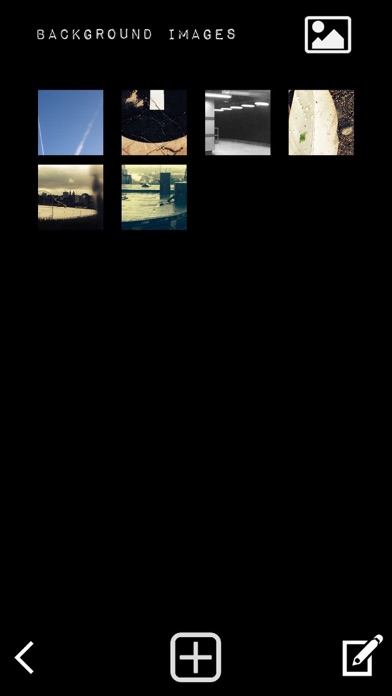
Select Background and add your images from your Camera Roll.
Select Content (Foreground) and add your images from your Camera Roll.
Select Microphone or Audio File, this is the sound input that will activate the images in your iCoda.
Save and NAME your iCoda.
Click Gallery on the Main Screen. In your Gallery, click your saved iCoda this starts the session taking you to the Play Screen.
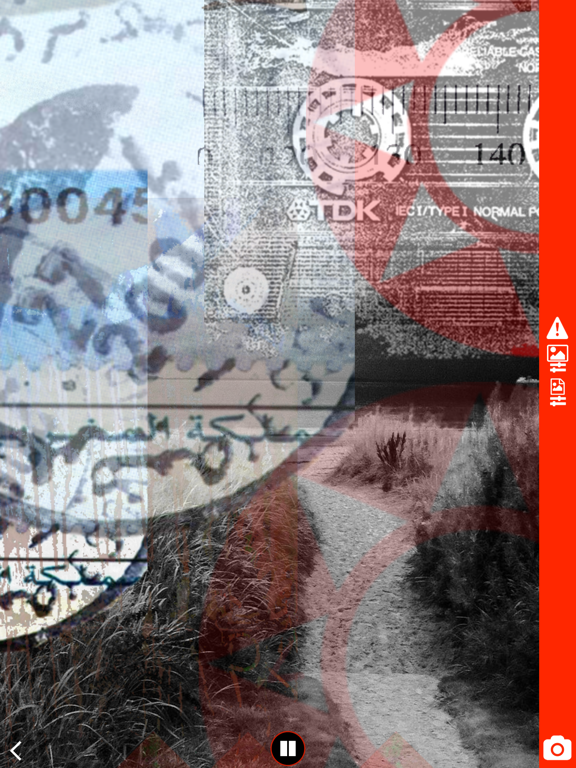
Once your iCoda is in session, you can Visually Mix the content from the Sidebar.
Pause and take a photo of the random interchange.
Click EDIT on the Sidebar and add more images.
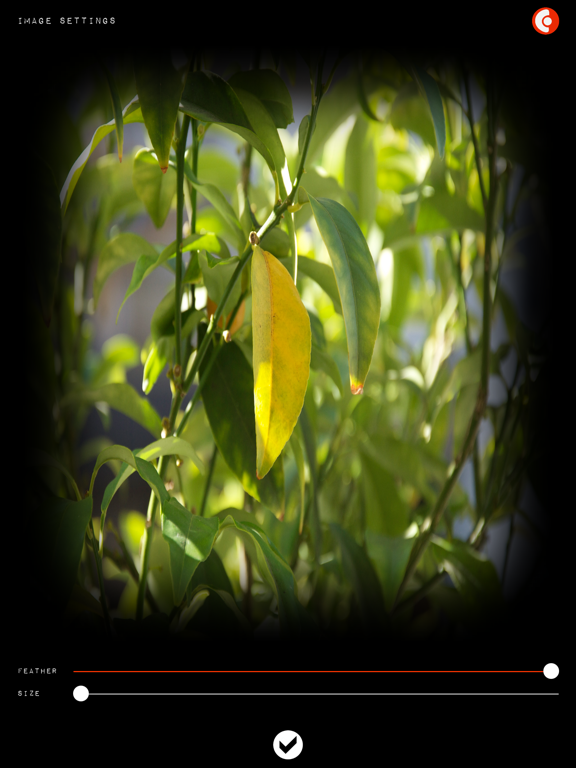
In the Background/Content Page(s) you can click on an image and use the FEATHER TOOL to soften the hard edges.
The session can be viewed in Portrait and Landscape Mode and Tap the Screen to get rid of the Sidebar.
Your iCoda can be saved locally or to the Cloud.
We recommend saving locally if you want to keep your images private.
When you create and package your iCoda, it carries a random seed so when you replay it, it is unique on every viewing. Package your iCoda's either as a Preload (locked) or Editable (Open), so your friends can add to the iCoda.
Great for sharing after a night out, or at an event.
We also have a Search facility to find other iCodas.
TIPS:
If your device is connected to something like Dropbox, you can import images from there. Try saving images as PNG'S which keep their transparency. So random shapes, Circles, Text etc. spices up your iCoda and makes it really Arty, great for making Collage-like images.
Use our eclectic library of music to add to your iCoda's. We're hoping bands will submit tracks so we can have a massive library of great sounds to choose from.
so email us with a link to your work.
If you need any help with the process click on the HELP BALLOONS in the app. or visit
our website and get in touch.
Pete
Be Creative.
Quoi de neuf dans la dernière version ?
This app has been updated by Apple to display the Apple Watch app icon.
Bug Fixes:
Replication of Files
Resize issues
Slider issues in Landscape Mode.