• KultureGeek
  • Comparateur de prix
       
iPhoneAddict
 iAddictv5Notre Application iPhone/iPad
  • Accueil Apps
  • Actualité Apple
  • Keynote Apple
  • Firmwares & iTunes
  • Contactez-nous
Accueil » Liste des Apps » Apps Universelles » Photo et vidéo » Ink Painting Lite-photo editor
L'application n'est plus disponible sur l'App Store français
1.0 iOS €Gratuit Akihiro Nishioka 1 1 This is application to convert a photograph into a ink brush painting in real time. This app changes any photograph into the black-and-white drawing which is popular in Japan and China instantly. The photograph of sight which is familiar for you...
Ink Painting Lite-photo editor

Ink Painting Lite-photo editor

iOS Universel / Photo et vidéo

Gratuit
Obtenir sur l'App Store

This is application to convert a photograph into a ink brush painting in real time.
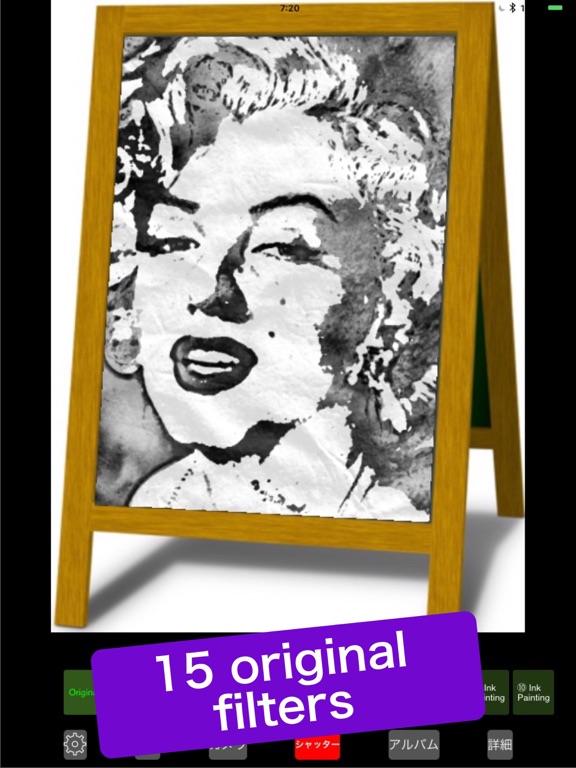
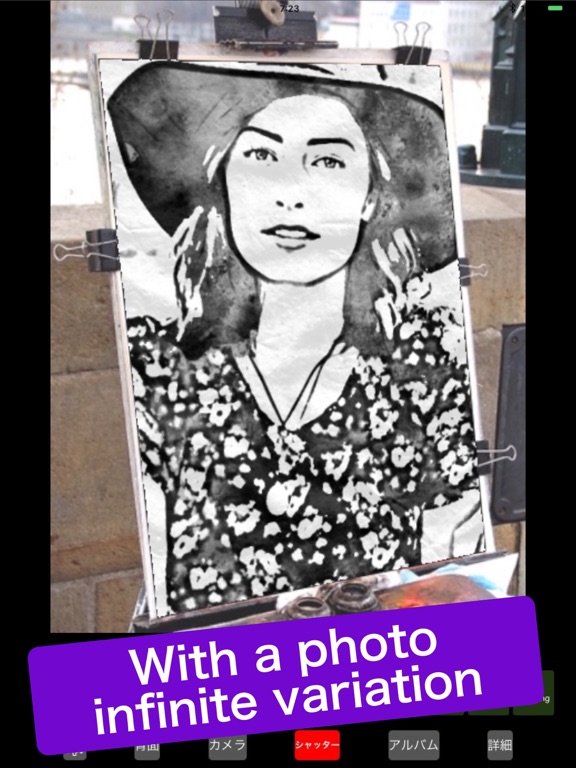
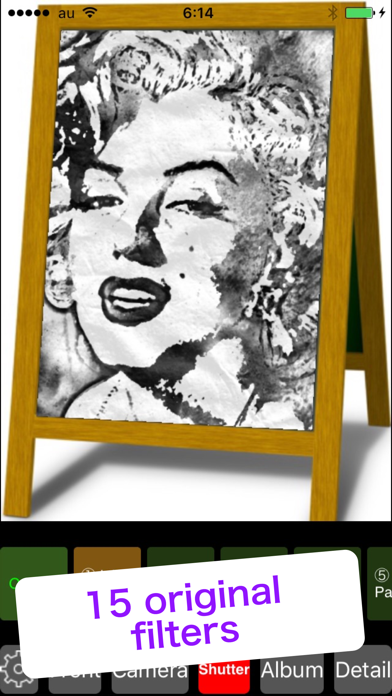
This app changes any photograph into the black-and-white drawing which is popular in Japan and China instantly. The photograph of sight which is familiar for you turns into a fantastic landscape in simple ink painting . I prepared 15 original filters in total by changing the combination of extracting method of lines and density of shadow .

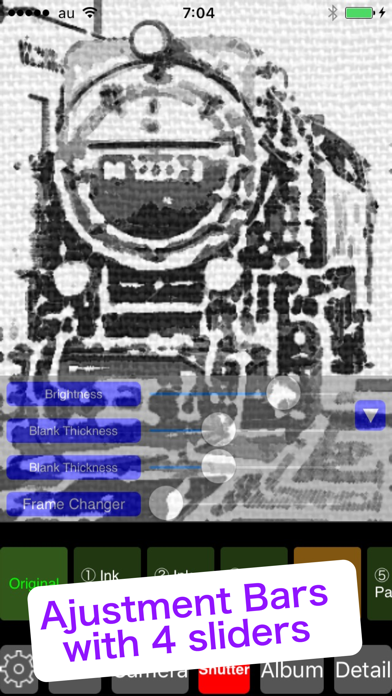
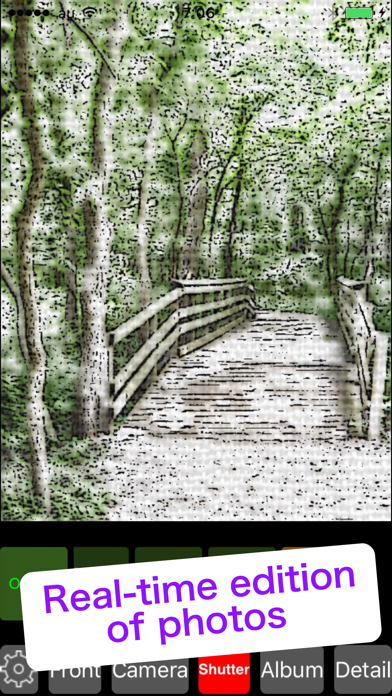
Because the image from device camera directly effected , you can press the shutter button while confirming the deformed image . You can express a more delicate touch by operating four sliders prepared for each filter . With fourth slider you can choose one from many kinds of frame .

When you want to deform a profile photograph in an illustration style or when you want to upload a strange
photograph in Instagram or another SNS , please use it steadily.

15 effects :
( No Filter )
Ink Painting ①
Ink Painting ②
Ink Painting ③
Ink Painting ④
Ink Painting ⑤
Ink Painting ⑥
Ink Painting ⑦
Ink Painting ⑧
Ink Painting ⑨
Ink Painting ⑩
Ink Painting ⑪
Ink Painting ⑫
Ink Painting ⑬
Ink Painting ⑭
Ink Painting ⑮

Features :
1 Real-time generation of effected image through camera
2 Real-time edition of photos in album with effects
3 15 original artistic effects
4 Four slider controllers per each effect
5 Real-time shooting with camera
6 In Lite version function to save effected images into camera roll is not available
7 Switch button for back and front camera
8 Zooming in and out by pinching
9 Supporting horizontal placement of iPhone and iPad
10 Changing the transparency of the slider controllers
11 Changing the size down level when loading photos from an album
12 Sharing processed images with friends by SNS
13 In free version advertisement banner is inserted on the bottom of screen


BGM by P-MELO.JP

En voir plus...

Quoi de neuf dans la dernière version ?

This app has been updated by Apple to display the Apple Watch app icon.
  • Screenshot #1 pour Ink Painting Lite-photo editor
  • Screenshot #2 pour Ink Painting Lite-photo editor
  • Screenshot #3 pour Ink Painting Lite-photo editor
  • Screenshot #4 pour Ink Painting Lite-photo editor
  • Screenshot #5 pour Ink Painting Lite-photo editor
  • Screenshot #6 pour Ink Painting Lite-photo editor

Note

(1 notes)

Détails sur l'application

Version
1.0
Taille
35.3 Mo
Version minimum d'iOS
9.0
Dernière mise à jour
24/03/2018
Publié par
Akihiro Nishioka

Newsletter App Store

Recevez chaque jour les meilleures promos

Actualité Apple

Image iPhone Ultra/Fold : un schéma dévoile un modèle plus fin qu’attendu
iPhone Ultra/Fold : un schéma dévoile un modèle plus fin qu’attendu
Image XChat, l’application de messagerie de X, est disponible sur iPhone et iPad
XChat, l’application de messagerie de X, est disponible sur iPhone et iPad
Image Apple dévoile comment la vidéo du MacBook Neo a été créée
Apple dévoile comment la vidéo du MacBook Neo a été créée
Image Apple TV brille aux Peabody Awards 2026 avec deux nouvelles récompenses pour Pluribus et Come See Me in the Good Light
Apple TV brille aux Peabody Awards 2026 avec deux nouvelles récompenses pour Pluribus et Come See Me in the Good Light
Partenaires : Actualité iPhone - Culture Geek
©2009-2026 i2CMedia | A propos |