PairShot: Câmera Dupla
iOS Universel / Photo et vidéo
Filmez avec deux caméras en même temps et enregistrez vos vidéos directement dans Photos.
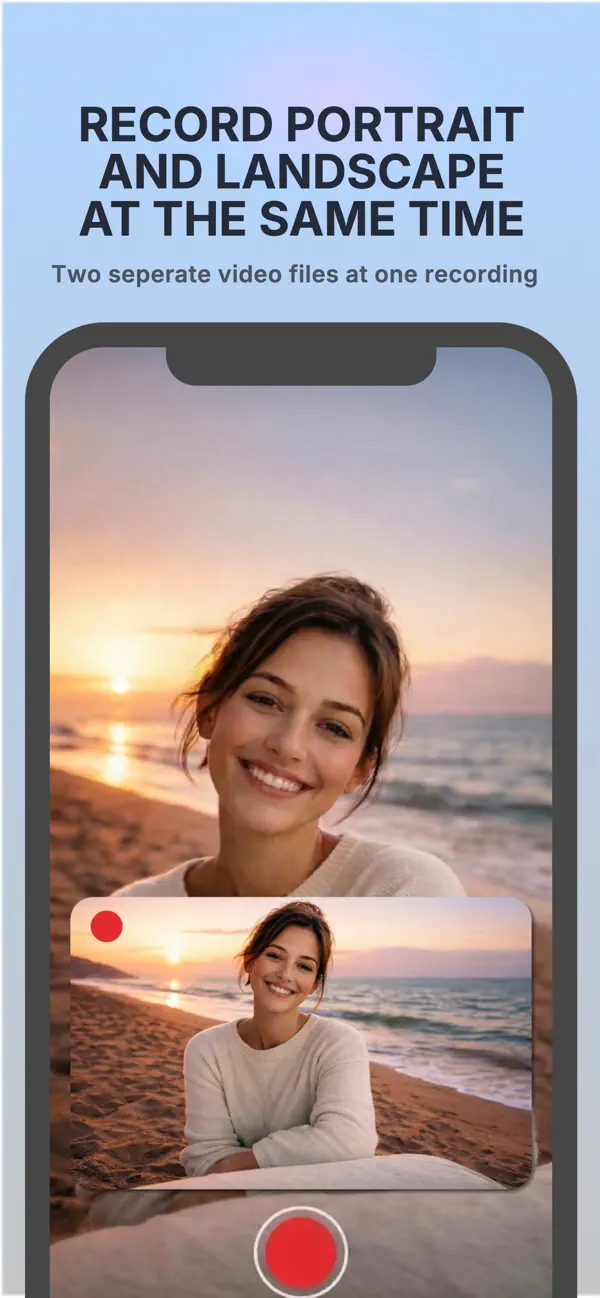
PairShot est conçu pour les créateurs qui veulent produire du contenu plus rapidement pour plusieurs formats. En une seule prise, vous pouvez capturer une vidéo verticale pour Reels et TikTok, ainsi qu’une vidéo horizontale pour YouTube, les vlogs, les interviews, les tutoriels et les présentations.
Plus besoin de filmer deux fois la même scène. Lancez l’enregistrement, ajustez votre cadrage et gardez vos fichiers prêts à partager.
CE QUE VOUS POUVEZ FAIRE
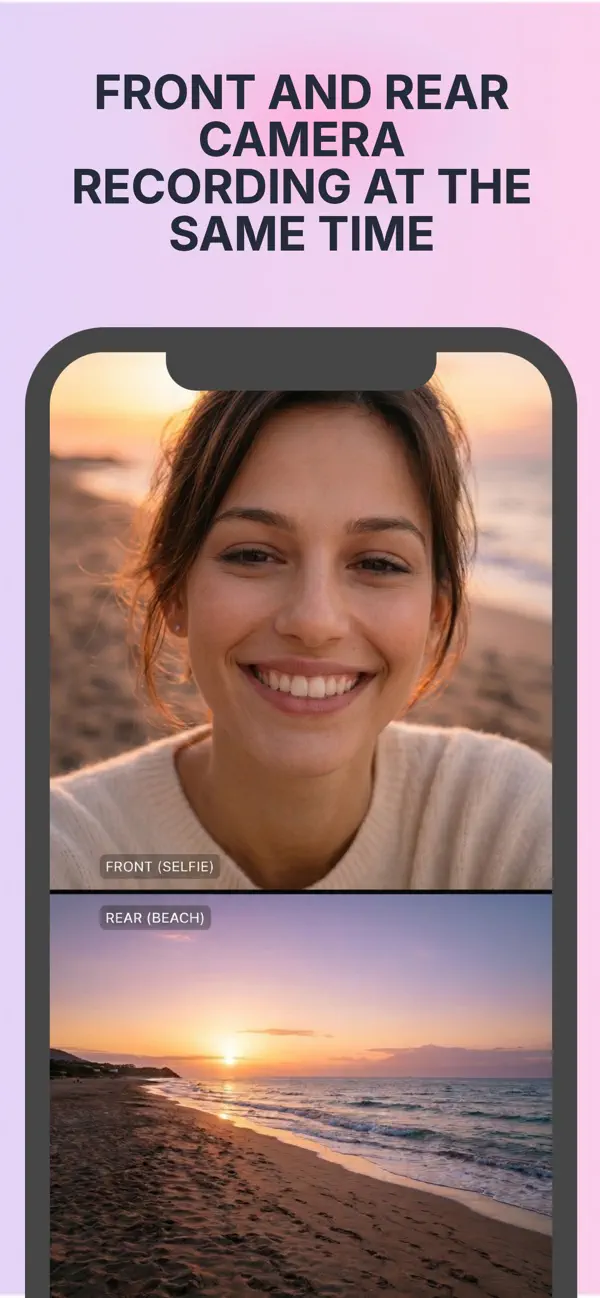
• Enregistrer avec deux caméras simultanément
• Capturer des vidéos verticales et horizontales
• Sauvegarder les fichiers directement dans Photos
• Utiliser le mode dual avec une fenêtre picture-in-picture
• Déplacer et redimensionner la fenêtre PiP
• Utiliser le mode split avec deux caméras dans le même cadre
• Ajuster la séparation de l’écran facilement
• Filmer avec la caméra avant ou arrière
• Zoomer indépendamment sur chaque caméra
• Choisir la résolution 1080p ou 4K
• Enregistrer en 24, 30 ou 60 i/s
• Exporter en MOV ou MP4
• Utiliser H.264 ou HEVC
• Activer la torche en faible lumière
• Voir une estimation du stockage avant de filmer
IDÉAL POUR
Créateurs de contenu, vloggers, interviews, tutoriels, vidéos de réaction, démonstrations de produits, coulisses, cours en ligne et vidéos pour les réseaux sociaux.
PairShot vous aide à filmer une fois et à publier dans plusieurs formats.
Quoi de neuf dans la dernière version ?
Bug fixes and performance improvements.