PhotoVideoBackup: SSD Transfer
iPhone / Photo et vidéo
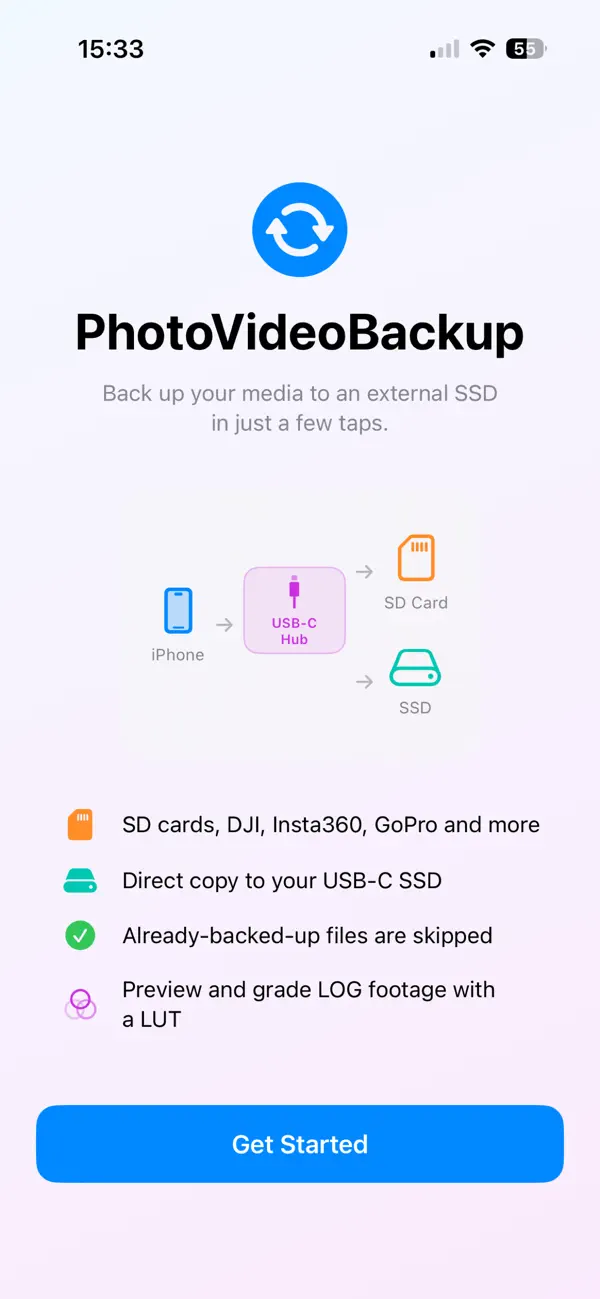
PhotoVideoBackup transfers your photos and videos from your iPhone
directly to an external SSD over USB-C fast, private, and offline.
No cloud. No subscription. No middleman.
WHY PHOTOVIDEOBACKUP?
Most backup solutions send your files to a cloud server you don't
control. PhotoVideoBackup sends them straight to your drive. Your
memories stay yours.
HOW IT WORKS
1. Plug in your USB-C SSD
2. Select the destination folder once
3. Tap Backup — done
Access is preserved across launches via secure bookmarks. You never
have to pick the folder again.
FREE FEATURES
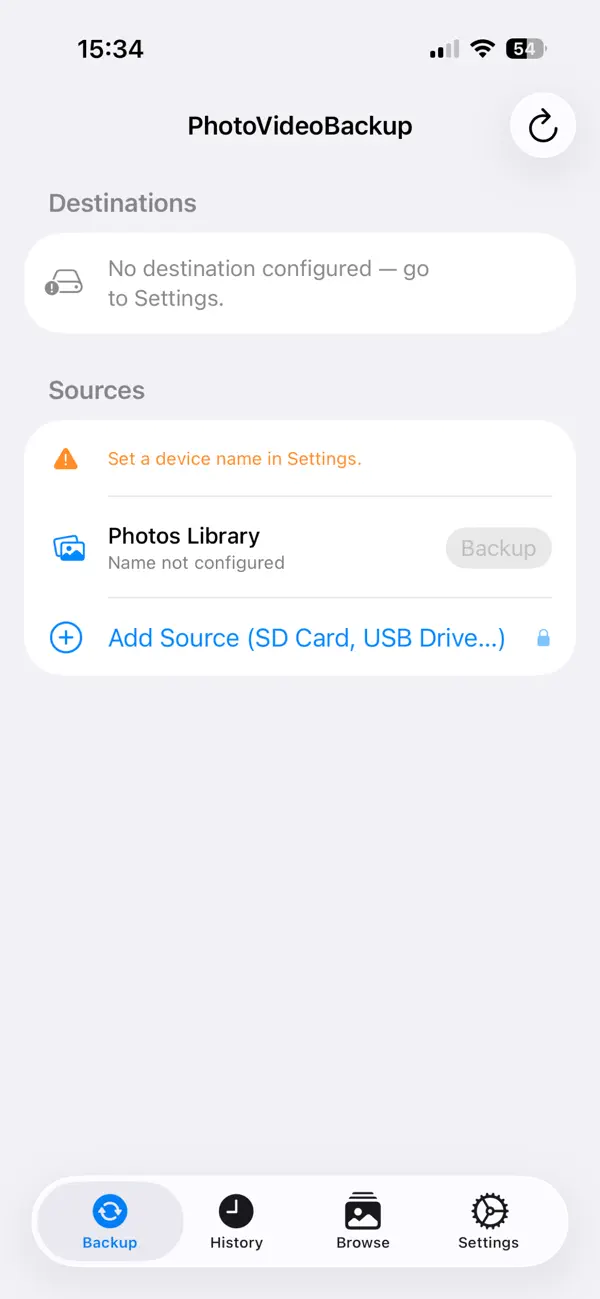
- Back up your iPhone Photos Library (photos & videos)
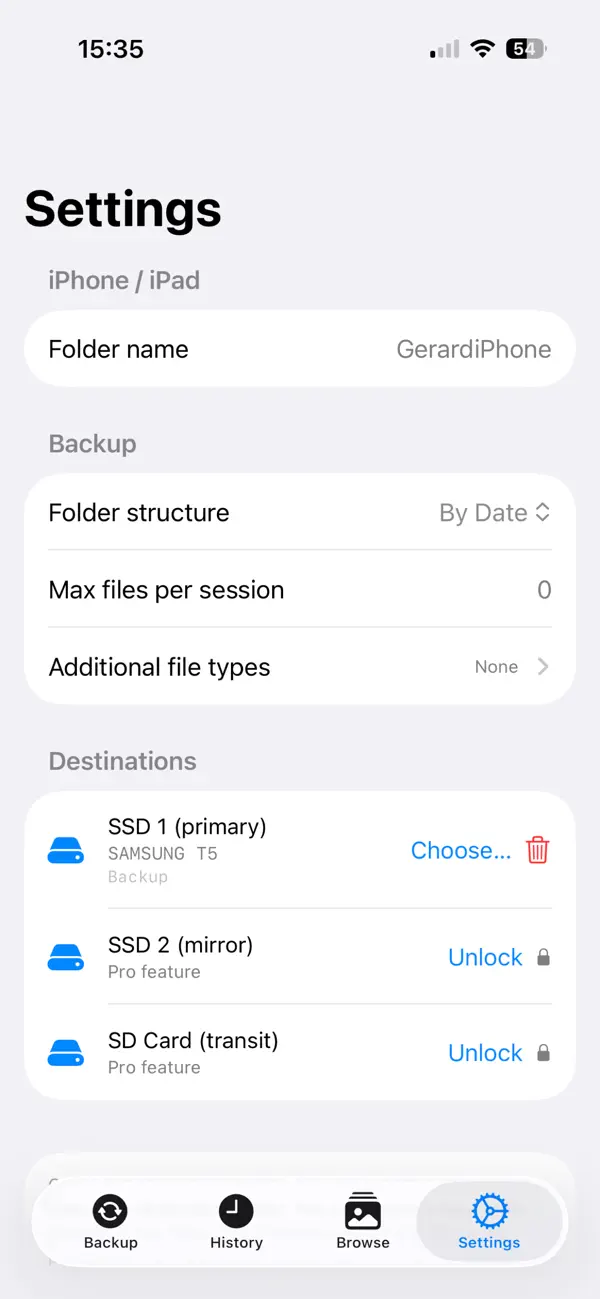
- Single SSD destination
- Real-time progress with file-by-file status
- Full backup report: copied, skipped, failed, duration
- History of all past backup sessions
PRO FEATURES — one-time $4.99
- Add external sources: SD cards, USB drives, Insta360, DJI,
Blackmagic cameras, and more
- Mirror backup to a second SSD simultaneously
- Perfect for photographers and videographers who shoot on
multiple devices
No subscription. Pay once. Use forever.
PRIVACY
PhotoVideoBackup does not collect, transmit, or store any of your
data. Everything stays on your device and your drive.
Quoi de neuf dans la dernière version ?
|---------|-------|------------|---------|-------------|
| 2.3.0 | 44 | 2026-07-22 | Feature | **Back up when the iPhone is nearly full.** The Photos engine no longer copies each asset to a temporary file before writing it out — it streams the asset from the Photos daemon straight to the destination, hashing as it goes, so the device holds **one 4 MB chunk at a time instead of the whole file**. A 4 GB video used to need 4 GB free on the iPhone just to be backed up to an external SSD; it now needs almost nothing. Applies to every local destination (SSD, iCloud Drive) and to SSD + NAS together, where the SMB upload reads from the copy just written to the external volume rather than staging on the device. A NAS-*only* backup still stages, because AMSMB2 offers no incremental upload. **iCloud Drive destinations now free their local space as they go**: once iCloud confirms a file is uploaded, its local copy is released and only a placeholder remains — the file stays in iCloud and visible in the Files app. Waiting on uploads only happens when the device drops below 2 GB free, so a phone with room to spare backs up at full speed, and stalled uploads (no network, iCloud storage full) never slow the run down more than once. **New disk-space check** before a backup starts: it refuses only when nothing at all could be copied, so one oversized video no longer blocks the two hundred small files behind it — that file is reported individually and the rest are copied. Also fixed: a failed export left its partial file behind, so a run that was already short on space made itself worse with every retry. Drone and SD card backups are unchanged. Also fixed a deduplication edge case on the Photos path: after an SSD was disconnected mid-backup and reconnected on a later run, files already uploaded to a NAS were re-uploaded, because the existence check compared the NAS copy against Photos' *estimated* size rather than the real one — the NAS is now re-checked against the true size and skipped if already present. **Destination independence when one drive fails mid-backup:** unplugging an SSD (or a full iCloud Drive folder) no longer stops the other local destinations — each is dropped on its own, at both handle-setup and mid-write, and the rest keep going. **Correct multi-destination report:** a file copied only to a reconnected drive is no longer wrongly shown as "Copied" on the iCloud/NAS destinations that already held it — the summary now separates "copied this session" from "already present" per destination, and a destination that never received a file reads as Failed rather than silently appearing complete. |