Pixalato : Smart Photo Editor
iOS Universel / Photo et vidéo
Pixalato photo editor is suitable for both absolute beginners and experienced photographers. The app offers amazing editing tools, such as the magic select tool, the ability to apply effects to selected areas, and the ability to make photomontages.
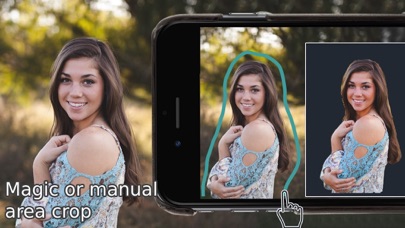
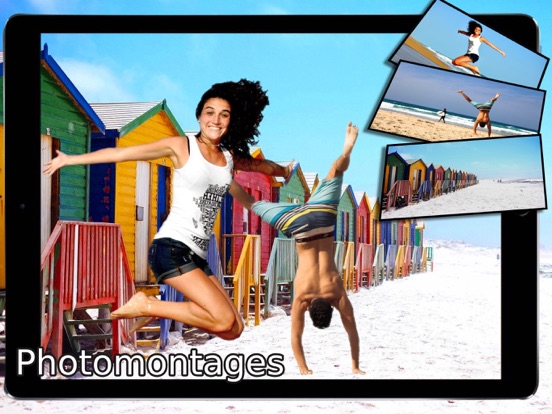
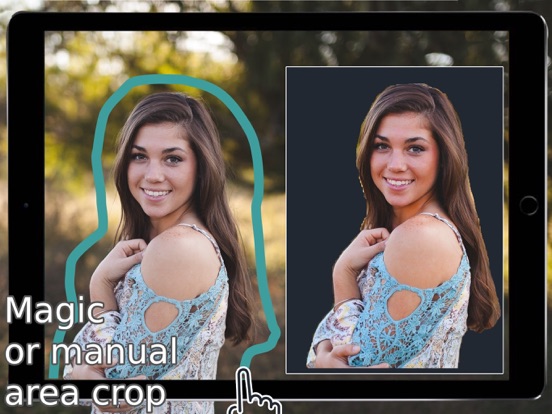
The magic select feature allows you to mark the border around the target object, which selects the object intelligently. You can apply effects just to the selected parts of an image, the selected objects can be saved in the Pixart local library to create beautiful photomontages or photo collages. Overlaid items in the photomontage editor can be smoothly placed over the new image with rotating, scaling, moving, bringing to front, and flipping options, which give you ultimate control over your editing. The border smoothing allows you to effectively smooth contours for a softer transition between object and the background, for even better successful integration into your photomontage.
Filters make it easy to convert your photos to black and white or create a vintage or a romantic look with saturation, vibrancy, white balance, gamma, sepia, hue, toon-type, pencil sketch, zoom blur, and other effects. With integration with Pixabay image search (1M+ free images), the application allows you to edit, merge, and apply effects on over one million free images. The built-in camera app allows you to take a photo and then do the edits and apply the effects immediately. Additionally, you can create a custom-dimension image with a custom background color.
KEY FEATURES
● Automatic area selection with the magic select feature
● Manual area selection
● Apply various adjustable effects/filters to selected/non-selected areas
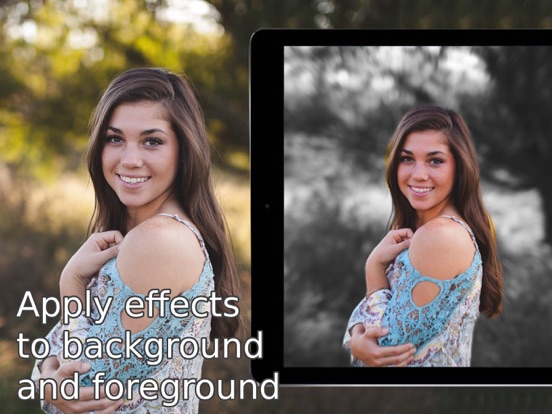
● Effect applying for background or foreground
● Save the selected area in a local Pixart library for creating photomontages
● Seamless border match of the placed Pixarts in the photomontage editor
● Bring to the front and Send to the back if Pixarts overlap with each other; flip, rotate, scale, move, clone and other tools
● Layer wise effect applying in created photomontages
● An effect can be chosen from among the available looks
● Good selection of photo effects
● Fully integrated with Pixabay image search (1M+ free images)
● Easily share on social media and communication apps
IMAGE SELECTION AND EFFECTS
● Magic select or manual select of area(s) from the photo
● Multiple magic selects on the same photo
● Synchronize between magic select and manual select
● Fine-tune the selection with pencil and eraser tools
● Invert selection
● Apply effects to selected/non-selected areas
● Many useful image effects
● Save the selected area of the photo in the Pixarts local library for later use
● Share the selection with effects through social media and other communication apps
PHOTOMONTAGE EDITOR
● Reuse saved selected areas (Pixarts) on top of a new background
● Smoothly place objects using move, scale, and rotate tools
● Seamlessly match objects with the new background image using border smooth option
● Remove parts of the placed objects using the eraser tool
● Clone, bring to front, send to back, flip, and many other helpful tools
● Apply layerwise effects or pick an effect for an individual Pixart from available looks
● Create a personalized background with customized dimensions and color
Quoi de neuf dans la dernière version ?
iOS 16 support