Player Gear - Speed Changer
iOS Universel / Photo et vidéo
PlayerGear is the way to change playback speed to play Video/Music.
PlayerGear lets you make your videos/music/podcasts fast or slow.
- How to use -
1. Select media you want to play.
(Many types of media can be played. but it's not played if the media has DRM.)
2. Push play button.
3. You can change playback speed by pushing [x2.0] button and selecting speed.
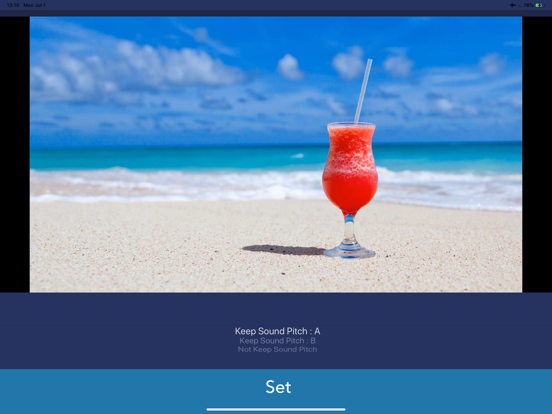
4. You can also change a pitch of the sound by pushing [w] button.
[Player Controls with Gestures]
- Double-tap for fast forward/rewind
You can fast forward or rewind by double-tapping the left or right side of the player screen.
- Temporarily change playback speed by long-pressing
You can change the playback speed to a preset speed while long-pressing. Please note that if the difference between the playback speeds before and after the long press is too large, the playback may become choppy.
- Swipe to seek
You can seek by swiping left or right on the screen.
[Player Settings]
The following options can now be configured:
- Set the time before the player controls (such as the seek bar) automatically hide
- Set the fast forward/rewind time
- Set the playback speed during long-press
- Toggle the long-press function On/Off
- Toggle swipe to seek On/Off
[Playlist Feature]
Free Version
* Create and manage playlists.
* Play songs one at a time.
* Continuous playback is not available, but playlists can be used as a convenient way to organize your favorite songs.
Premium Version
* Create and manage playlists.
* Enjoy continuous playback of all songs in a playlist, including background playback.
* To use continuous playback, all items in the selected playlist must be saved locally on your device.
* Playback may stop if a file needs to be downloaded or if a file is unavailable (for example, if it has been deleted or can no longer be accessed).
* Repeat the entire playlist or repeat a single track.
-----------------
[Term Of Use]
https://policies.reafo.io/terms/playergear/en/
[Privacy Policy]
https://policies.reafo.io/privacy/en/
Quoi de neuf dans la dernière version ?
Thank you for using our service.
- Fixed minor bugs.