pxCut - Screenshot Editor
iOS Universel / Photo et vidéo
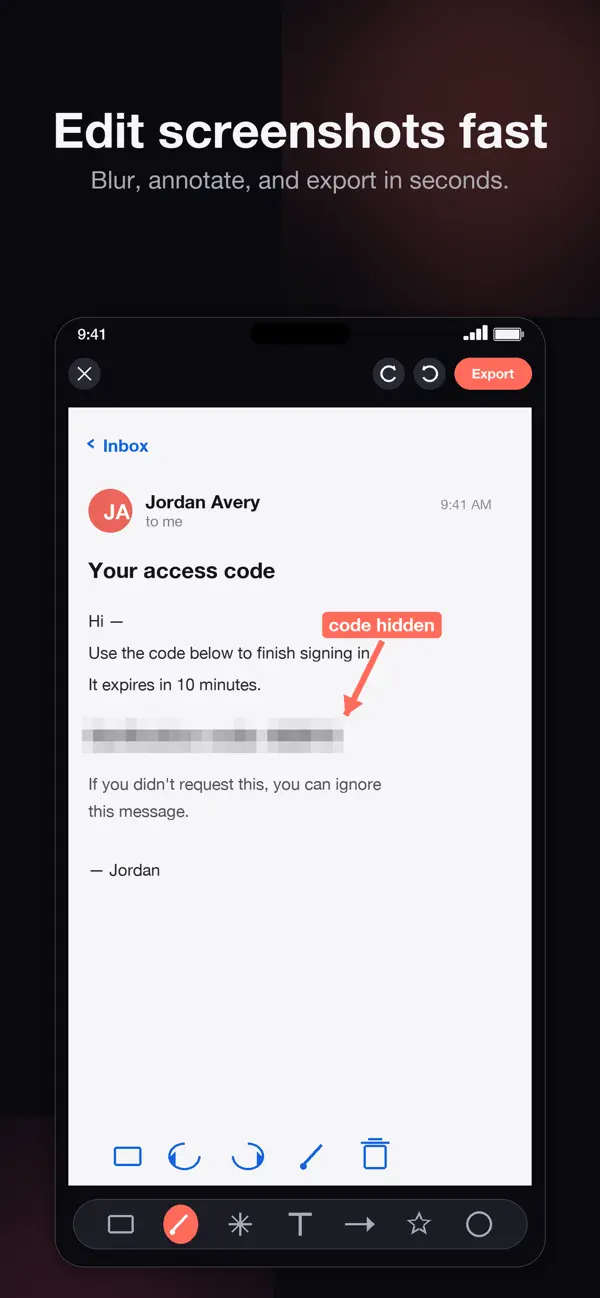
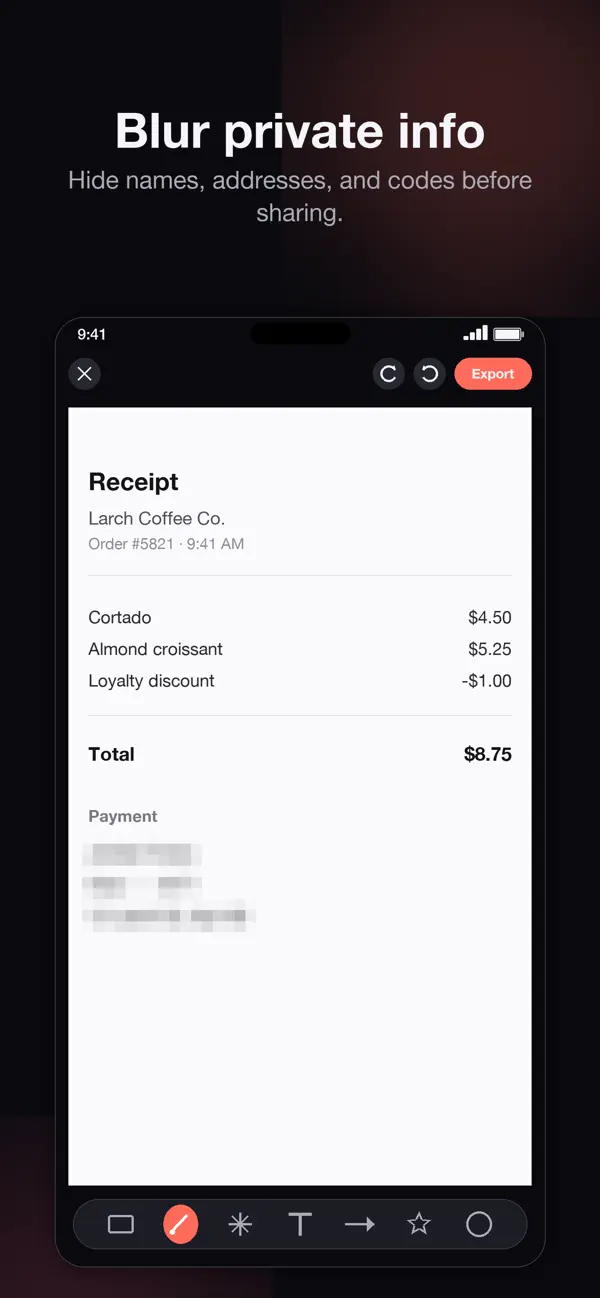
Edit your screenshots in seconds. pxCut helps you blur private information,
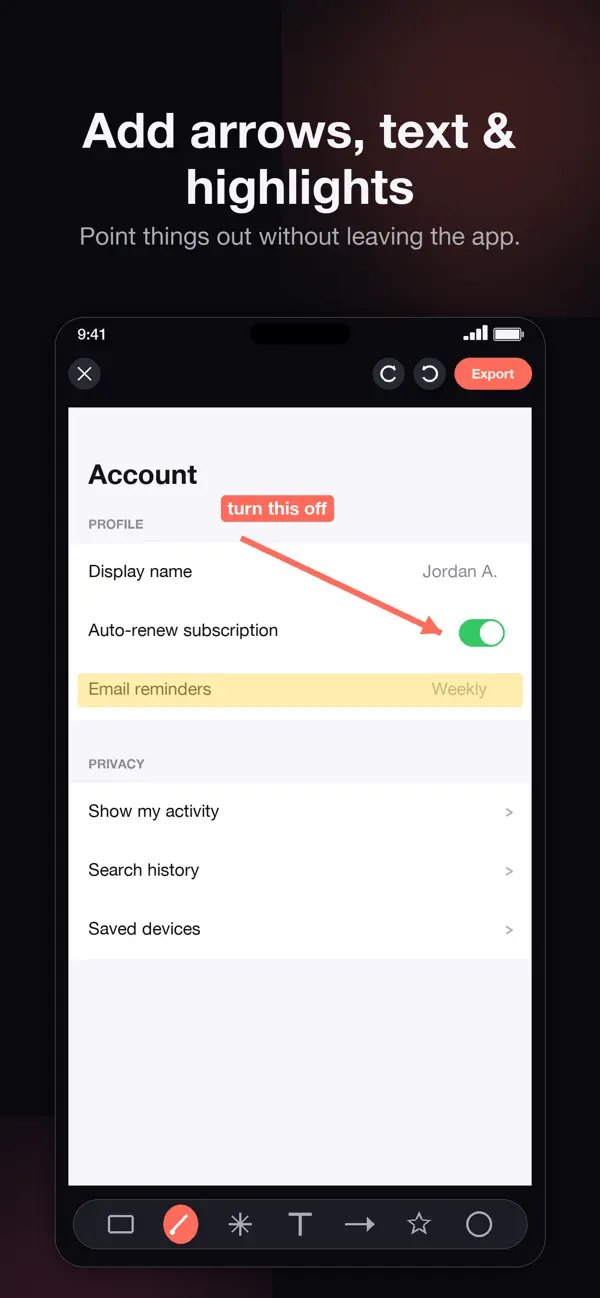
add arrows, text, and highlights, and share clean images — without giving up
access to your photo library.
WHAT pxCut DOES BEST
• Blur or pixelate sensitive details with a swipe
• Drop arrows, text labels, and highlights wherever you need them
• Crop, redact, and add shapes to any screenshot
• Export to Photos, Copy, or Share — at full resolution
PRIVACY FIRST
pxCut only ever sees the screenshot you pick. The app uses Apple's system
photo picker — no full photo library access required, and nothing leaves your
device.
TRY PRO TOOLS FIRST
Free tools cover the essentials. Pro tools are available to try before you
decide. Exports stay watermarked until you upgrade.
UPGRADE ONCE. NO SUBSCRIPTION.
pxCut Pro is a one-time purchase. Unlock removes the watermark forever and
gives you unlimited clean exports.
Built natively for iPhone and iPad.
---
4. What's New (470 / 4,000 characters)
This update is all about getting you to a clean, edited screenshot faster.
• Faster, friendlier first launch — no Pro pitch before you've edited anything
• Switched to Apple's system photo picker — pxCut no longer asks for full
library access
• Clearer, calmer Pro upgrade flow — try every tool before you decide
• "One-time purchase. No subscription." — said clearly throughout
• Refined copy across the editor and paywall
Thanks for using pxCut.
Quoi de neuf dans la dernière version ?
Faster, friendlier first launch — no Pro pitch before you've edited anything
• Switched to Apple's system photo picker — pxCut no longer asks for full
library access
• Clearer, calmer Pro upgrade flow — try every tool before you decide
• "One-time purchase. No subscription." — said clearly throughout
• Refined copy across the editor and paywall
Thanks for using pxCut.