• KultureGeek
  • Comparateur de prix
       
iPhoneAddict
 iAddictv5Notre Application iPhone/iPad
  • Accueil Apps
  • Actualité Apple
  • Keynote Apple
  • Firmwares & iTunes
  • Contactez-nous
Accueil » Liste des Apps » Apps Universelles » Photo et vidéo » Pyle IP Cam
L'application n'est plus disponible sur l'App Store français
1.7 iOS €Gratuit Pyle 0 0 Take control and monitor camera locations right from your smart device with the 'Pyle IP Cam' app. Connect with your Pyle 'PIPCAM' Series Wi-Fi Camera to unlock even more digital monitoring capability. Whether used at home or at work, to add an...
Pyle IP Cam

Pyle IP Cam

iOS Universel / Photo et vidéo

Gratuit
Obtenir sur l'App Store

Take control and monitor camera locations right from your smart device with the 'Pyle IP Cam' app. Connect with your Pyle 'PIPCAM' Series Wi-Fi Camera to unlock even more digital monitoring capability. Whether used at home or at work, to add an extra line of security or just monitoring pets while away, you’ll now have the ability to access high-quality video surveillance that is viewable from virtually any connected location with the Pyle PIPCAM Series Wireless IP Camera System and 'Pyle IP Cam' app.

Quick Start Guide:
Setup and Installation
- Connect the power adapter to the PIPCAM
- Connect the network cable from your modem to the PIPCAM
- Upon initial startup, the PIPCAM will take 1 minute to boot up

Connecting to the 'Pyle IP Cam' App
- Download and install the app
- Tap the 'Add Camera' icon
- Tap the 'QR Code' to connect the PIPCAM to your device
(This will open your device's camera; snap a picture of the QR code located on your PIPCAM)
- If prompted, enter the default password '000000' (six zeros)

Wi-Fi Setup:
- Make sure the antenna is connected to the PIPCAM
- Run the 'Pyle IP Cam' app on your device and tap 'Cameras'
- Tap the arrow on the right hand side of the added PIPCAM and goto 'Advanced Setting'
- Scan for available Wi-Fi networks and connect
- The PIPCAM will then reboot; it will disconnect and reconnect via Wi-Fi
- After the reboot, you can disconnect the network cable

En voir plus...

Quoi de neuf dans la dernière version ?

This app has been updated by Apple to display the Apple Watch app icon.

Bug fixes
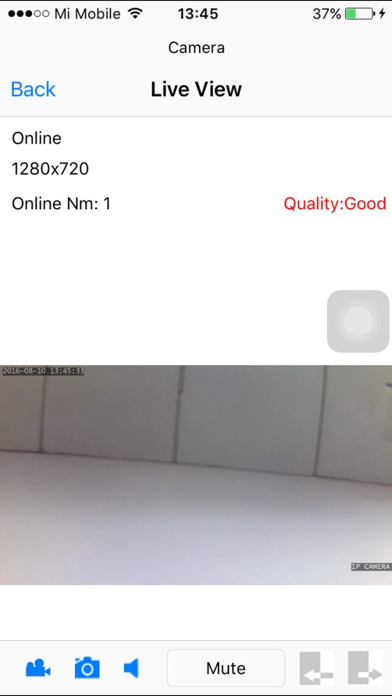
  • Screenshot #1 pour Pyle IP Cam
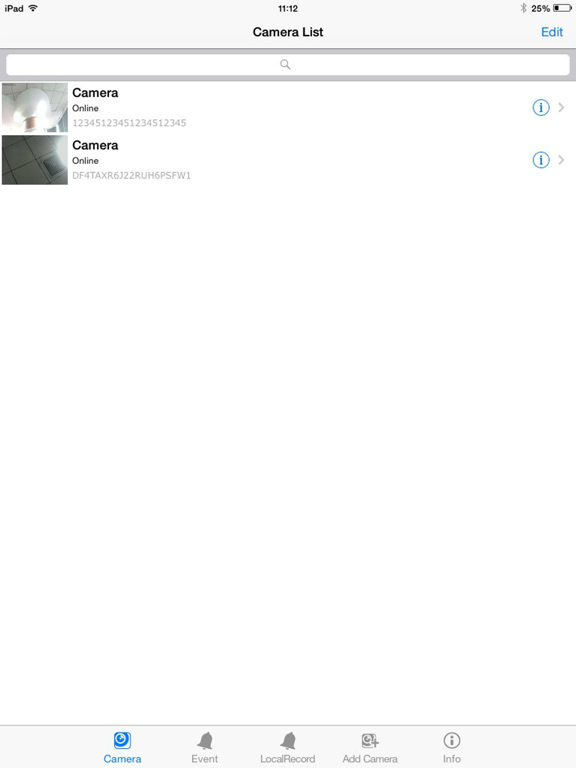
  • Screenshot #2 pour Pyle IP Cam
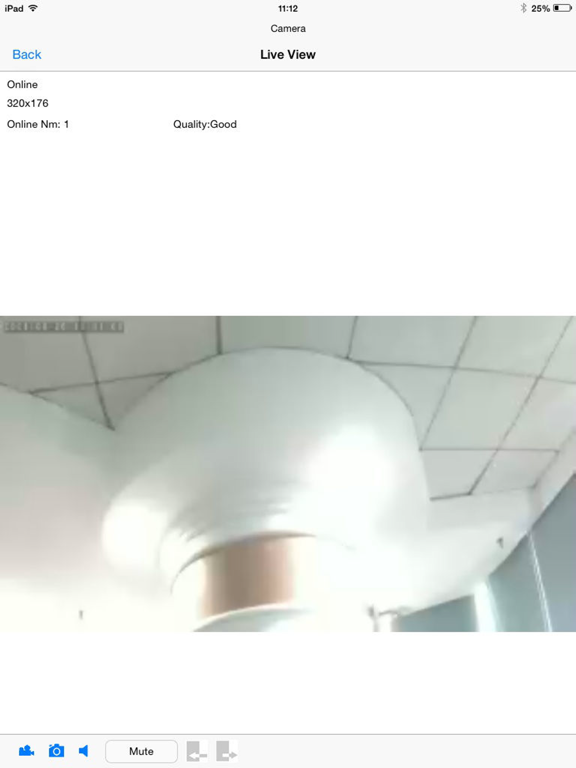
  • Screenshot #4 pour Pyle IP Cam
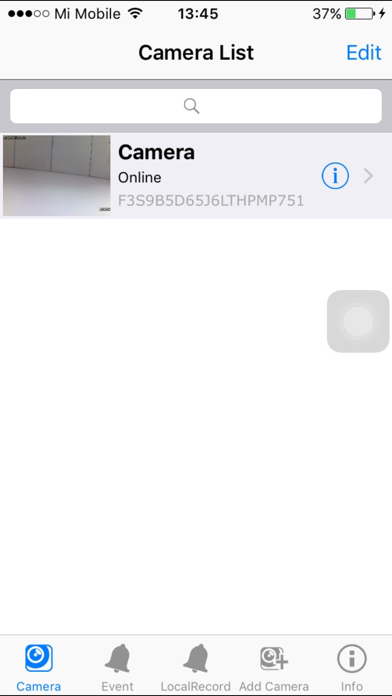
  • Screenshot #5 pour Pyle IP Cam

Note

(0 note)

Détails sur l'application

Version
1.7
Taille
24.1 Mo
Version minimum d'iOS
6.0
Dernière mise à jour
04/01/2017
Publié par
Pyle

Newsletter App Store

Recevez chaque jour les meilleures promos

Actualité Apple

Image App Store et commissions : Apple saisit la cour d’appel pour éviter une amende au Royaume-Uni
App Store et commissions : Apple saisit la cour d’appel pour éviter une amende au Royaume-Uni
Image Tesla prépare le terrain pour la clé de voiture via Apple Car Key
Tesla prépare le terrain pour la clé de voiture via Apple Car Key
Image Pluribus (Apple TV) : la saison 2 mettra un moment à arriver
Pluribus (Apple TV) : la saison 2 mettra un moment à arriver
Image Free fusionne ses applications sur iPhone, la bêta est disponible
Free fusionne ses applications sur iPhone, la bêta est disponible
Partenaires : Actualité iPhone - Culture Geek
©2009-2025 i2CMedia | A propos |