ScoreCam - Embedded Scoreboard
iOS Universel / Photo et vidéo
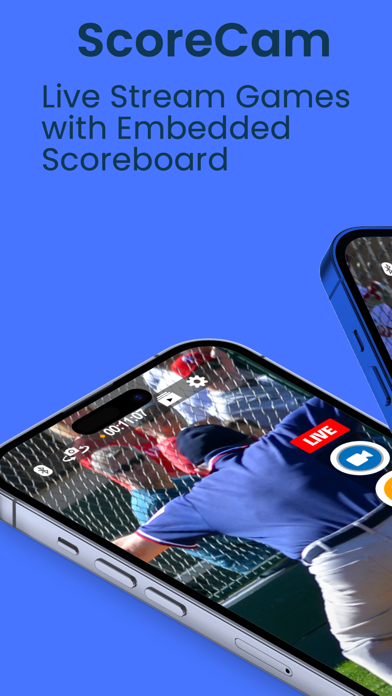
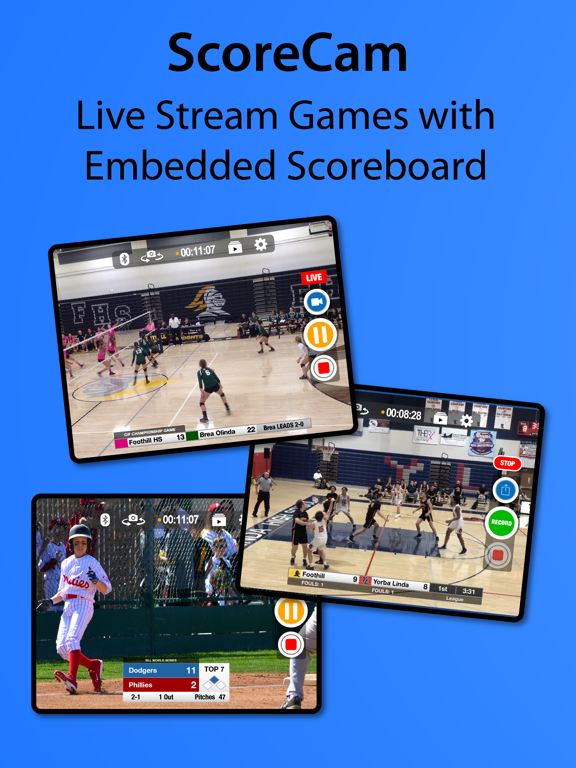
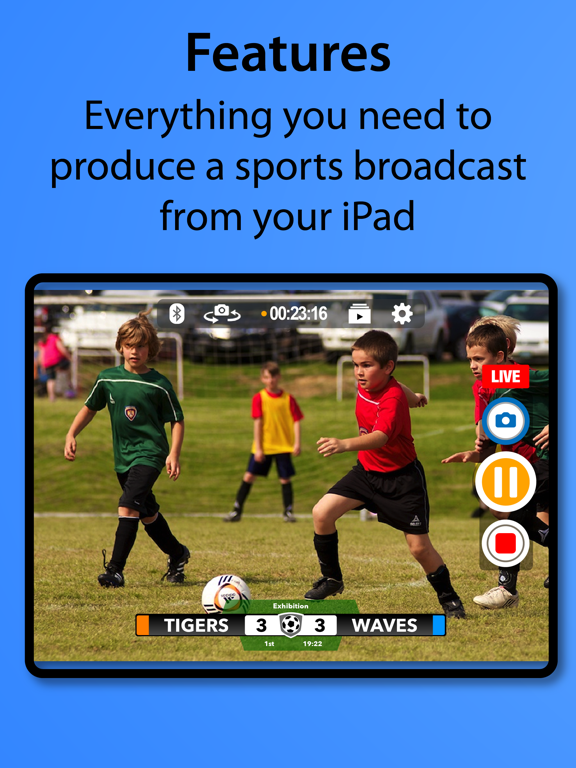
Meet ScoreCam, the first Recording and Live Streaming app with embedded scoreboard technology. The best way to record, live stream and score volleyball, basketball, football, hockey, soccer, pickleball, baseball/softball, tennis and billiards/snooker games.
A few reasons you'll love ScoreCam:
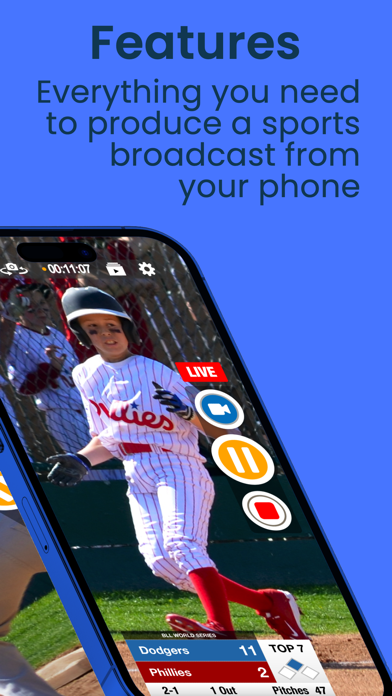
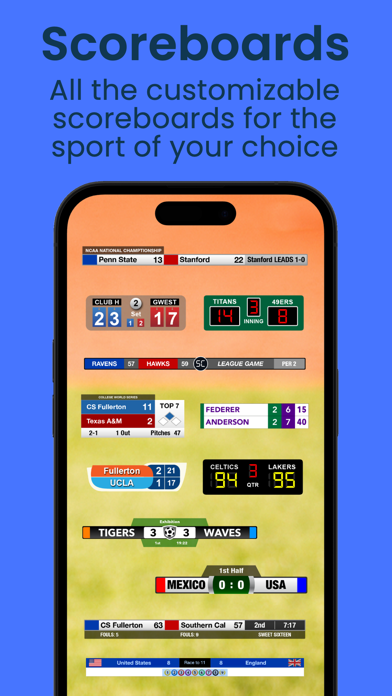
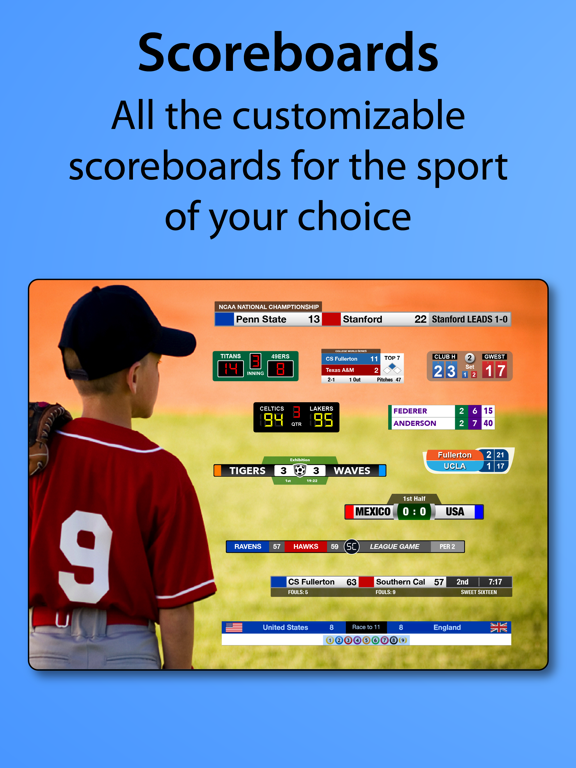
- Embedded, Interactive and Configurable Scoreboard - Embed a scoreboard into the video feed and update scores on screen or with our remote, just like a real sportscast.
- Scoreboard Profiles - Save each team's names, colors, logos and scoreboard settings, then switch between them in seconds.
- Team Library - Save team names and colors once and reuse them across any profile.
- Live Streaming (subscription) - Stream to YouTube (including scheduled events), Twitch, or a sharable link so parents and fans never miss the action.
- Instant Replay (subscription) - One tap replays the big moment for your live stream viewers, with customizable transition, hold and speed.
- Branding and Ads (subscription) - Add multiple graphics or ads to your broadcast — a great way to monetize for your program, club or school.
- Team Logos - Add your team's logo to a supported scoreboard and record like a pro.
- Highlights & Highlight Reel - Capture highlight clips as you record, and let ScoreCam stitch them into a single reel with the transition of your choice.
- Pause/Resume Video Recording - Freeze the action during time-outs and reduce a 2-hour game to an hour or less.
- Volume Button Control - Use your device's volume buttons to start, pause, resume and stop recording (iOS 17+).
- External Drive Recording - Record directly to a connected USB drive; files appear in the Files app.
- iCloud Settings Sync - Your settings, teams and profiles are safely backed up to iCloud — even if you delete and reinstall the app.
- Audio Mute - Mute audio during timeouts or between games with a single tap.
- Quickly Share Scores, photos or Messages - Message, email, tweet, or post the score without leaving ScoreCam.
ScoreCam offers the following Subscriptions:
1) Live Streaming/PRO (1 Year): ONE YEAR of access to ScoreCam with Live Streaming and any updates during that period. This includes all PRO features. Comes with 1 week of FREE ACCESS.
2) Live Streaming/PRO (1 Month): ONE MONTH of access to ScoreCam with Live Streaming and any updates during that period. This includes all PRO features. Comes with 1 week of FREE ACCESS.
3) Branding/Live Streaming (1 Year): ONE YEAR of ScoreCam plus ability to add a Branding or Advertising image to a broadcast or video recording. This includes Live Streaming and all PRO features.
4) Branding/Live Streaming (1 Month): ONE MONTH of ScoreCam plus ability to add a Branding or Advertising image to a broadcast or video recording. This includes Live Streaming and all PRO features.
Additional Information on Subscriptions
- Payments will be charged to iTunes Account at confirmation of purchase and after the 1 week trial period.
- Subscription will automatically renew unless auto-renew is turned off at least 24-hours before the end of the current period.
- Account will be charged for renewal within 24-hours prior to the end of the current period. Price is subject to change at any time but any increase will require direct re-approval by the user.
- Subscriptions may be managed by the user and auto-renewal may be turned off by going to the user's Account Settings after purchase.
- All upgrades and downgrades are automatically handled. You will not be double charged as you can only have one subscription at a time.
- Any unused portion of a free trial period, if offered, will be forfeited when the user purchases a subscription, where applicable.
See our Terms of Use at: http://scorecam.pachyderm.me/terms.html
Questions? Visit our website for FAQs, feedback, tips, tricks and more. (See 'ScoreCam Website' under settings for a link to our support site)
Quoi de neuf dans la dernière version ?
NEW SCOREBOARDS
- Footboard (PRO): A new football scoreboard with team colors, score, down and distance, quarter, game clock, play clock, and timeouts. Full on-screen controls, plus touchdown and penalty-flag animations. Works with the Scoreboard Remote app.
- Pickleboard (PRO): A new pickleball scoreboard that tracks scores across up to 5 games, with a serve-indicator dot, completed-game history, and a TIMEOUT/FINAL popup. Supports singles and doubles.
WHAT'S NEW
- Instant Replay Prompt: Choose your clip length and speed, then Play Now or Add to Queue (up to 4). On-screen replay pills can be dragged to reposition, with adjustable opacity. The Scoreboard Remote can capture, play, and discard queued replays.
- Redesigned on-screen controls: Now draggable and scalable on every supported scoreboard, with a Reset button in each profile's On-Screen Controls section.
- Period pad now includes a label picker with Half and Final built in, plus your own saved custom labels.
- Hockeyboard: Added penalty-timer presets. Set your own minor and major penalty lengths (default 2:00 and 5:00) under Game Clock in the scoreboard settings. Penalty lengths now save per profile.
- Scoreboard Remote: Improved sync, with all actions now working in both directions.
IMPROVEMENTS AND FIXES
- Tapping Replay while not streaming (or with Replay turned off) now shows a helpful message instead of doing nothing.
- Fixed a live-stream crash on audio startup.
- Fixed a crash in the background replay recorder on iOS 26.
- Fixed a crash that could occur if an external drive was unplugged during recording.
- Fixed rare crashes when using score animations.
- Added contrasting text color for the Hockeyboard power-play popup.
- The background replay recorder now skips starting if free space is below 50 MB.
- Numerous other bug fixes and performance improvements