Screen Mirroring to iPad
iOS Universel / Photo et vidéo
Screen Mirroring to iPad (formerly VlogMonitor) is trusted by thousands of users around the globe, with a 4.8-star rating from 100+ ratings in the US alone. All because I’ve worked extremely hard to achieve the best quality with minimal latency — leveraging my 10+ years of experience in mobile app development, with a specialization in video apps.
---
Do you love taking stunning selfies, photos, or videos? Maybe you want to make them all (just a bit) envious. :-)
VIDEO
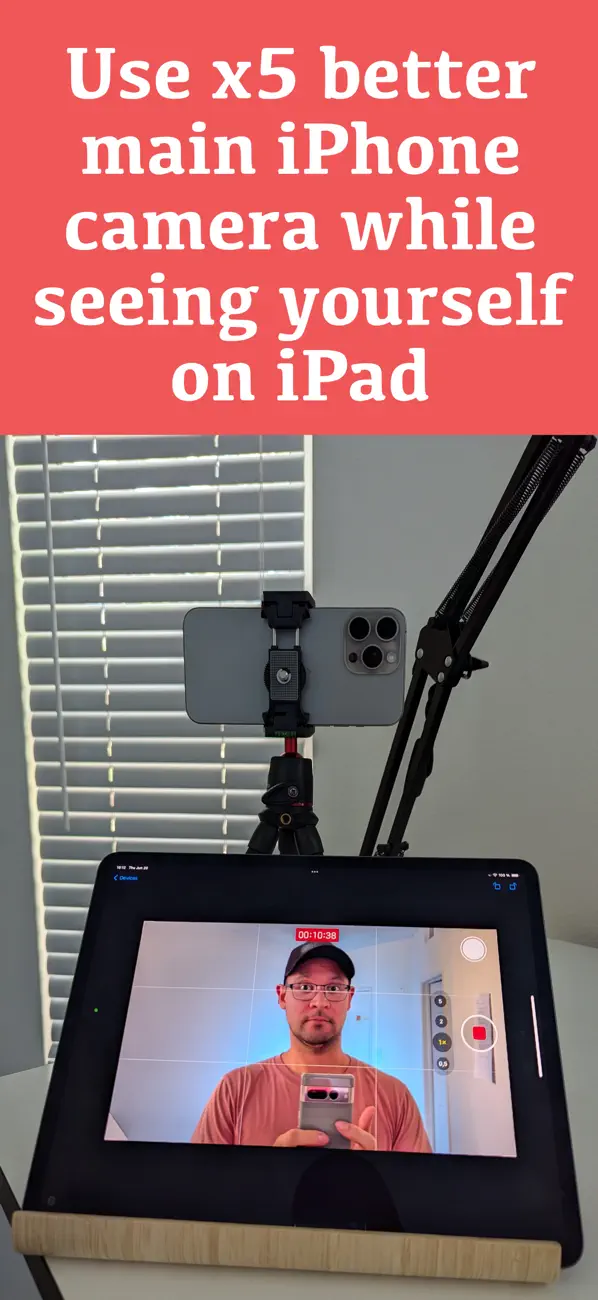
Gain confidence shooting high-quality videos with your iPhone’s main camera — while seeing yourself live on your iPad. VlogMonitor makes it easy.
PHOTO
Take your best selfies ever using the iPhone’s main camera. Forget endless retakes — now you can see yourself in real time on your iPad.
HOW DOES IT WORK?
1. Open the app on your iPhone and tap the red button to start streaming.
2. Make sure both devices are on the same Wi-Fi network. Then, on your iPad, open the app and tap the blue button to receive the stream.
3. That’s it. It just works.
SCREEN MIRRORING
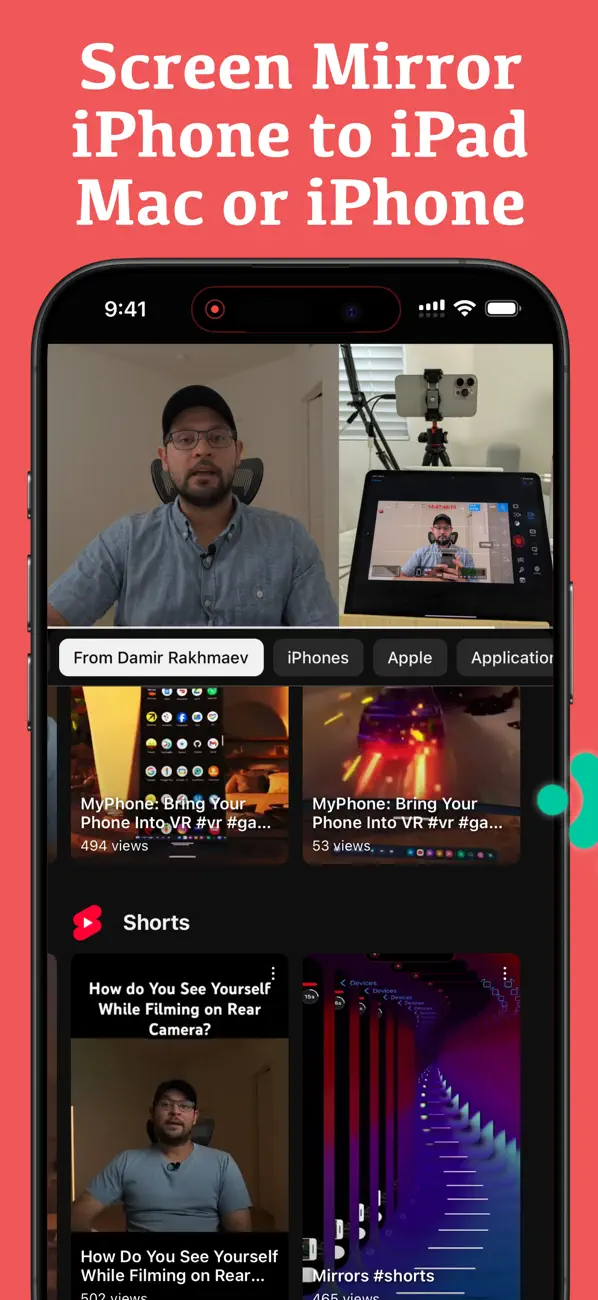
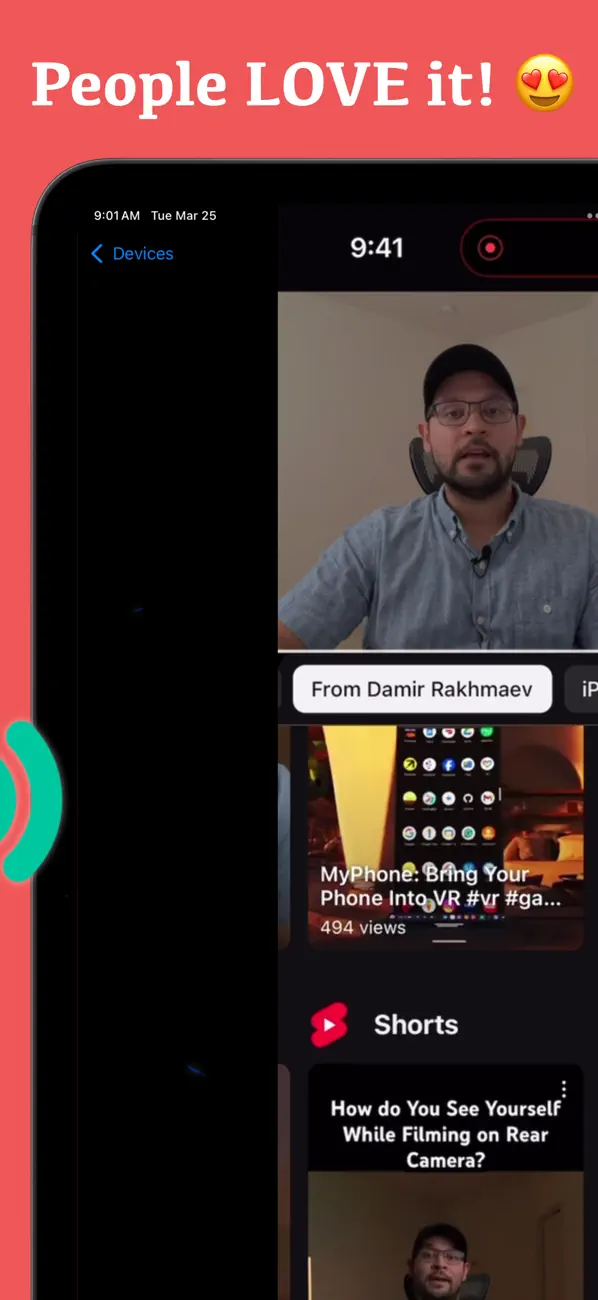
Your whole iPhone screen shows up on your iPad — apps, photos, the browser, a presentation. The camera monitoring above is one thing people use it for, not the only thing.
Netflix, Prime Video and Disney+ will show a black screen. That's DRM, and no mirroring app can get past it. Everything else mirrors.
BONUS
You can also connect using the iPhone’s Personal Hotspot — or a USB-C cable (if both devices support it). This makes VlogMonitor perfect for filming outdoors.
---
From creators to creators, give it a try and see the difference!
Quoi de neuf dans la dernière version ?
Bug fixes.