• KultureGeek
  • Comparateur de prix
       
iPhoneAddict
 iAddictv5Notre Application iPhone/iPad
  • Accueil Apps
  • Actualité Apple
  • Keynote Apple
  • Firmwares & iTunes
  • Contactez-nous
Accueil » Liste des Apps » Apps iPhone » Photo et vidéo » Wecol: Video Collage Maker
7.2.0 iOS €Gratuit 晓航 郑 0 0 Wecol is a video and photo collage maker APP. With Wecol, you can collage multiple videos or photos together, and then add background music, text, stickers, etc. Classic Layout • Supports collaging photos and videos • Supports previewing layout...
Wecol: Video Collage Maker

Wecol: Video Collage Maker

iPhone / Photo et vidéo

Gratuit
Obtenir sur l'App Store

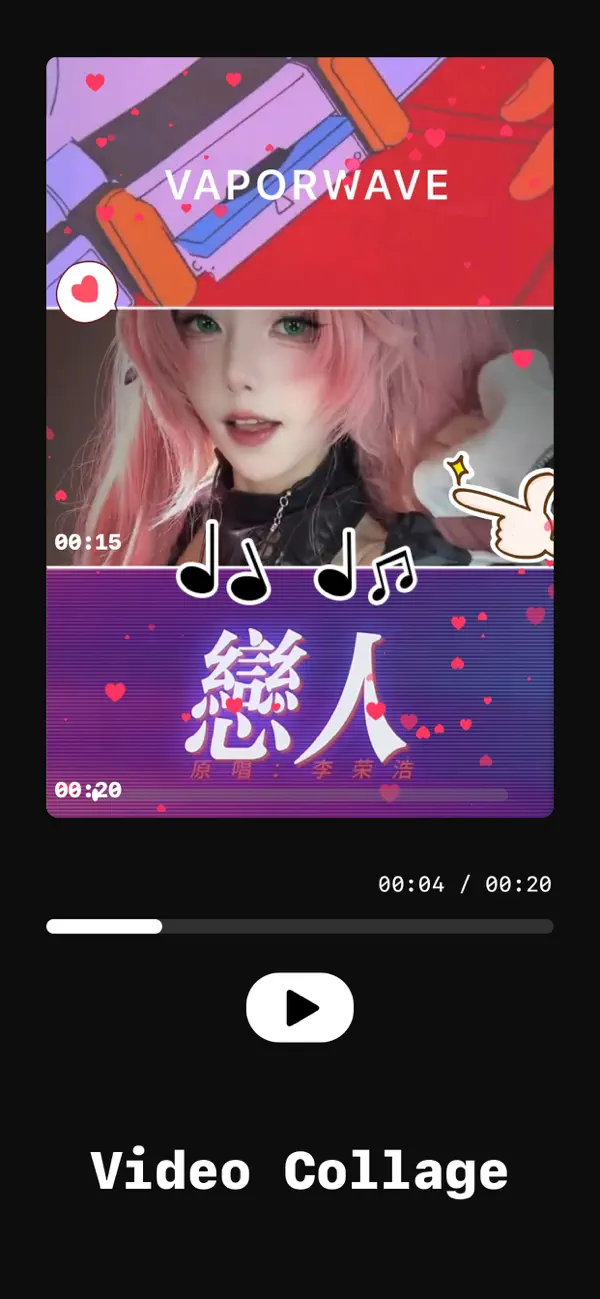
Wecol is a video and photo collage maker APP. With Wecol, you can collage multiple videos or photos together, and then add background music, text, stickers, etc.

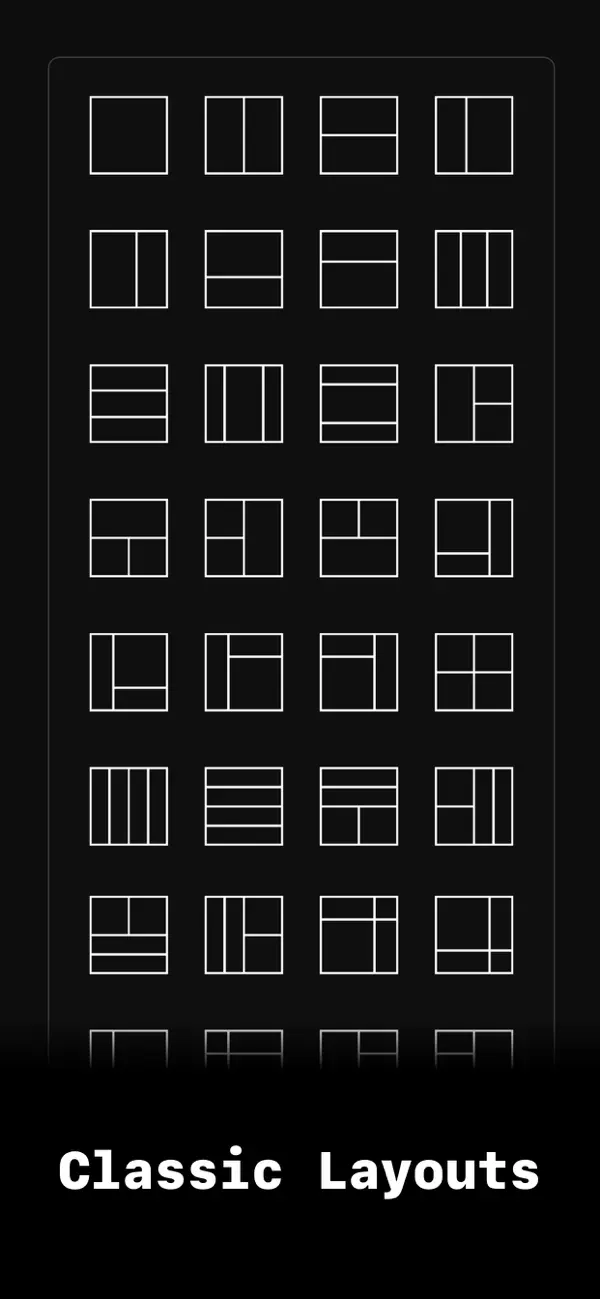
Classic Layout
• Supports collaging photos and videos
• Supports previewing layout with photos or video thumbnails
• Built-in 150+ classic layouts and blank layouts
• Supports adjusting canvas ratio size, inner spacing, and outer spacing
• Supports modifying the canvas background, with a large number of built-in material textures
• Press and hold to drag and swap grid content, and support moving and scaling grid content
• Supports adding background music, extracting music from videos or selecting music from the music library
• Supports adding text, with a large number of built-in art font styles
• Supports adding stickers, also you can select stickers from the album
• Supports one-click mute for all videos and bgm
• Supports content editing (including filters, speed adjustment, flipping, rotating, editing, etc.)
• Supports multiple playback mode switching (synchronous playback, sequential playback, delayed playback, protagonist mode)
• Supports setting video cover

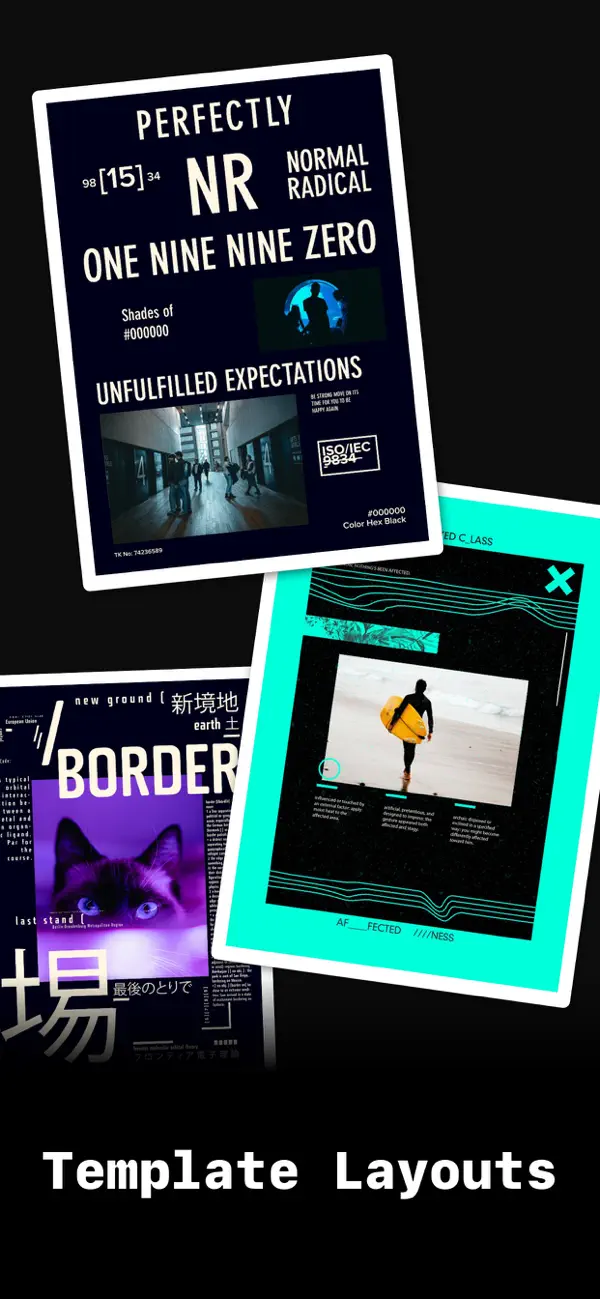
Poster Tempaltes
• Built-in massive amounts of trendy and fashionable poster templates
• Supports customizing poster templates
• You can customize poster templates with various shape cutouts, text presets, sticker presets, etc.
• After generating the template, you can enter the editor from the My Poster entrance next time. Then one-click and fill with videos or photos.
• Has most of the features of a classic layouts

Duet Camera
• You can choose a video to co-shoot
• Co-shooting will allow your camera content and the video content to be played in the same frame, record the video in real time, and ultimately generate a video collage

Layout Camera
• Use the classic layout for video recording, allowing each grid to display camera content
• Supports multiple video recordings and can be paused/resumed
• Supports filter effects

Video Post-processing
• Edit videos, add post-production text, stickers, photos and set display time

Picture-in-Picture video editor
• Splice 2 videos in picture-in-picture format
• Switch between front and rear background videos with one click
• Support adding stickers, text, music
• Support video and music volume adjustment

Video Editing
• You can edit a video and add text, stickers, photos, etc. to the video, all of which are based on the video timeline
• You can easily adjust the starting point and end point of the added content, and change the time segment displayed in the video
• Built-in a powerful text editor, you can adjust font size, line spacing, word spacing, shadow and other powerful effects
• Built-in over 500 hand-picked sticker content

Automatically subscribe to content:
1 Month VIP Membership - Unlimited access to all features for 1 month
1 year VIP membership - unlimited access to all features for 1 year

The subscription fee will be charged to your iTunes account when you confirm your purchase, and the subscription will automatically renew unless the renewal is canceled by the current subscriber at least 24 hours in advance. Your account will be deducted the renewal fee according to your package within 24 hours before the end of the current subscription period. You can manage or turn off automatic renewal at any time in your Apple ID account settings after purchase.

Privacy Policy: https://note.youdao.com/s/ObRqU7gN
Terms of Service: http://note.youdao.com/noteshare?id=f7617bdf6549adc58ef0a973d65b913b

En voir plus...

Quoi de neuf dans la dernière version ?

- Compatible with liquid glass
- Fix some bugs

D'autres applications du développeur

Picble - Photo Blender Editor
/ iPhone
Baotu - Thug Life Video Maker
/ iOS Universel
imgLive - Live Photo Maker
/ iPhone
imgSlides - Slideshow Maker
/ iPhone
Pocol - Photo Collage Maker
/ iOS Universel
Voice Changer - Prank Call
/ iOS Universel
Voir toutes les apps

Note

(0 note)

Détails sur l'application

Version
7.2.0
Taille
317.5 Mo
Version minimum d'iOS
16.0
Dernière mise à jour
16/04/2026
Publié par
晓航 郑

Newsletter App Store

Recevez chaque jour les meilleures promos

Actualité Apple

Image Vol d’iPhone : les voleurs contournent le verrouillage et gagnent de l’argent
Vol d’iPhone : les voleurs contournent le verrouillage et gagnent de l’argent
Image L’iPhone 17 Pro est le smartphone le plus rapide à se recharger au global parmi 33 modèles
L’iPhone 17 Pro est le smartphone le plus rapide à se recharger au global parmi 33 modèles
Image Liquid Glass : l’interface controversée d’Apple remporte un prestigieux prix de design
Liquid Glass : l’interface controversée d’Apple remporte un prestigieux prix de design
Image Formule 1 en streaming : Apple échoue à obtenir les droits dans des pays d’Europe
Formule 1 en streaming : Apple échoue à obtenir les droits dans des pays d’Europe
Partenaires : Actualité iPhone - Culture Geek
©2009-2026 i2CMedia | A propos |