YoonSTT: Fast STT Converter
iOS Universel / Photo et vidéo
Create accurate subtitles from video or audio with ease.
This app is a SwiftUI-based iOS subtitle and translation tool designed for creators, students, and professionals who need fast, clean, and editable captions.
---
**From media to subtitles — simple and flexible**
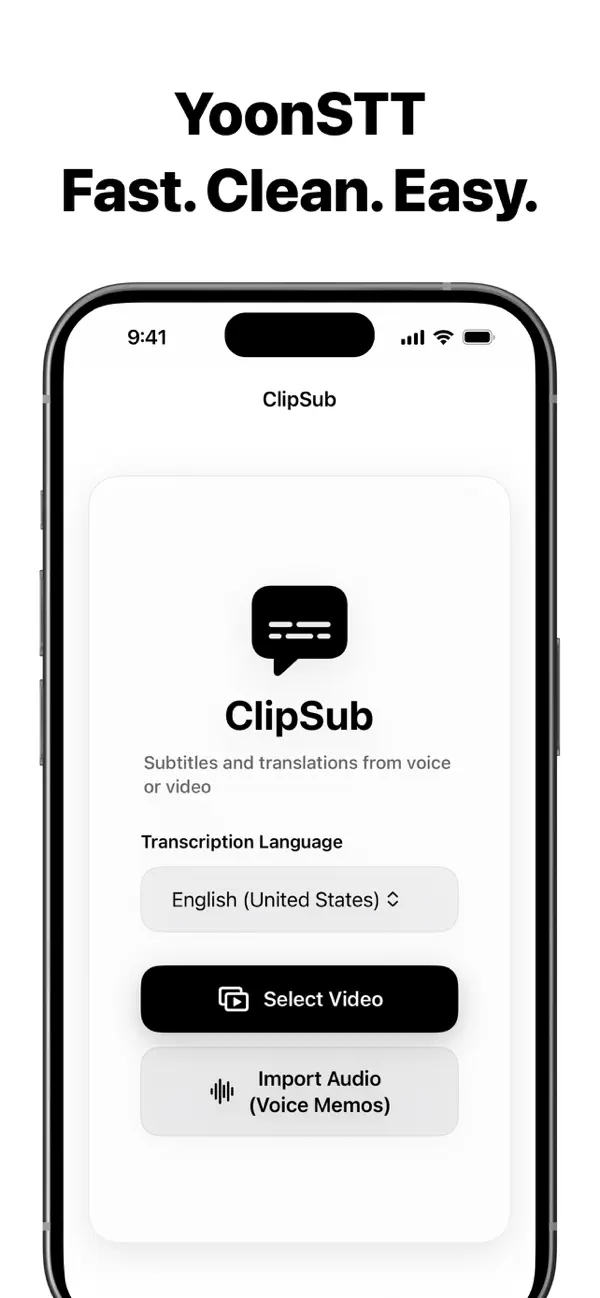
• Import videos directly from your Photos library
• Or load audio files such as Voice Memos
• Automatically extract audio from video
• Choose your speech recognition language
• Transcribe using Apple’s on-device speech recognition
Once transcription is complete, your session is saved so you can edit, translate, and export anytime.
---
**Translate only when you want**
• Original transcription is generated first
• Select a target language and translate on demand
• View original text and translation side by side
• Keep full control over when and how translation happens
---
**Smart subtitle generation**
Transcribed segments are intelligently grouped into readable subtitle units:
• Sentence boundaries and punctuation awareness
• Pause-based segmentation
• Optimal subtitle duration (1–3.5 seconds)
• Two-line layout with balanced line breaks
• Export-ready formatting for professional use
Supported formats:
• SRT
• VTT
---
**Edit, copy, and share**
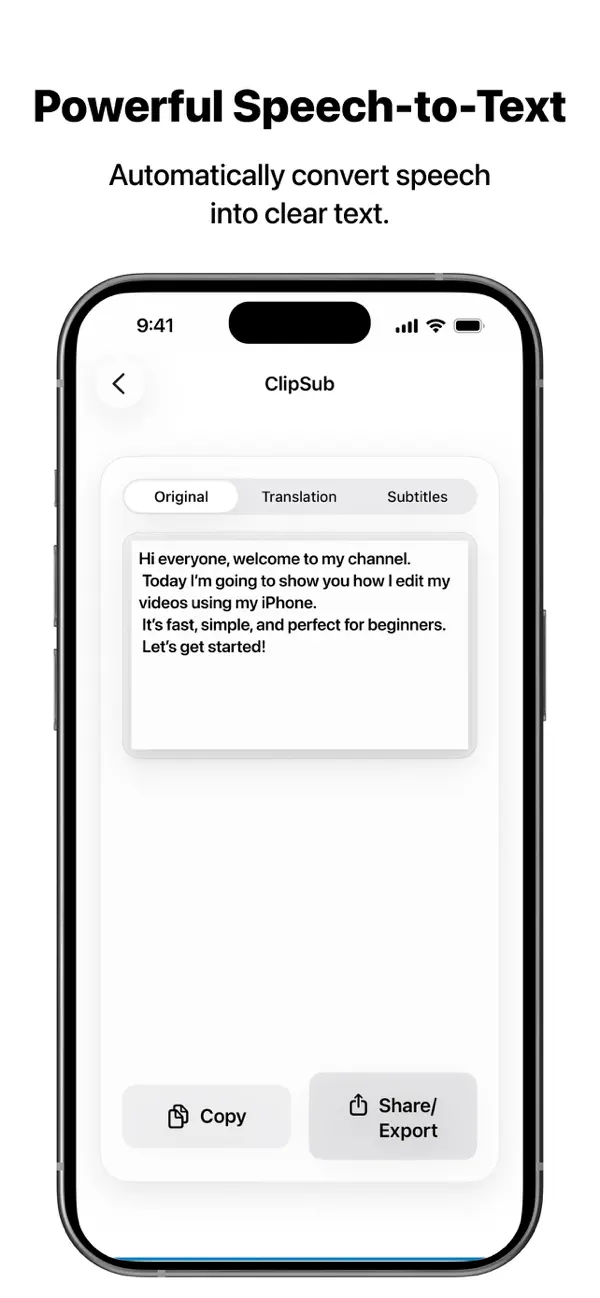
• Edit original text freely
• Copy subtitles to clipboard
• Share subtitle files directly
• Choose between Original, Translation, or Subtitles views
---
**Designed for clarity**
• Clean white background with black text
• Liquid-glass inspired UI containers
• Smooth splash and transition animations
• Portrait-only layout for focused editing
---
Whether you’re preparing subtitles for social media, interviews, lectures, or multilingual content, this app helps you go from media to subtitles — quickly and clearly.
Download and start turning speech into subtitles today.
Quoi de neuf dans la dernière version ?
What’s New in Version 1.2
Clearer and more readable transcripts
Converted text is now neatly organized by sentence.
Long sentences automatically wrap into multiple lines, and each paragraph includes a timestamp \[00:00\], making it easier to find specific parts of the audio.
Design improvements
The interface has been optimized for better clarity and consistency in Dark Mode.
Other improvements
Improved sentence recognition accuracy and fixed minor bugs.