Aether - Ai Wingman
iPhone / Productivité
Aether turns your iPhone into a remote control for your Mac.
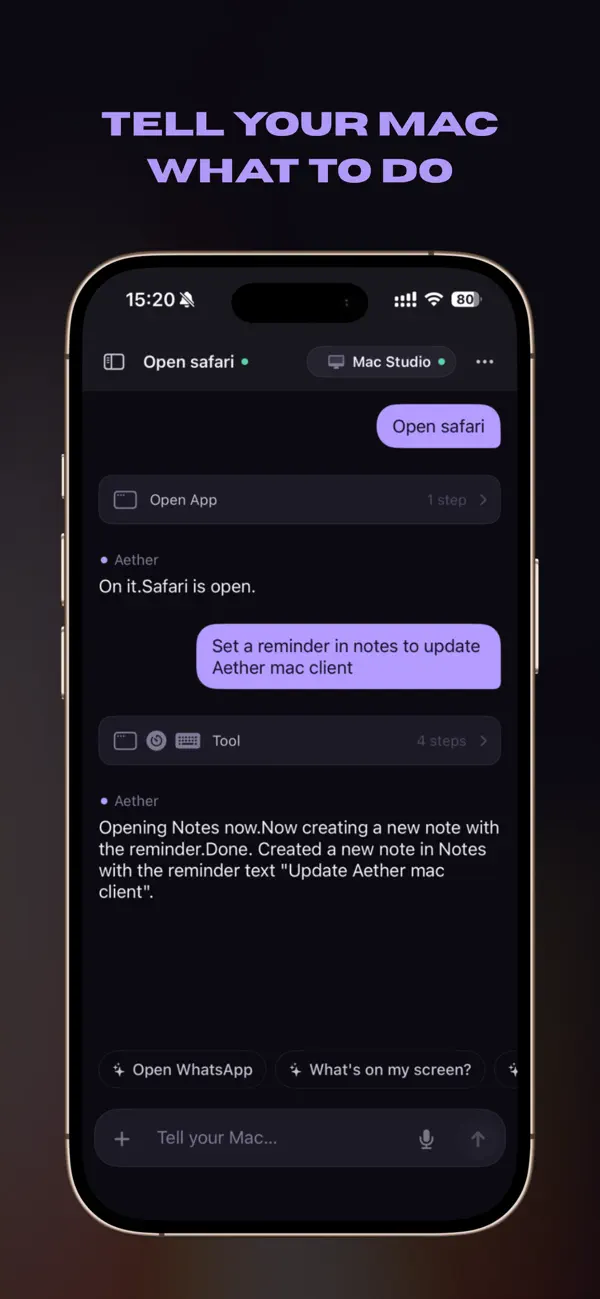
Speak or type a command on your phone, and your Mac responds — open apps, switch focus, run workflows, and more. No cloud account, no relay servers. Aether talks to a small companion app on your Mac directly over your local Wi-Fi network.
— HOW IT WORKS —
1. Install the free Aether companion on your Mac.
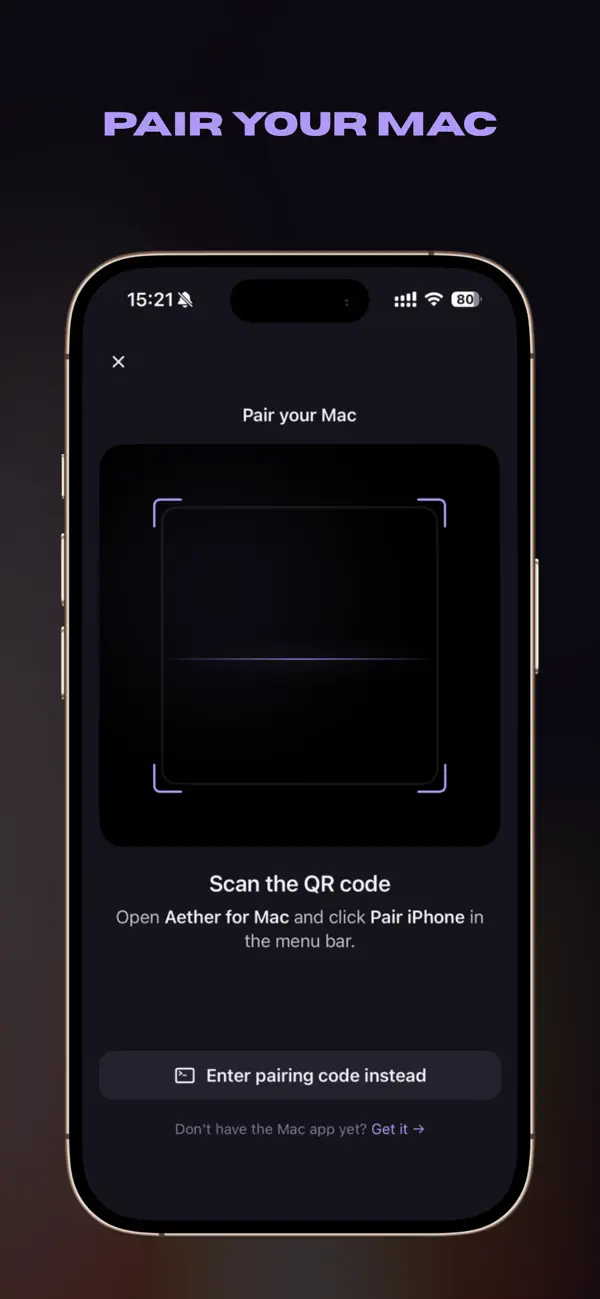
2. Scan the QR code shown by the Mac menu bar app.
3. Start sending commands by voice or text.
— WHAT YOU CAN DO —
• Open, focus, and quit Mac apps from your iPhone
• Run multi-step workflows with a single natural-language request
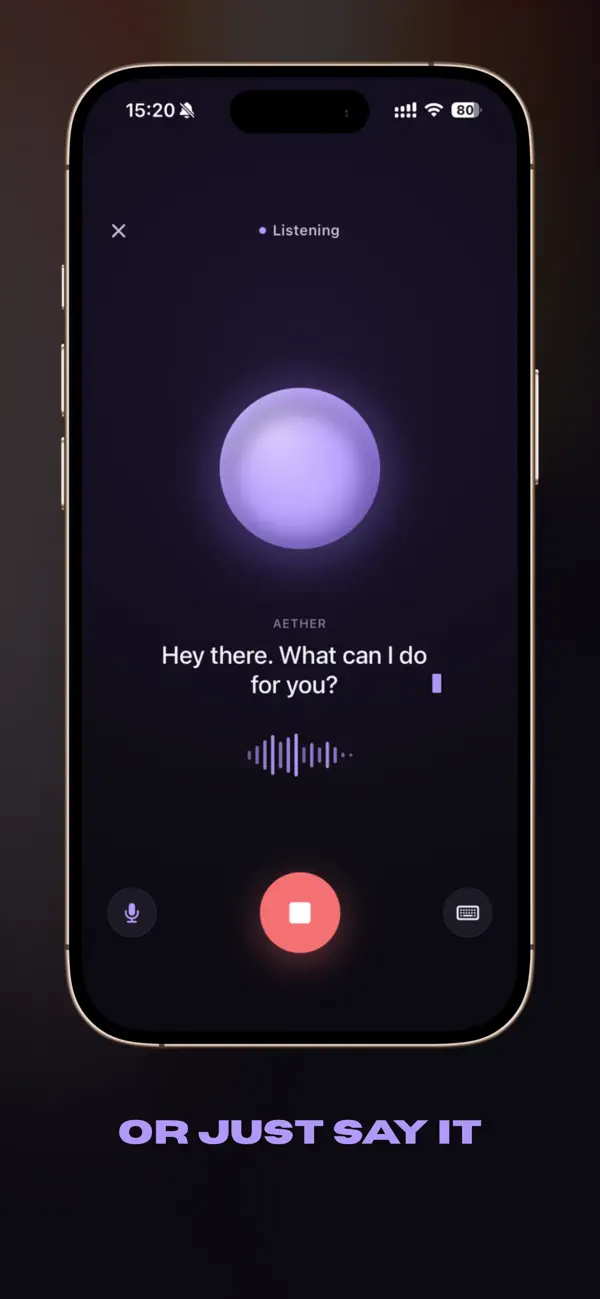
• Use voice mode for hands-free control
• Watch live progress as your Mac executes each step
• Switch between paired Macs from the sidebar
— DESIGNED FOR SPEED —
• Pairing takes seconds with a single QR scan
• Commands execute on your local network — fast and private
• Modern SwiftUI interface, optimized for one-handed use
• Haptic feedback and live status indicators
— PRIVACY FIRST —
• No accounts, no sign-up
• No cloud relay — your commands go straight from iPhone to your Mac
• Voice transcription happens on-device using Apple's Speech framework
• Aether does not collect, track, or share any personal data
— REQUIREMENTS —
• A Mac running the free Aether companion app
• iPhone and Mac on the same Wi-Fi network
• iOS 17 or later
Aether is open source. Built for people who want their Mac to listen — without sending anything to the cloud.
Quoi de neuf dans la dernière version ?
Bug fixes & improvements