Omen — Flashcards
iOS Universel / Productivité
‡‡ Spaced Repetition
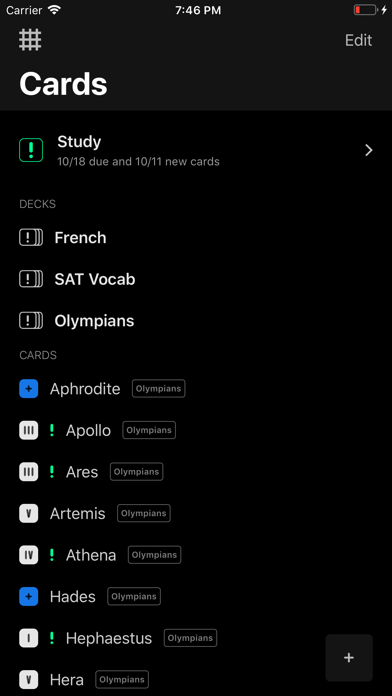
Omen will notify you at the optimal study times. Simply add your cards and obey Omen's commands, then clutch your skull in agony as your brain swells with knowledge.
‡‡ Ad Hoc Cards
If you stumble upon a useful piece of information, painlessly flashcardify it without undertaking the rituals of categorization. Decks are optional, so add cards ad hoc—from either Omen, the home screen, or from another app —to a continuous stream of knowledge.
‡‡ Smart Card Creation
Vocabulary Definitions — If the front of your card is found in the dictionary, a cute little dictionary button will appear in the toolbar. Tapping this will reveal a list of definitions. Selecting a definition from the list will set the selected definition as the card’s back and add the card to the Vocabulary deck.
Table Imports — When browsing a website with a table, tapping the Add to Omen action extension lets you import the contents of the table as a deck, selecting one column for the front of each card and another for the back.
Shortcuts — Create cards with your voice via HomePod, Apple Watch, etc. Or create new cards from custom shortcuts in the Shortcuts app.
‡‡ Interleaved Practice
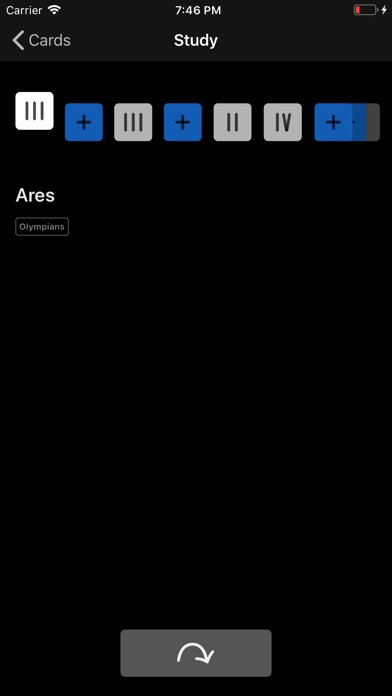
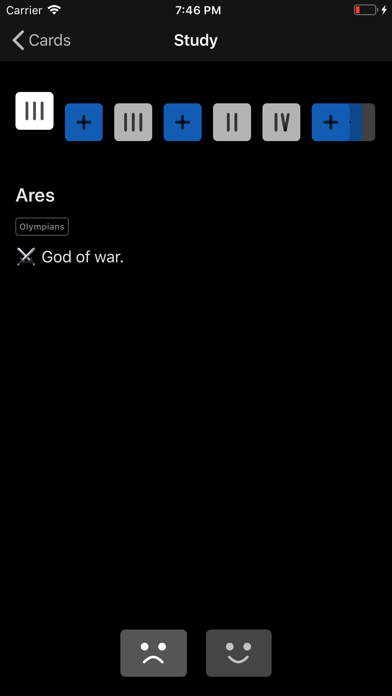
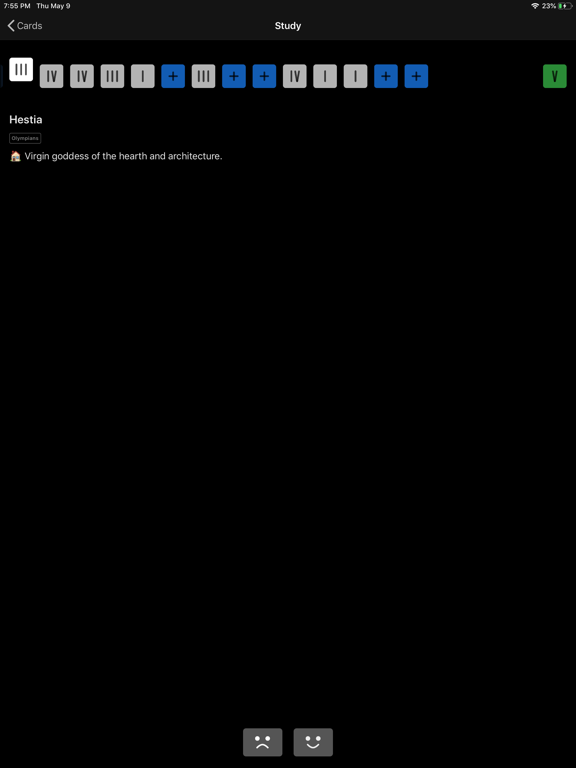
Studying cards from different decks in the same session makes for more effective memorization. Simply tap “Study” and all due cards are interleaved and studied on the gorgeously animated, haptic feedback-enhanced study screen.
‡‡ iCloud Backup/Sync
Synchronize and backup your cards seamlessly in the background between your different iOS devices.
‡‡ Pulchritude
Relish the gorgeous, tenebrous dark mode. Reel in ecstasy when studying on the deeply satisfying study screen. Pledge your eternal soul to the cool icons!
———
Website (https://www.omen.cards)
Terms of use (https://www.omen.cards/terms)
Quoi de neuf dans la dernière version ?
Updated for iOS 14