ASUS OmniStor
iOS Universel / Productivité
ASUS OmniStor enterprise storage cloud user iOS mobile device application, can log in cloud space from mobile devices, allowing you to upload, backup and access all files from any device, and can also share with other users to view, edit files or folders.
【Function Introduction】
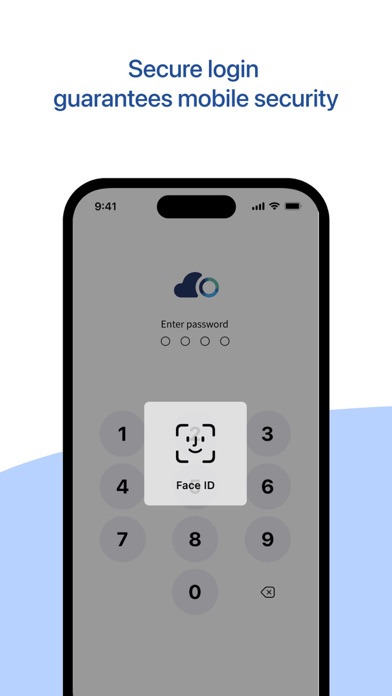
.Login Security: Support enterprise AD/LDAP single sign-on and mandatory automatic logout mechanism to ensure enterprise account security
.Diverse access: Synchronize, backup and share files across platforms through mobile device Apps, web browsers and computer applications, etc.
.Cloud media library: The images, videos, audios and notes on mobile devices are uploaded and backed up automatically to save space on the mobile phone
.Online preview: Preview multimedia, document and image files on mobile Apps
.Co-edit: Supports responsive online individual and multi-person co-editing on mobile devices to speed up mobile office
.Offline browsing: Files can be marked for offline browsing through mobile devices so that the files can be viewed at any time even without Internet access
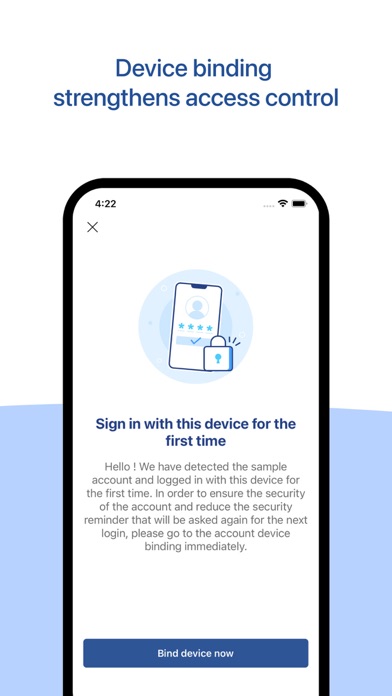
.Device binding: Enable user mobile device binding by force to strengthen internal control of enterprises"
Quoi de neuf dans la dernière version ?
We continuously enhance features and improve the user experience. Update to the latest version to enjoy a more stable and secure service.
What’s New in This Version:
• Added a “Description” field in File Details for clearer file management
• Enhanced login flow with integrated display of additional AD account status information
• Public sharing now supports displaying cloud share codes via QR Code for quicker and easier sharing
• Strengthened mobile security checks to further protect your account and data
• Optimized sharing permission logic for “Shared with Me” and “Project Folder” directories
• Fixed known issues and improved overall stability