BackLog - Manage Task & Issue
iOS Universel / Productivité
Feeling overwhelmed by your projects and the endless list of tasks?
"BackLog" is the simple yet powerful issue tracker designed to bring clarity and focus to your workflow. By organizing tasks within projects and visualizing their priority and status, this app helps you smoothly guide your plans to completion.
Key Features:
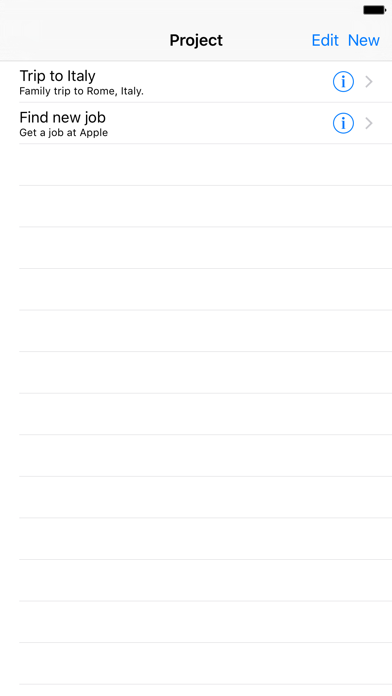
Project-Based Organization
Manage multiple projects independently. Whether it's for client work, personal studies, or a hobby creation, you can keep your tasks neatly separated and your mind clear.
Visual Progress Tracking (Status Management)
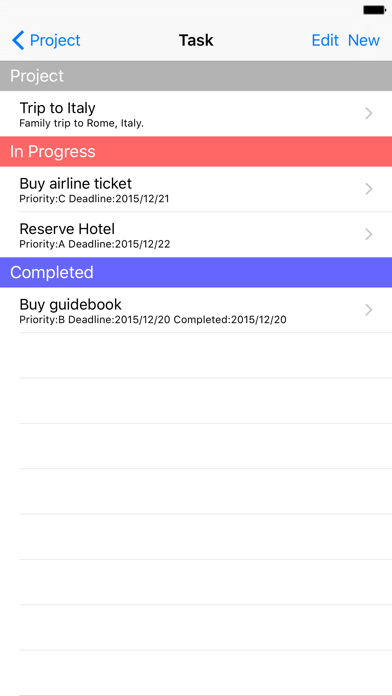
All tasks are automatically grouped by their status: "Not Started," "In Progress," and "Completed." Instantly see what you're working on and what's left to do at a single glance.
Prioritize What Matters
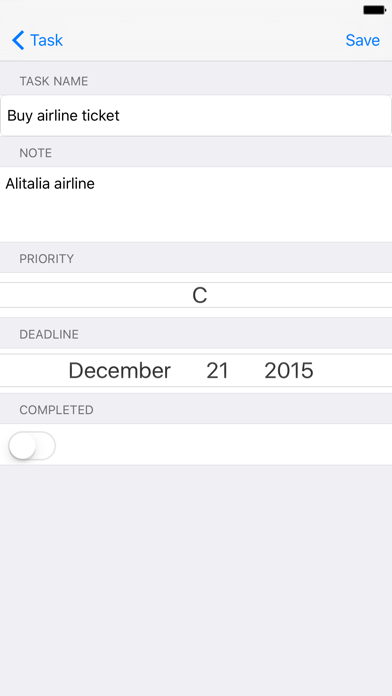
Assign a "High," "Medium," or "Low" priority to each task. Your lists are sorted by priority, ensuring you always focus on the most important work first.
Deadline Management & Overdue Alerts
Set a deadline for every task to support systematic progress. Unfinished tasks that have passed their due date are automatically highlighted in red, preventing anything from slipping through the cracks.
iCloud Sync
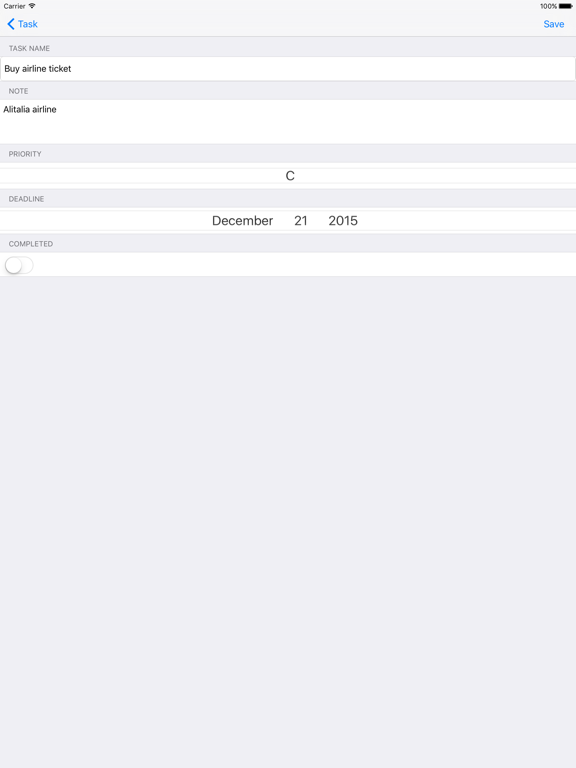
Your projects and tasks sync automatically across all your devices via iCloud. Pick up right where you left off, whether you're on iPhone or iPad.
Simple and Intuitive Interface
A clean, straightforward design that anyone can master in minutes. Adding, editing, and deleting tasks is a seamless and stress-free experience.
---
BackLog+ Premium (Monthly Subscription)
Take your experience further with BackLog+ Premium.
What's included:
· Ad-free experience — all banner ads are removed from every screen
· Unlimited projects — create as many projects as you need
· Unlimited tasks — add unlimited tasks to any project
Pricing & Terms:
· Price: from $0.49 / month (price may vary by region)
· Payment is charged to your Apple ID at confirmation of purchase
· Subscription automatically renews unless cancelled at least 24 hours before the end of the current period
· You can manage or cancel your subscription anytime in your App Store account settings
· No free trial is offered
Privacy Policy: https://ios-mac-a7694.web.app/privacy.html
Terms of Use (EULA): https://www.apple.com/legal/internet-services/itunes/dev/stdeula/
---
Perfect For:
Developers managing personal software projects.
Freelancers juggling multiple client assignments.
Students planning their studies or research.
Anyone organizing a hobby project or event.
Make complexity simple.
Download "BackLog" today and elevate your project management to the next level.
Quoi de neuf dans la dernière version ?
Minor bug fixes have been implemented.
Projects now automatically complete when all tasks are finished.