Braintoss
iOS Universel / Productivité
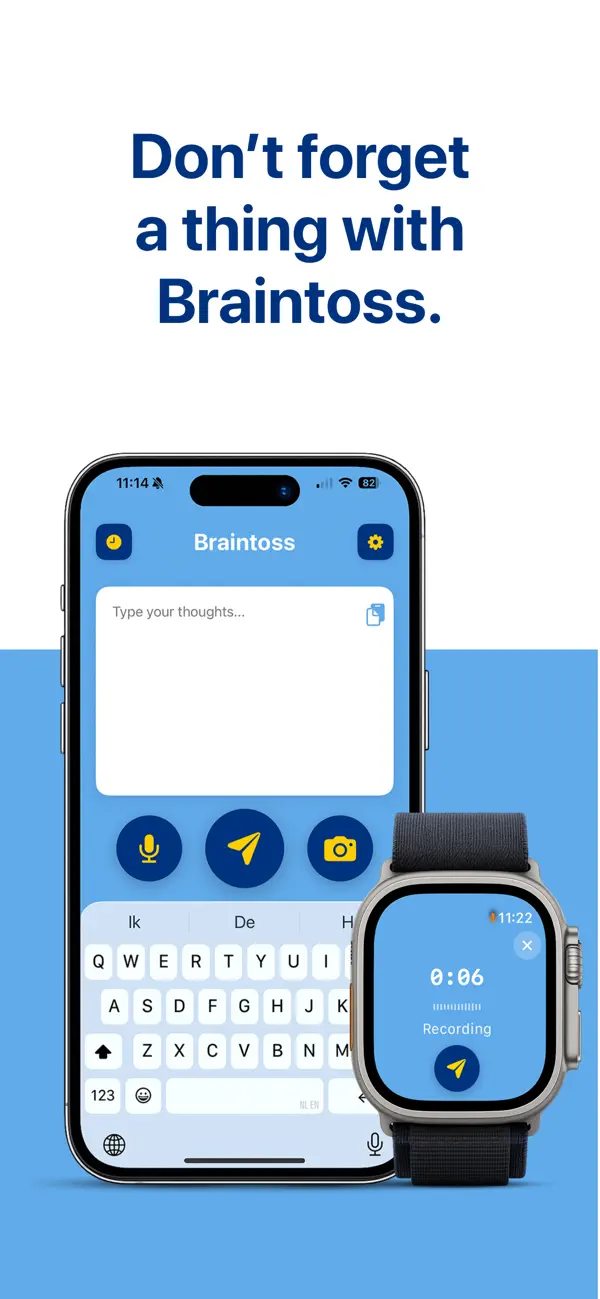
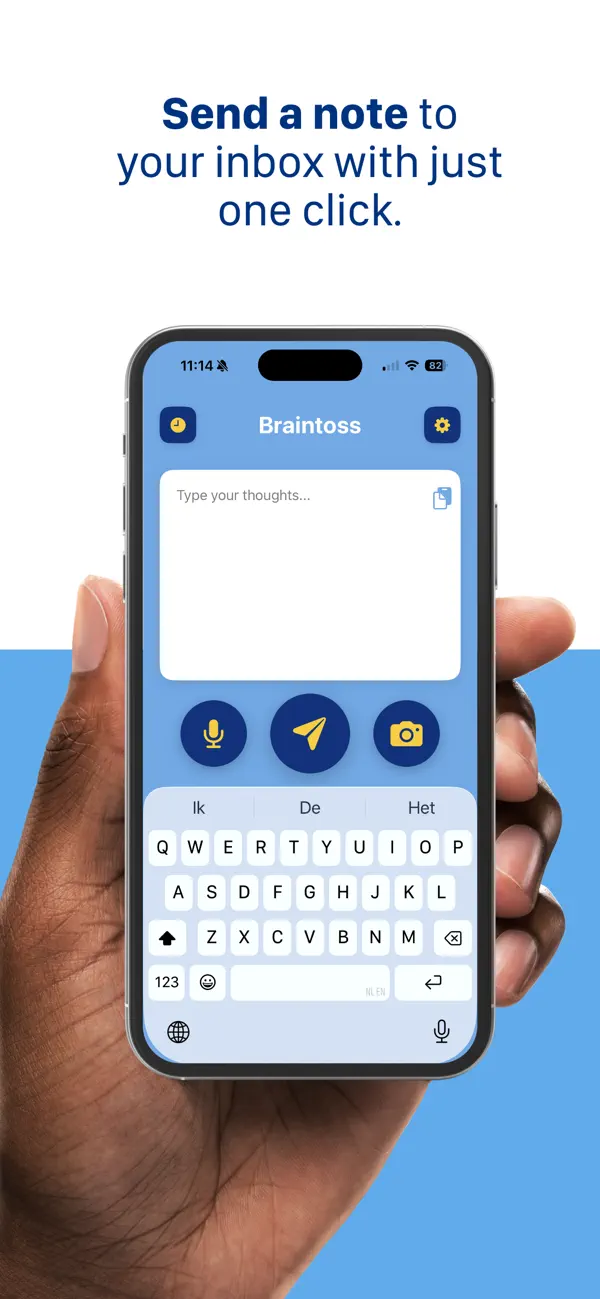
Braintoss captures a thought in seconds—type, speak, or photograph it—and sends it to your email or webhook destinations in one flow.
WHAT YOU USE IT FOR
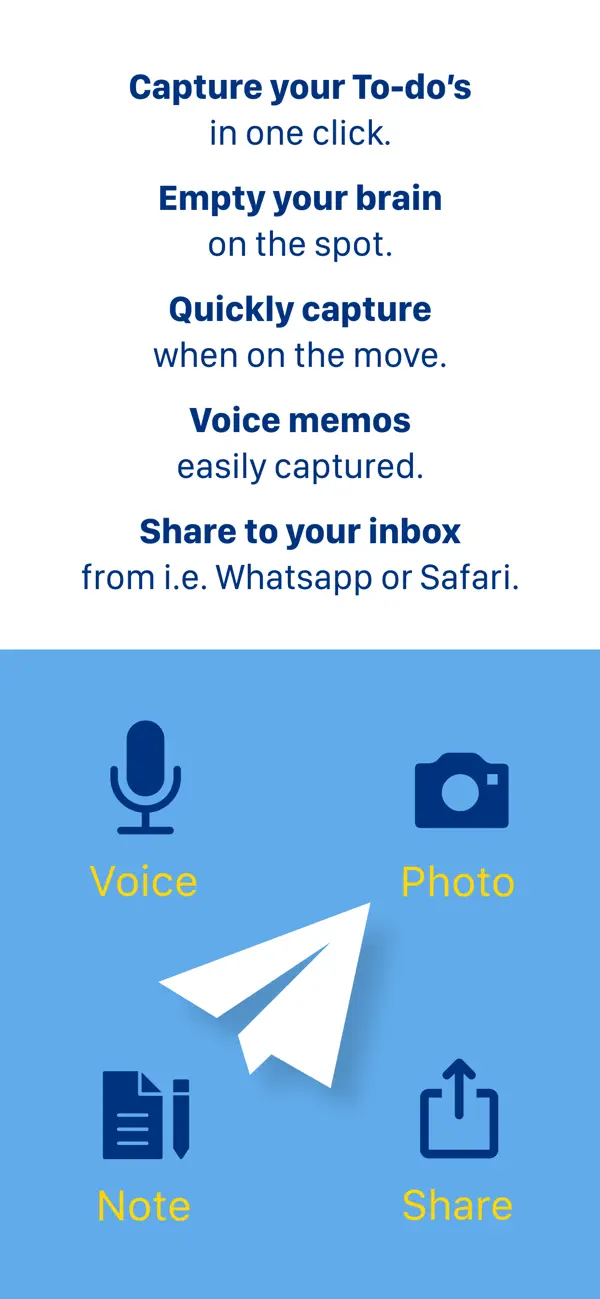
• Voice notes transcribed and emailed
• Photos of whiteboards, receipts, documents, or business cards—sent with a useful subject
• Quick typed reminders and to-dos
• Share from Safari, Mail, Photos, and other apps into Braintoss, then send where you want
VERSION 10
Braintoss 10 is rebuilt as a native iOS app with a modern capture screen, clearer Settings, and steadier delivery and retries. Long-press Send (or Edit in History) to choose destination, subject, and optional message body before sending. Share extension and Apple Watch work with Quick or Advanced modes. Dark mode on the main screen. Optional on-device speech and image analysis for captions; sending uses secure connections to Braintoss’s delivery service.
PRIVACY, LOCAL-FIRST
Your captures go to the destinations you configure. App Store builds ship with optional usage telemetry turned off by default. Optional Help & Support Debug Mode can add context to emails you choose to send to support; logs stay on your device unless you share them.
Learn more: braintoss.app/support — Privacy: braintoss.app/privacy
Quoi de neuf dans la dernière version ?
Apple Watch • Clearer status after you send — Saved until your iPhone has really emailed the note, then Sent. • Better handoff from Watch to iPhone, including when your phone was locked. • If a note gets stuck, we’ll let you know on your Watch or iPhone so nothing is lost silently.
Notifications • Braintoss stays quiet when everything works — a small vibration and on-screen confirmation is enough. • You only get a lock-screen alert when something needs your attention: “Couldn’t send yet. Open the app.” • The home-screen badge now counts captures that are stuck, not ones still sending in the background.
Reliability • Fixes and improvements for sending from the main app, Share sheet, and Apple Watch.