Calendar Alarms
iOS Universel / Productivité
Réveillez-vous uniquement quand vous en avez besoin.
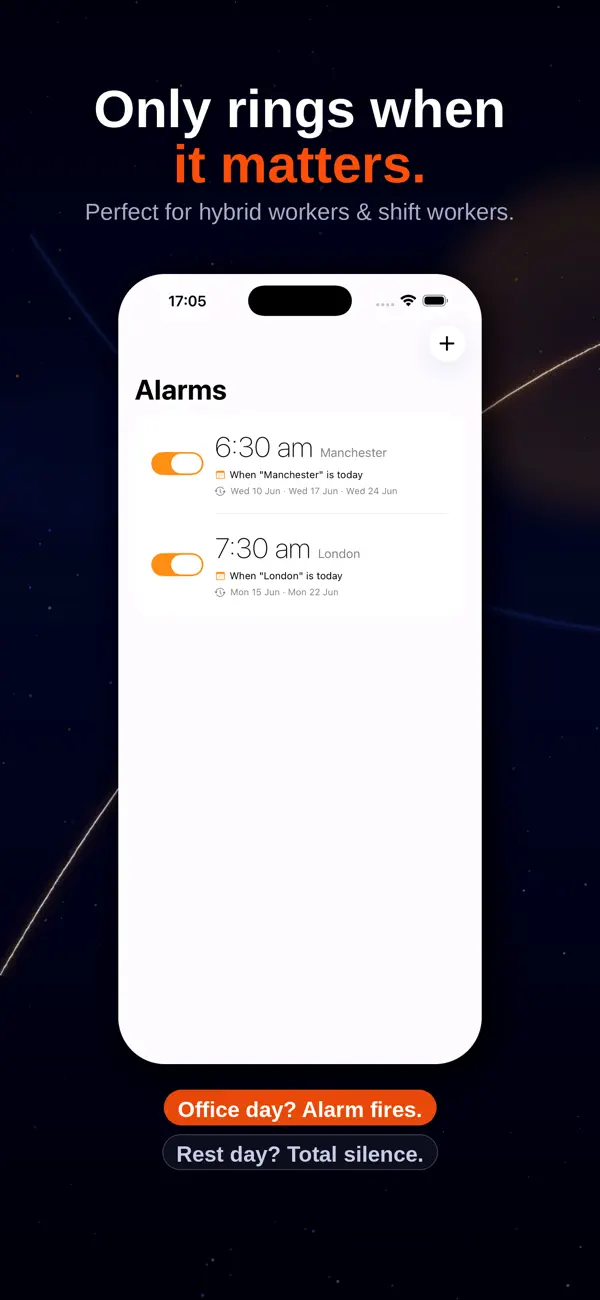
Calendar Alarms connecte votre alarme à votre calendrier Apple, afin que votre réveil sonne automatiquement les jours qui comptent — et reste silencieux les autres.
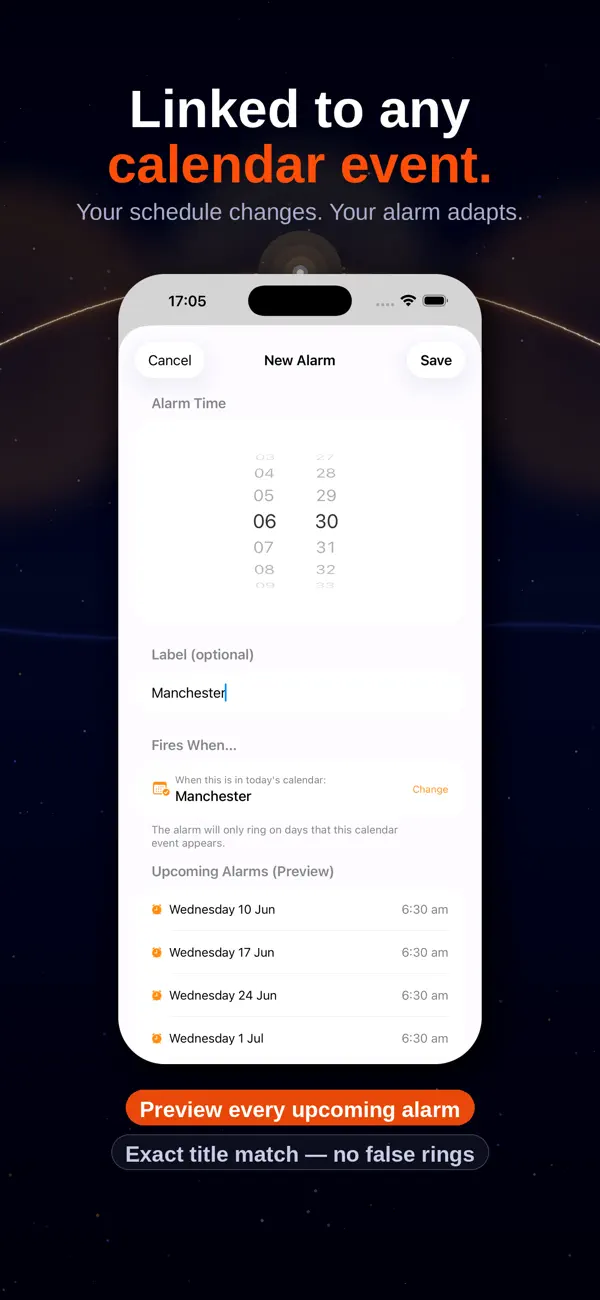
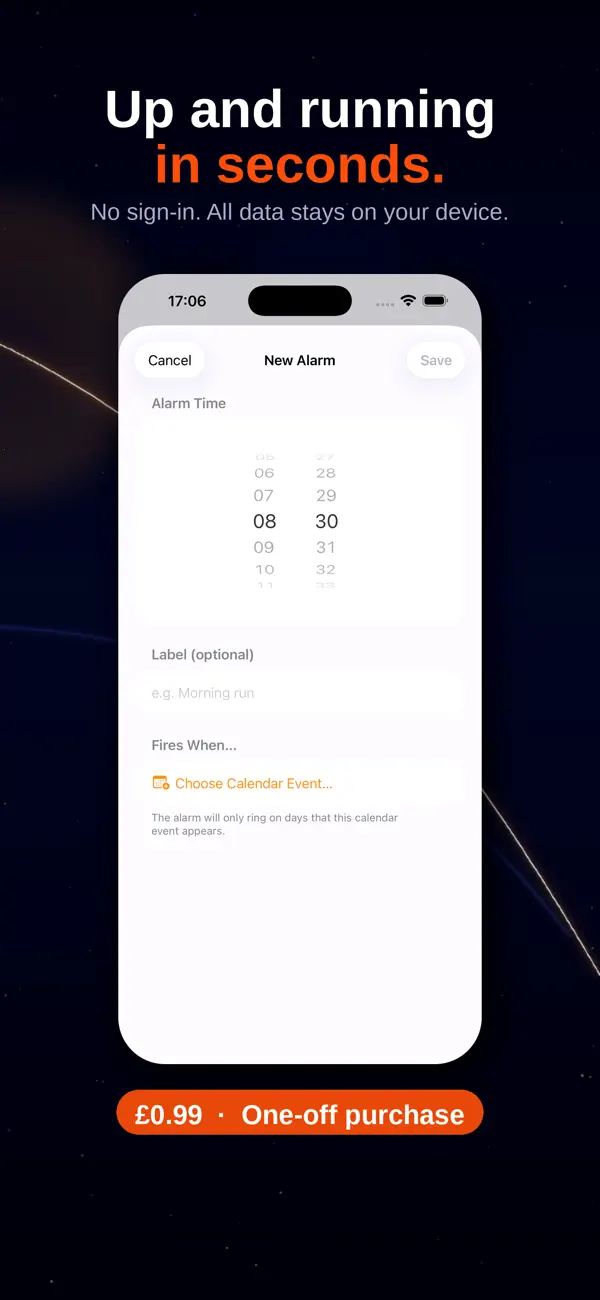
Définissez simplement une heure d'alarme, liez-la à un événement de calendrier (comme « Bureau » ou « Travail »), et Calendar Alarms fait le reste. Chaque matin, l'application vérifie votre calendrier et sonne uniquement si cet événement figure dans votre planning du jour.
Comment ça marche :
Définissez votre heure d'alarme une seule fois
Liez-la à un mot-clé de vos événements de calendrier
Calendar Alarms vérifie votre calendrier chaque jour
Votre alarme sonne les jours correspondants — et est ignorée les autres
Idéal pour :
Les travailleurs hybrides avec des jours de bureau variables
Les navetteurs dont le planning change d'une semaine à l'autre
Les travailleurs en horaires décalés avec des rotations changeantes
Tous ceux qui en ont assez d'activer et désactiver leurs alarmes manuellement
Fini de désactiver et réactiver votre alarme chaque dimanche soir. Fini de rater une journée de travail parce que vous avez oublié de la remettre. Calendar Alarms s'en charge pour vous — discrètement, fiablement, automatiquement.
Quoi de neuf dans la dernière version ?
Mise à jour de l'actualisation en arrière-plan pour garantir qu'une entrée de calendrier supprimée n'oblige pas à ouvrir l'application pour être actualisée.