CardFiler
iOS Universel / Productivité
Have you been wishing for a simple, intuitive, lightning-fast way to catalogue and find your “stuff?" Do you want to keep track of your collections, your hobby supplies, your pantry, your wardrobe, etc.? If so, CardFiler is for you.
Whether you’re a knitter who needs to keep track of the needles and yarn you own, or a hobbyist that wants to keep track of your tools and supplies or a school teacher trying to remember where all of your classroom supplies are kept. If you’ve ever been at the store and wondered, for example, if you have that paint color, that shade of yarn, that rubber stamp, or that book or magazine? CardFiler is for you.
If you've tried other inventory apps and found them to be cumbersome and overloaded with bells and whistles, more suitable for a business than the homeowner or hobbyist? If the answer to any of these questions is “yes”, then CardFiler is definitely for you. This app lends itself to virtually any situation since there are no predetermined fields requiring a long set-up and learning curve and no complicated instructions to remember. You, not the app, decide how you want to keep track of your items. Best of all, it’s super fast and super simple so you can download the app and enter your first item a few seconds later!
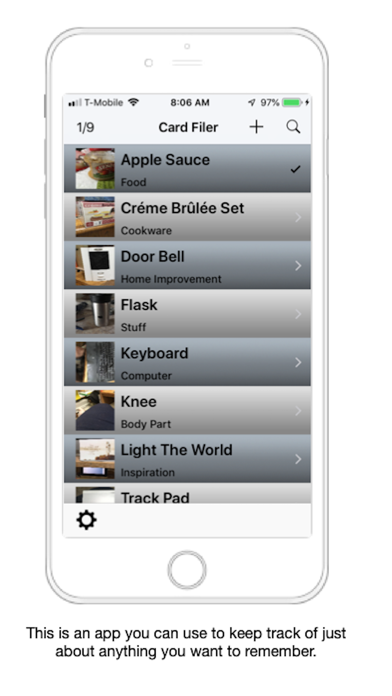
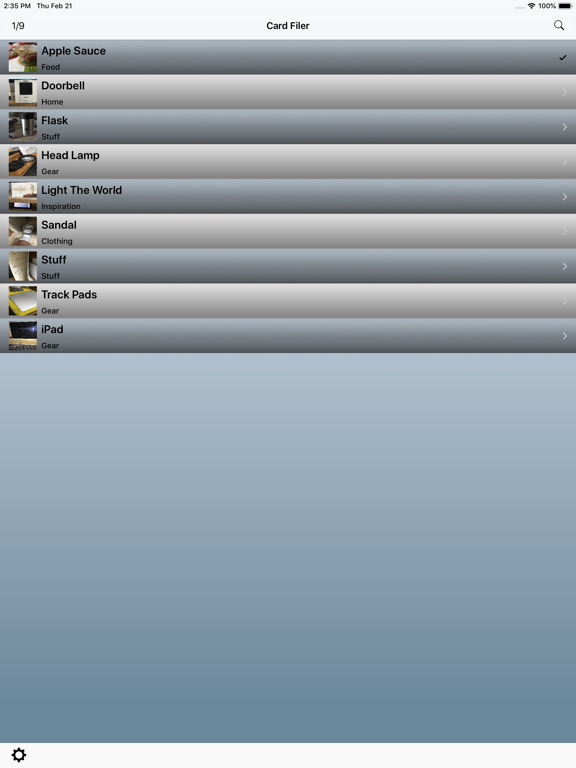
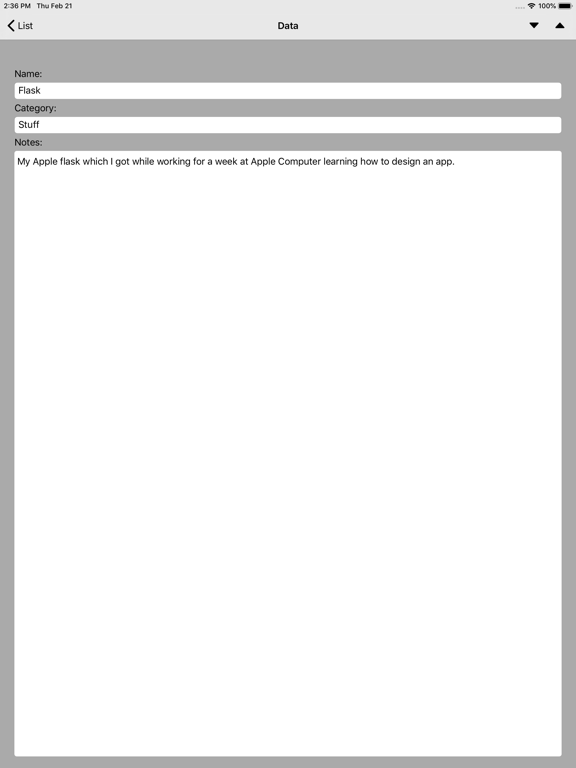
To enter an item just press the +, take 1 or 2 pictures, give the item a name and a category, and enter any notes you would like. This can be the location, the price, when acquired, whatever; it’s up to you. Then hit List and your item is recorded. When you are ready to find that tool or you are at the store and want to know if you already have that set of knitting needles, or that book, simply go to CardFiler on your iPhone or iPad. You can search by name or category or simply have CardFiler display all items alphabetically by name or category, just in case you can’t remember what you called something. All items are displayed with a thumbnail in front for immediate identification. Just touch the desired item and the full record opens up where you can see your notes and swipe right to see your pictures. You can also tap the thumbnail and see a larger version of the photo right from the list.
Features:
Simple and intuitive
No long learning curve
No predetermined fields to set up and remember
Lends itself to multiple applications, home, hobby, collections
Seamless integration between iPhone and iPad
Unlimited number of entries
Your data is kept safe in iCloud
Search by name or category or notes
Display all items by name or category
You can store up to 2 photos of each item - great for before and after shots.
Images are timestamped
You can share card data via email, text and many other options.
Quick peek an item by touching it’s thumbnail photo in the item list
You can replace or delete photos any time
Quoi de neuf dans la dernière version ?
UI Updated to take advantage of larger iPhone displays. Includes improved search capabilities.
Adds ability to share data between devices.
Adds ability to search by name, category and notes.
Adds ability to remove a photo.
Bug fixes.