Castograph: Dance Formation
iOS Universel / Productivité
Plan formations and movement paths more clearly before rehearsal.
Place performers, set transition timing, and check curved routes and overlapping paths before your team steps on stage.
Preview the full routine with music, then share the finished movement plan as a video or chart.
Castograph is a visual formation planner for choreographers, dance teachers, directors, and performance teams. Build precise stage layouts, organize formations on a timeline, and see how performers move from one formation to the next at a glance.
# Core Features
• Visual stage planning
Place and move performers on an 18 x 10 stage canvas. Use names and colors to keep every position easy to identify. Reuse saved crews to start new projects faster.
• Curved movement paths and collision checks
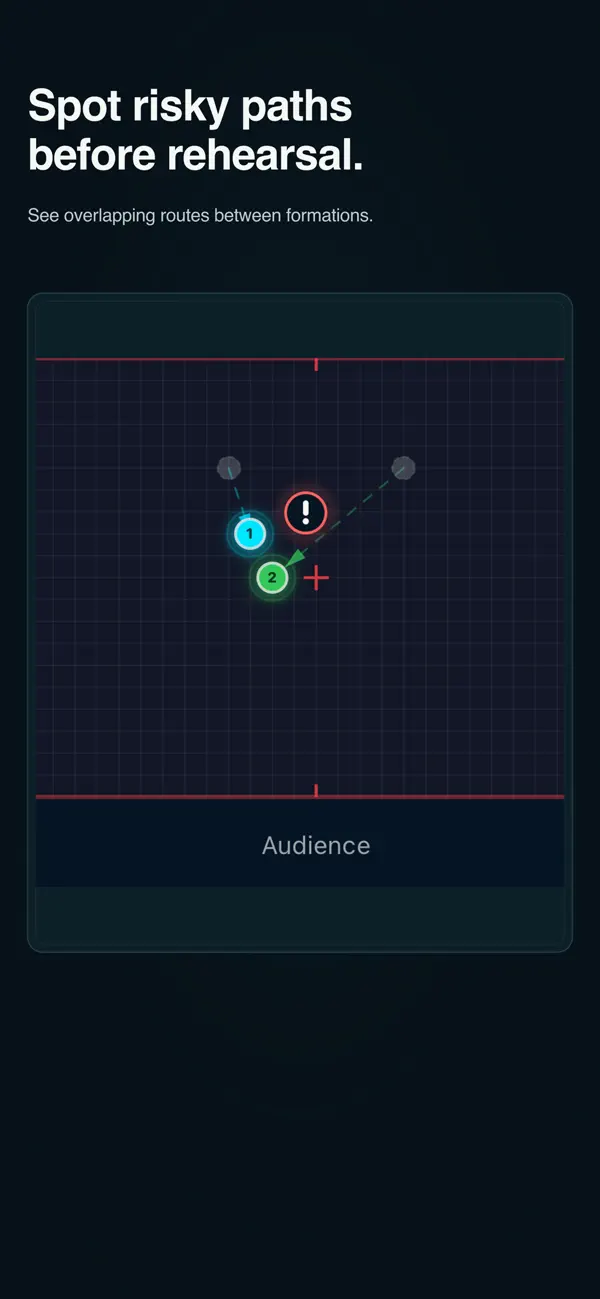
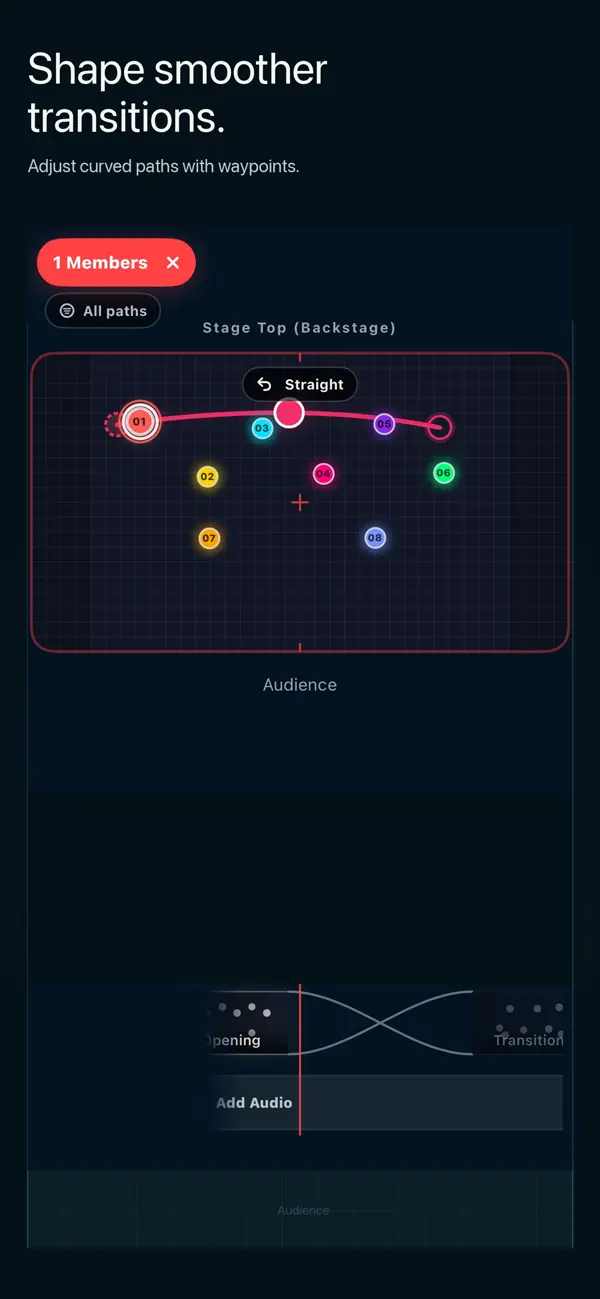
Move waypoints to shape smoother curved transitions. Check where movement routes overlap or where performers may collide before rehearsal begins.
• Music-synced formation timelines
Add and reorder formations, set hold and transition durations, import audio from Files or a video from Photos, and play the full sequence in sync with your track.
• Video preview and export
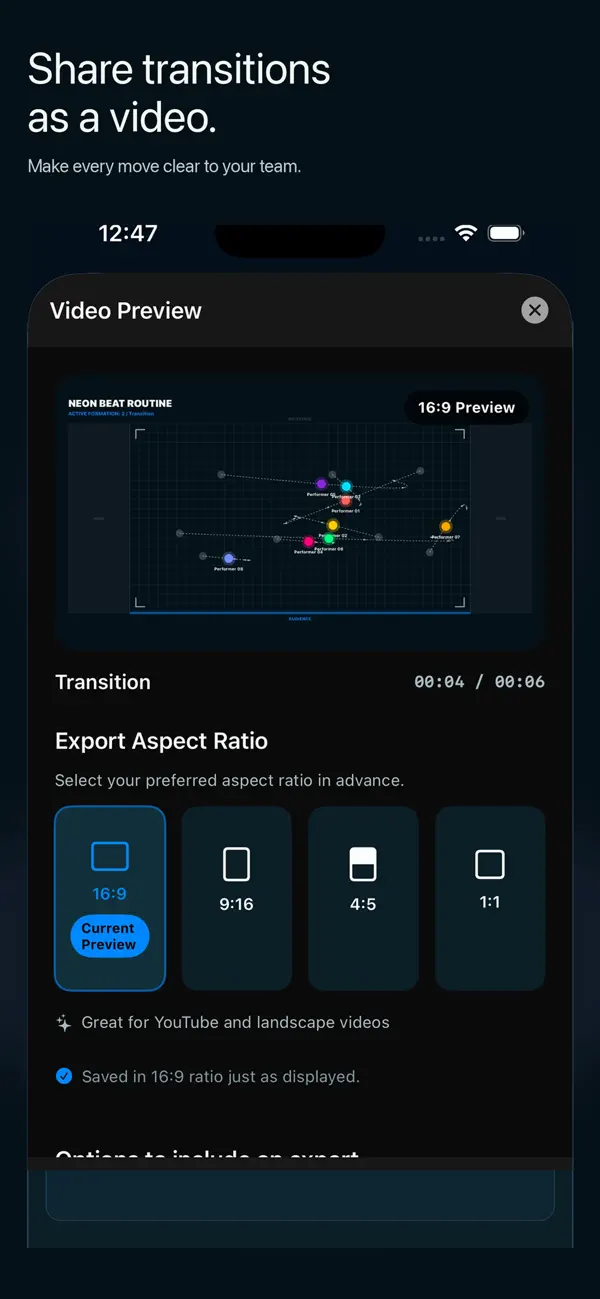
Review animated transitions before rehearsal. Preview the finished movement flow as a video and create shareable results your team can follow more easily. Castograph Pro unlocks PDF, image, and video export.
# Built For
• Choreographers designing routines and transitions
• Dance teachers and studio teams preparing rehearsals
• Cheerleading, color guard, and marching groups
• Musical and theater directors planning stage movement
# How It Works
- Create a project or choose a saved crew.
- Add performers and place them on the stage.
- Add formations to the timeline.
- Set hold and transition timing.
- Import music and preview the full routine.
- Preview and export as video, PDF, or image.
# Start Free
Create up to five projects with unlimited performers and formations. Music-synced playback, timing controls, undo and redo, notes, video preview, and export preview are included. Castograph Pro unlocks unlimited projects and actual PDF, image, and video file generation.
#Subscriptions
Castograph is free to download and offers optional auto-renewing monthly and yearly subscriptions. Eligible new yearly subscribers may receive a 14-day free trial. Trial, price, renewal, and cancellation terms are shown before purchase. Manage or cancel subscriptions in your Apple Account settings. Privacy Policy and Terms of Use are available in the app.
No account is required. Choreography projects and imported media stay on your device unless you choose to export or share them.
Terms of Use (EULA): https://www.apple.com/legal/internet-services/itunes/dev/stdeula/
Privacy Policy: https://poised-snow-ca5.notion.site/Swallowtail-Privacy-Policy-2ed0fb1b7290807d97efdb7409aa8ad7
Quoi de neuf dans la dernière version ?
- This update makes it easier to shape smoother curved movement paths.
- You can spot overlapping routes more clearly and preview or share the finished transition flow as a video.