CatchIT Spaces
iOS Universel / Productivité
What: Highly customizable application * Multi-module * Multi-user * Video player Multi-subtitles (UTF-8 .SRT type) FULLY customizable * Auto-scrolling Text UTF-8 viewer, HTML viewer and Web-browser (with customizable font size)
Why: To enable your creativity and productivity.
How: Create your own Spaces by using modules such as Video, Music, Photos, Text UTF-8, Html Viewer, Web Browser, and File Explorer.
Choose one of many available User profiles. Place modules in tabs and arrange them however you desire: resize, move, minimize, restore and maximize. Put a module in sleep mode to preserve its state, or simply delete it.
Control modules from the taskbar. Save a user’s configuration by putting it in sleep mode. Restore and switch users. Copy a user’s configuration to another user.
Configure modules’ buttons’ fill, contour, and opacity. Toggle their position from a module’s periphery to a floating mode (horizontal or vertical). Hide or pin buttons.
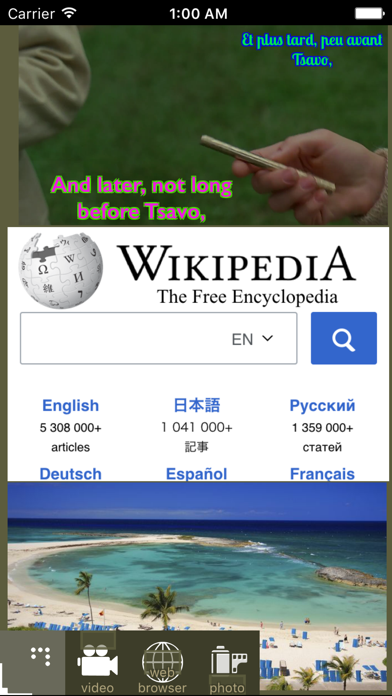
Watch videos with one or more subtitles at the same time. Move and resize subtitles. Configure their parts, colors, opacity, and size.
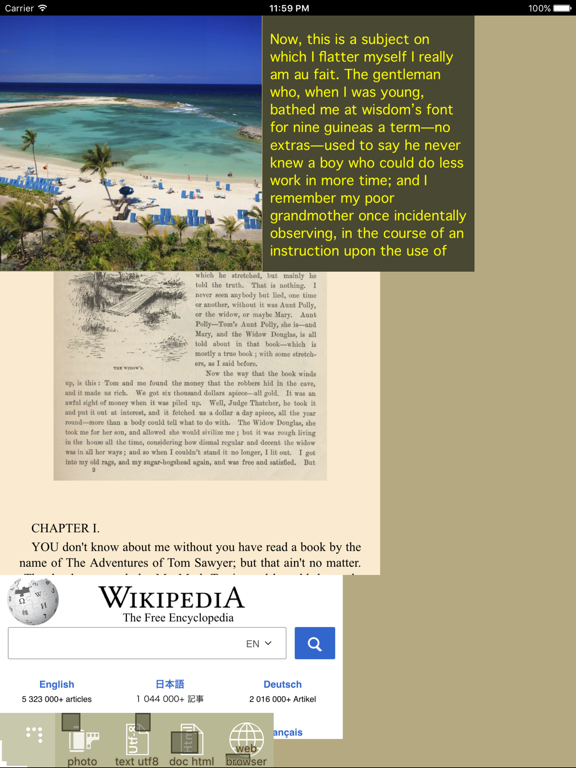
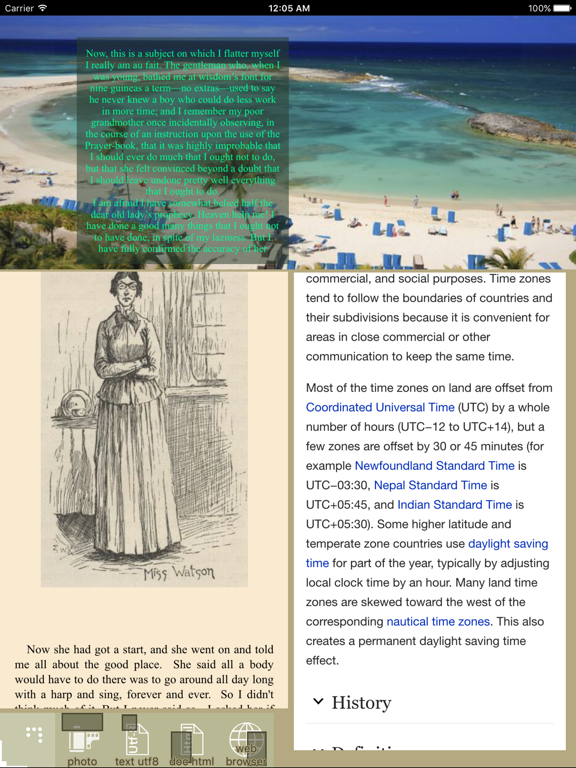
Change audio tracks. Listen audio, read Text Utf-8, Html and browse the web at the same time. Auto-scroll text, html, and web pages. Configure auto-scrolling speed. Configure modules’ opacity – place them one over another, and read with a photos/video background. Set photos in slideshow mode. Use explorer to browse and manipulate files and directories.
Select a descriptive text on all buttons in one of the languages: Arabic, Bulgarian, Chinese, English, French, German, Hindi, Hindi-English, Italian, Japanese, Portuguese, Romanian, Russian or Spanish. Read tutorial in different languages.
App features:
- Modules: video player, music player, photos, text UTF-8 viewer, html viewer, web browser;
- Configuration can be saved in up to 19 users;
- Modules are located in tabs;
- Taskbar shows modules in active tab;
- Modules can be resized, minimized, maximized, and moved;
- Buttons can be configured in size, color, and transparency;
- Each user has six color themes;
- Many subtitles per video can be shown at the same time. Each one can be resized and fully configured. Subtitles should be in UTF-8 format (encoding);
- Buttons can have descriptive text in one of the languages: Arabic, Bulgarian, Chinese, English, French, German, Hindi, Hindi-English, Italian, Japanese, Portuguese, Romanian, Russian or Spanish.
***
To quick start:
Prepare your files:
- Files (video, music, photos, text-utf8, and html) must be located in application storage (managed by iTunes);
- Subtitles for video module must be “.SRT” type and in UTF-8 format (encoding);
- Text files must be in UTF-8 format (encoding) and with “.TXT” extension;
- HTML files must have an extension “.HTML” or “.HTM”
In application:
- Choose a language for description text on all the buttons (from left menu bar). Later this description text can be hidden;
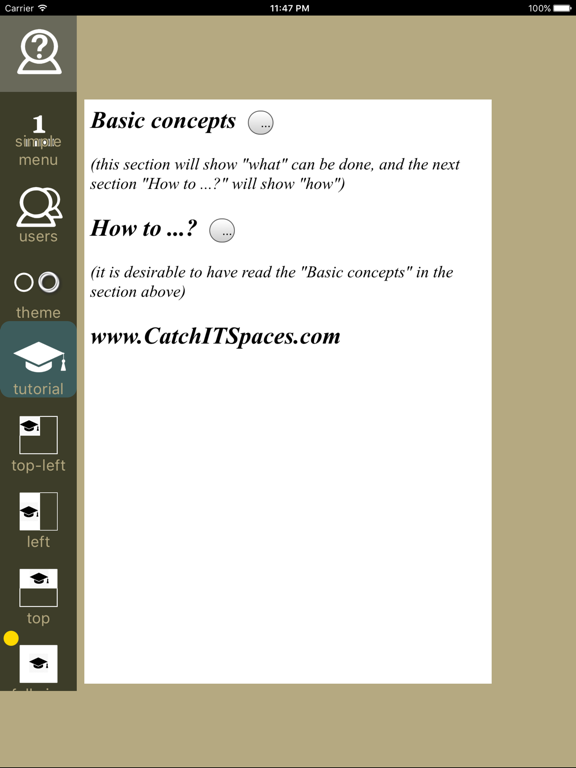
- Read the tutorial. The tutorial can be hidden at any time;
- Choose a user from left menu bar;
- Choose a module (video, music, photos, text-utf8, html, web-browser) from right menu bar;
- Touch and slide to position the module, and leave the finger – the module is ready;
- Tap “Open” button to open the explorer control and then choose the file(s) to play (for video, music, photos, text-utf8, html modules);
- To manipulate (move, resize) a module: tap the bottom-right corner of the module. The yellow manipulation layer will be shown. You may now resize the module by dragging its corners or peripheral bars, and move the module by sliding its inner part;
- Tapping the upper left module's corner will toggle visibility of its menu. Double tapping the same corner will toggle menu floating mode. Press and hold the same corner to toggle visibility of delete menu button.
- For more conventions: read the “Tutorial” (inside the application) in your preferred language or/and watch “basics” and “modules” videos at www.CatchITSpaces.com
***
Free & No Ads
Quoi de neuf dans la dernière version ?
Bug fixes and performance improvements.