CopiTab
iOS Universel / Productivité
This is a keyboard app that allows you to register and use frequently used phrases.
It's useful for people who frequently type the same sentence.
We've incorporated various features, so please consider it compared to other similar apps.
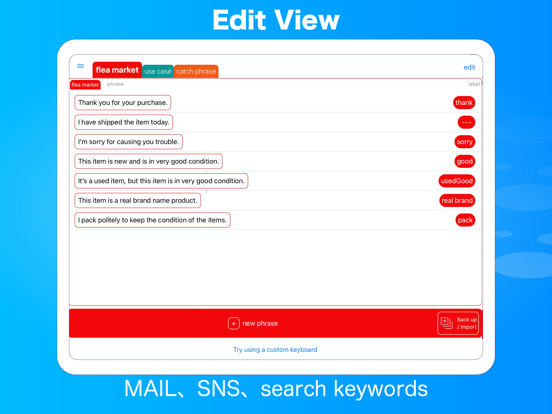
You can manage your phrases with color-coded tabs, and you can record text that includes line breaks.
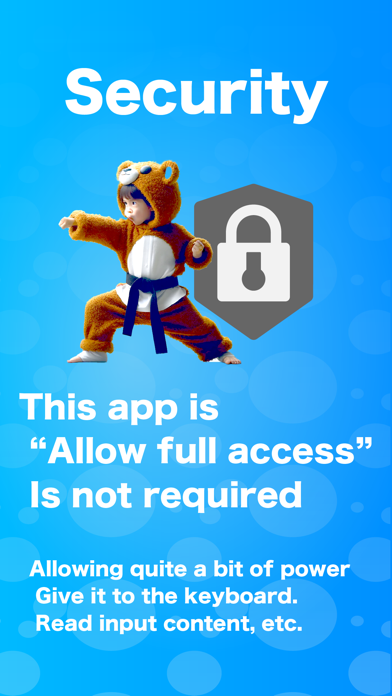
It's secure without requiring full access permission.
(Example of use)
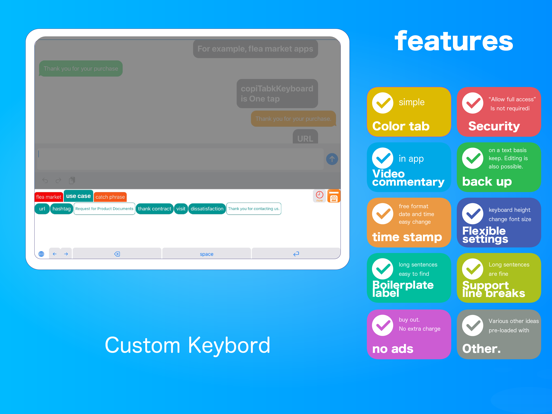
Because it's a keyboard app, you can use it in various other apps.
For example:
In a flea market app...
When repeatedly using the same sentence, such as "I have purchased it. Thank you."
On social media...
Frequently used hashtags and links
In business emails...
Signatures
In search...
Search words that you check regularly
Words that you have been frequently searching recently
-Example of using the function to input the current time with one touch:
It's convenient for simple recording such as weight recording and one-line diary without using a dedicated app.
We believe that there are many points where this app is superior to other similar apps.
We've summarized the features below, so please consider them.
(Feature: Summary of Features)
[● mark: A rare function in similar apps or a function that is not supported by other apps (as of April 2023)]
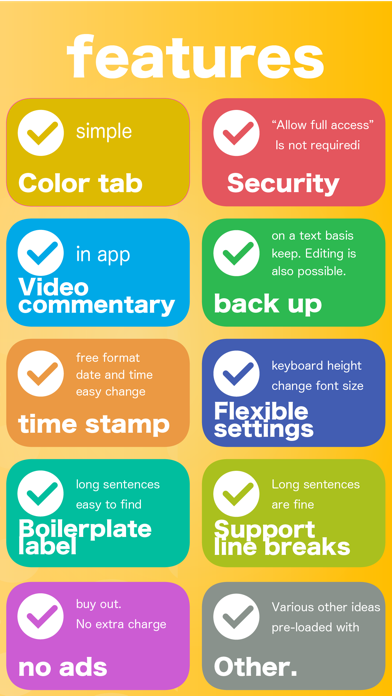
● Simple management of phrases with color-coded tabs
● No need for full access permission. Security is assured.
(For apps that require full access permission, Apple will display a strong warning message to be careful with important input.)
● Easy-to-understand usage explanation in video format
You can register text that includes line breaks
● Backup and restore of phrases
● The backup data is in text format, so once you get used to it, you can edit and register multiple tabs and phrases in bulk
Titles (labels) can be added to the phrase buttons on the keyboard
● Buttons with titles prioritize visibility
If there is no title, we try to display as many characters of the phrase as possible, even for long phrases.
● One-touch input of date and time. You can select many formats, such as with or without the day of the week, only time or only date.
● Easily change the date and time with one-touch input.
● You can choose whether to add a line break before and after the date and time input.
● You can change the font size of the phrase buttons on the keyboard (with actual size preview of the keyboard).
● You can set the height of the custom keyboard (with actual size preview of the keyboard).
● The custom keyboard has left and right (← →) cursor keys.
Dark mode support.
How to set up the custom keyboard:
Settings > General >
Keyboard × 2 > Add New Keyboard
Please use it.
(Alternatively, there is a video explanation in the app, so please check it out.)
*If the CopiTab keyboard does not appear when you tap the globe icon after setting it up, please select CopiTab from the long press of the globe icon. After that, it will be displayed by tapping the switch.
Quoi de neuf dans la dernière version ?
Compatible with iPad's floating keyboard.