iPhoneAddict Apps
  • Actualités
  • Accueil Apps
  • iPhone
  • iPad
  • Universelles
  • Mac
  • Apple TV
KG KultureGeek
App
iPhone / iPad Télécharger iAddict v5 Mac Télécharger iAddict Mac
  • Actualités
  • Accueil Apps
  • iPhone
  • iPad
  • Universelles
  • Mac
  • Apple TV
  • Archives keynotes
  • Firmwares & iTunes
  • Contactez-nous
  • Comparateur de prix
  • KultureGeek
Accueil » Liste des Apps » Apps Universelles » Productivité » Copper - EAGLE CAD Viewer
1.0.3 iOS €5,99€ Phillip Schuster 0 0 Open any EAGLE CAD file (from version 6 and above) directly on your iPhone and investigate the PCB layout and schematics with your finger. Select parts and signals, manage parts and Bill of Materials. Copper creates 3D versions of your PCB including...
Copper - EAGLE CAD Viewer

Copper - EAGLE CAD Viewer

iOS Universel / Productivité

5,99€
Acheter sur l'App Store
Facebook X E-mail

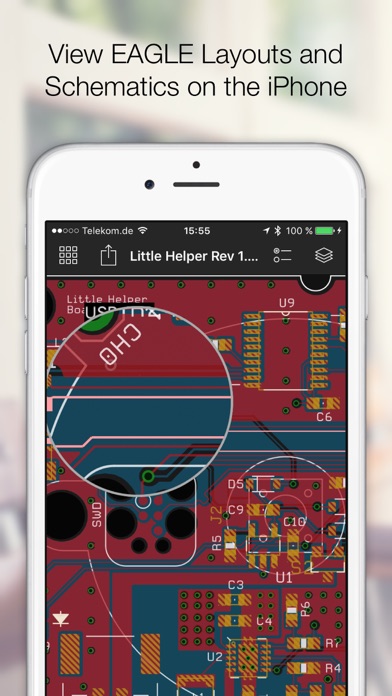
Open any EAGLE CAD file (from version 6 and above) directly on your iPhone and investigate the PCB layout and schematics with your finger. Select parts and signals, manage parts and Bill of Materials.

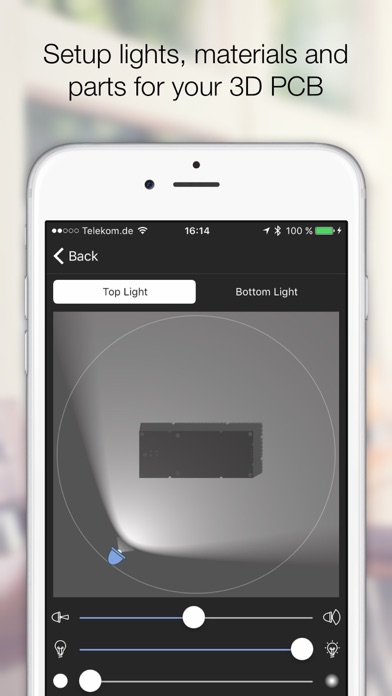
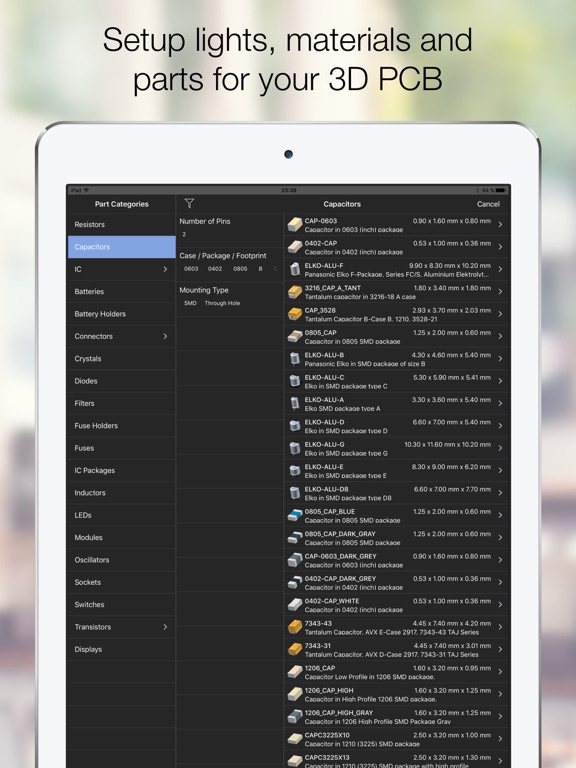
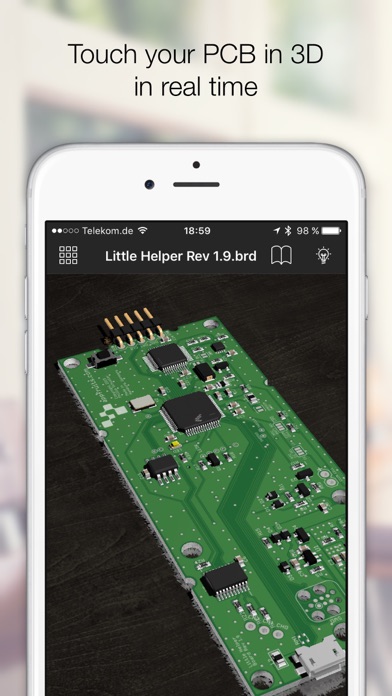
Copper creates 3D versions of your PCB including parts that you assign from our extensive 3D model library to your footprints. Copper then renders a photorealistic representation in real time that you can touch, rotate and move in a virtual studio. Setup lights and materials like the solder mask or the floor.

Import EAGLE files from any source like the web (just download a ZIP file with EAGLE files), from Github, your Dropbox, or send PCB files directly via Airdrop, Mail or iMessage to your iPhone or iPad.

Every file you import is kept in Coppers library. This way you can build up a nice library of PCBs and Schematics right in your pocket.

Copper is also available for the Mac and both share the same codebase and file format.

En voir plus...

Quoi de neuf dans la dernière version ?

This update from Apple will improve the functionality of this app. No new features are included.

This is a iOS 11 compatibility update fixing some minor issues with iOS 11.

- Fixed a crash in 3D mode under certain conditions.
- Fixes minor issues with specific schematics or layouts
  • Screenshot #1 pour Copper - EAGLE CAD Viewer
  • Screenshot #2 pour Copper - EAGLE CAD Viewer
  • Screenshot #3 pour Copper - EAGLE CAD Viewer
  • Screenshot #4 pour Copper - EAGLE CAD Viewer
  • Screenshot #5 pour Copper - EAGLE CAD Viewer
  • Screenshot #6 pour Copper - EAGLE CAD Viewer

D'autres applications du développeur

CopperCoppermacOS

Note

(0 note)

Détails sur l'application

Version
1.0.3
Taille
81.5 Mo
Version minimum d'iOS
9.3
Dernière mise à jour
12/12/2017
Publié par
Phillip Schuster

Newsletter App Store

Recevez chaque jour les meilleures promos

Actualité Apple

Image Apple Music : la traduction des paroles en français est en cours de déploiement
Apple Music : la traduction des paroles en français est en cours de déploiement
Image Apple teste iOS 26.6.1 sur iPhone pour des correctifs
Apple teste iOS 26.6.1 sur iPhone pour des correctifs
Image L’iPhone original de 2007 perd son dernier réseau mobile aux États-Unis avec l’arrêt de la 2G
L’iPhone original de 2007 perd son dernier réseau mobile aux États-Unis avec l’arrêt de la 2G
Image Le Mac Pro fête ses 20 ans, cinq mois après son abandon définitif par Apple
Le Mac Pro fête ses 20 ans, cinq mois après son abandon définitif par Apple
iPhoneAddict Apps

Le catalogue iPhoneAddict pour suivre les nouveautés, mises à jour et baisses de prix de l’App Store.

Apps

Toutes les apps iOS iPhone iPad Universelles Mac Apple TV

iPhoneAddict

Actualité Apple Archives keynotes Contact À propos KultureGeek

Suivez-nous

©2009-2026 i2CMedia. Tous droits réservés.