Design CAD - create and edit DWG/DXF/CTM drawing files
iOS Universel / Productivité
Design CAD is a full CAD application that let you make a lot of things in 2D directly in your iOS device.
It is for everybody interested in 2D CAD as professionals, sketchers, architects, engineers, designers, students and more.
Runs on iPad and iPhone.
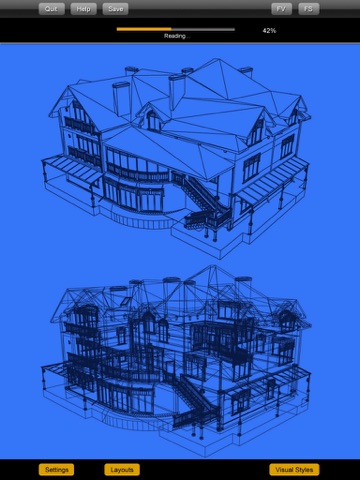
Surfaces support and 3d formats like STL, OBJ, DXF and native 3DQ with textures.
You can use the Desktop version(Mac/Windows/Linux) to print your drawings.
++ FEATURES ++
++Input/Output:
- Seamless DWG/DXF support (including v2012)
- Saves as DWG
- Exports PDF (for printing and sharing)
- Merge DWG/DXF at specific position
- Export images to photo album
- Email input/output
++ Usability:
- Precise input with unrivaled ease of use and really fast drafting speed
- You can enter lengths and angles with a non-invasive numeric keyboard
- Option for metric units (decimal) or imperial units (feet and inches as architectural standards)
- Orthogonal and Angular snaps (30-45-60 degrees)
- Redefined selection system with single finger and window selection
- Interactive tutorial included
++Design features:
- Text
- Dimensions
- Angular dimensions
- Parallel offset
- Grip points (stretchable, with precise input)
- Advanced OSNAP (endpoint, midpoint, intersection, center, perpendicular, tangent, entity-entity intersections)
- Alignments to adjacent points
- Hatches
- Colors, line-widths, line-types and patterns
- Image insertion tool (with saturation control)
- Objects (blocks)
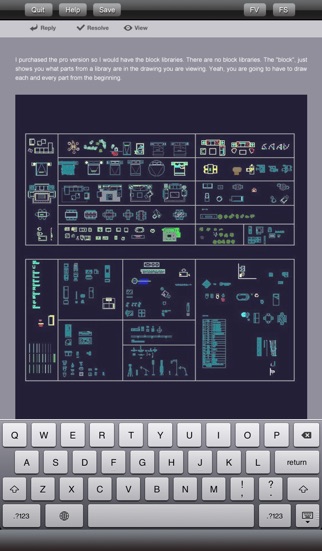
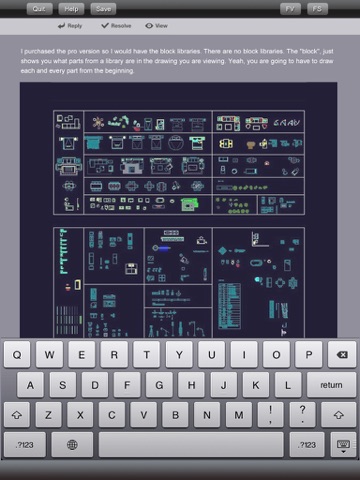
- Objects library
- 18 preloaded objects (architecture, engineering, electronics, home design) and more to come in future updates
- Editable objects
- Trim lines
- Explode tool
- Query distances, area, moments of inertia and centroid of shapes
- Layers
- Undo/redo
++ Advanced design features:
- Advanced line-types like sketchy-style, insulation and grass
- Advanced hatch functions like associative boundary-shaping, holes/islands
- Advanced patterns like earth, wall, roofs
- Advanced object features like mail-sharing, batch object replacement, add new objects to the library from selection
- Automatic scaling of text/dimensions/patterns/linetypes (can be disabled)
++ Tools and editing capabilities:
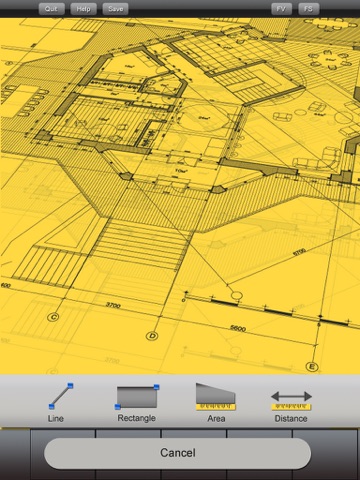
- Tools: line, polyline, sketch, rectangle, circle, 3-point arc, point, hatch, text, dimensions
- Transformations: delete, drag, drag a copy, rotate, rotate a copy, mirror, mirror a copy, scale, trim, offset, explode
- Complete-featured 2D mobile CAD solution, draw with ease and precision. Using our innovative angle-distance polar coordinates method, the multitouch screen of your device is now the fastest and more accurate way to draw anything technical on the go (from building silhouettes to mechanical details) and review/query/edit your drawings right where you need them, on the worksite.
- No internet connection required, you can create new drawings right from your device with desktop-class tools.
- When you are on the go, Design CAD will give you the details and flexibility paper won't. You can query, edit and add geometry. With this new release you have unprecedented power on your hands: you can insert objects (like furniture, appliances, parts, etc), dimensions, text, hatches…a lot of features that will make you save a lot of time and increase your productivity.
- Native DWG/DXF file support, now you can open and save your work on the same format you use on your desktop computer, this bridges your office to your site, you will always have your drawings with you when you really need them. (compatible with: AutoCAD™, ArchiCAD™, SketchUp™, Illustrator™, Solidworks™, Vectorworks™ and every DWG/DXF-capable software).
- Design CAD uses iTunes™ file-sharing (drag & drop files from your computer) and can send/open email with attachments.
Quoi de neuf dans la dernière version ?
This app has been updated by Apple to display the Apple Watch app icon.
bug fix;