Diamond Painting Logbook
iOS Universel / Productivité
Track your diamond painting projects like never before with the completely redesigned Diamond Painting Logbook.
Whether you're managing a growing stash or actively working on multiple projects, this app keeps everything organised, detailed, and easy to access—all in one place.
Now rebuilt from the ground up, Version 2 introduces powerful new features, improved performance, and cloud syncing to keep your data available across your devices.
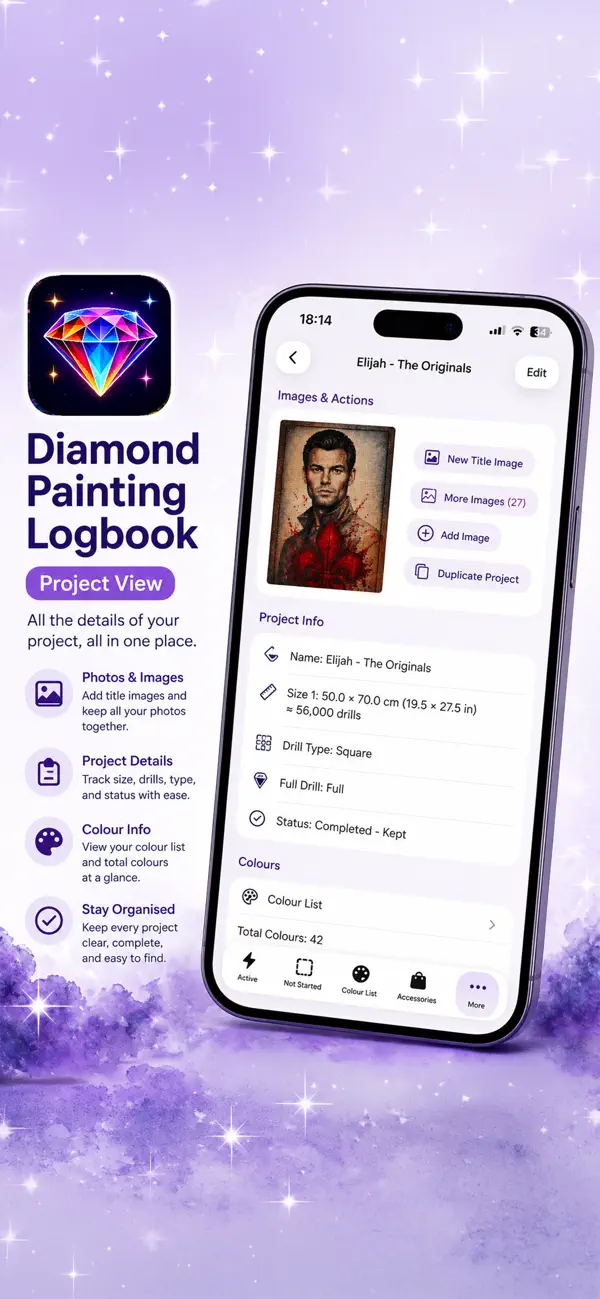
Keep track of everything that matters:
* Project size, cost (price, shipping, discount)
* Drill type (Round, Square, Special)
* Full or partial coverage
* Status and lifecycle dates (Ordered, Dispatched, Received, Started, Finished)
* Where you purchased your kit
* Artist name and order/tracking numbers
* Full drill colour lists, including DMC, Diamond Dotz, AB, and Diamond Art Club
* Custom colours with assignable colours and symbols
Take control of your time:
* Track time spent on each project
* Start, pause, and stop sessions directly from the project list
* Manage breaks alongside sessions
* Add notes to time sessions
* Get notified if you leave a session or break running
* View enhanced stats and set custom time ranges
Stay organised and efficient:
* Cloud syncing keeps your data backed up and in sync
* Faster loading with thumbnail-based image previews
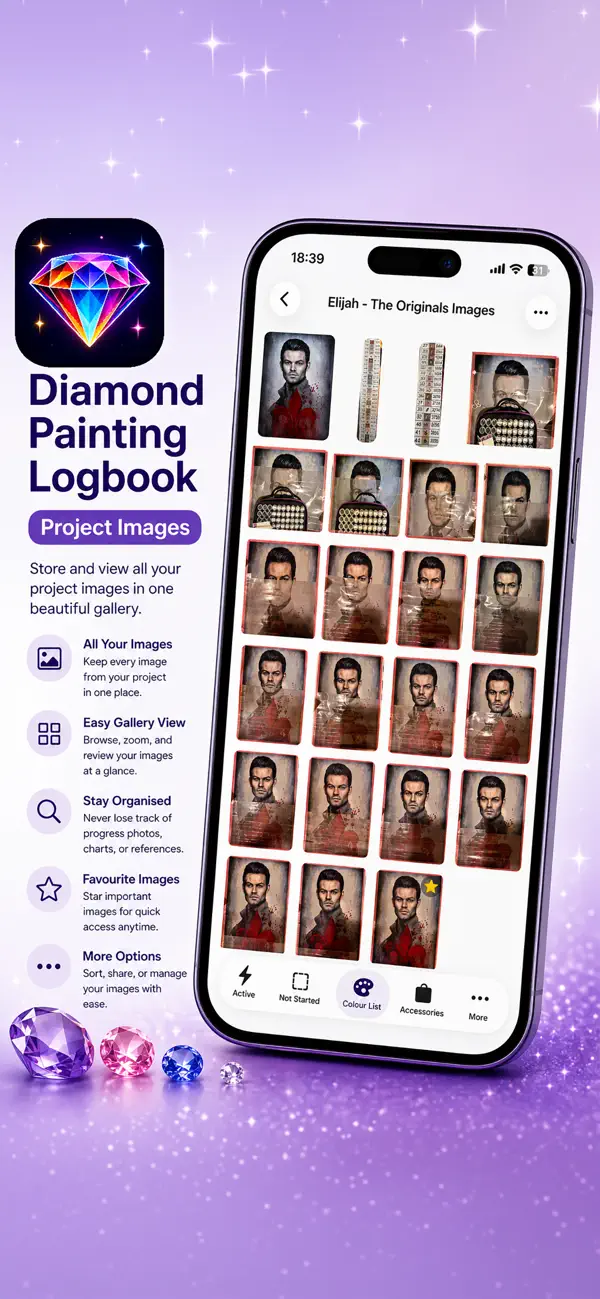
* Store multiple progress images per project, with notes and a selectable title image
* Advanced filtering and improved search (including purchase location)
* Track accessories alongside your projects
* Assign symbols to project colours for better visual tracking
Smarter project management:
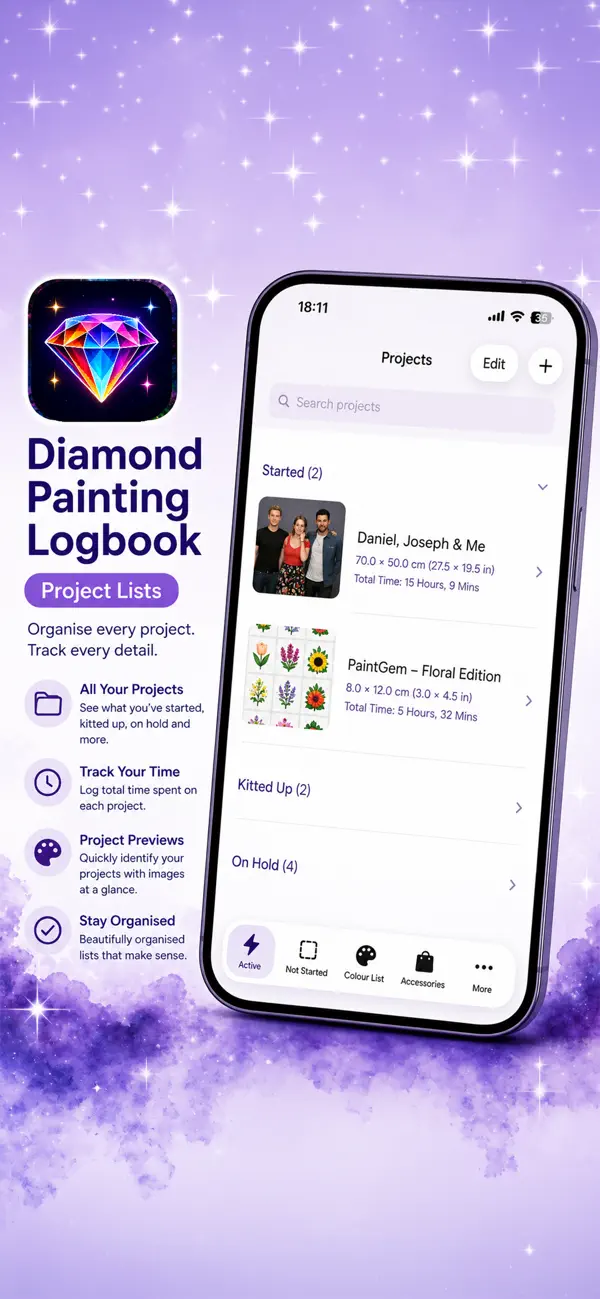
* Updated status system including Completed, Started, Not Started, Not Received, Wish List, On Hold, Gifted, Kitted Up, Sold (Not Completed), and Lost
* Quickly mark projects as received directly from the detail screen
* Prevent multiple active sessions at once to avoid tracking errors
* Visual indicators for active and paused sessions in lists
* Spin the wheel to pick your next project
Connected and convenient:
* Integration with Piwigo, including upload queue support
* Open project URLs, tracking links, and FAQs without leaving the app
Version 2 also includes a refreshed app icon, expanded stats, improved filtering options, and numerous bug fixes for a smoother experience.
Whether you're a casual hobbyist or a dedicated collector, Diamond Painting Logbook helps you stay organised, motivated, and in control of your projects.
Quoi de neuf dans la dernière version ?
### Short Version
Version 2.2 adds manual drill tracking, URL importing while editing projects, smarter colour importing, new statistics, optional feature notifications, plus Piwigo optimisations and bug fixes.
---
### Long Version
**What's New in Version 2.2**
Version 2.2 introduces new ways to manage your projects, improves colour importing, and adds even more useful statistics.
**Project Improvements**
* Import project details from a URL while editing an existing project
* Manually track the number of drills used, while still supporting automatic estimates when no manual value is entered
* Option to automatically delete imported images after import (disabled by default and configurable in Settings)
**Colour Import**
* The colour import screen now displays:
* Current number of colours in the project
* Number of colours found during import
* Total number of colours detected
**Statistics**
* Added a new **Top 5 Artists** statistic to help track your favourite artists
**Stay Updated**
* Subscribe to notifications for newly released features and features you've voted for
**General Improvements**
* Optimised Piwigo uploads for improved performance and reliability
**Bug Fixes**
* Expected Dispatch Date no longer displays as overdue once a project has been marked as dispatched
* Restored duration information to the date sections
As always, this release also includes additional performance improvements and refinements throughout the app.