PDF Reflow
iOS Universel / Productivité
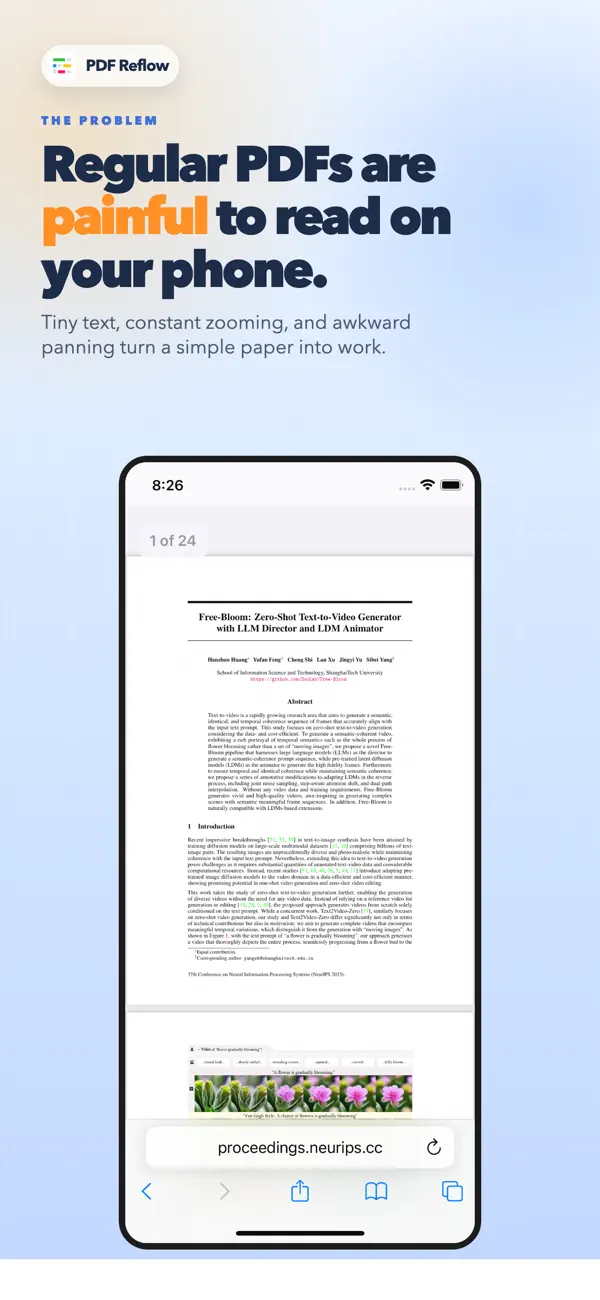
Reading PDFs on your phone is frustrating.
Tiny text, constant pinching, horizontal scrolling, multi-column layouts, and research papers that never fit the screen make even simple reading feel like work.
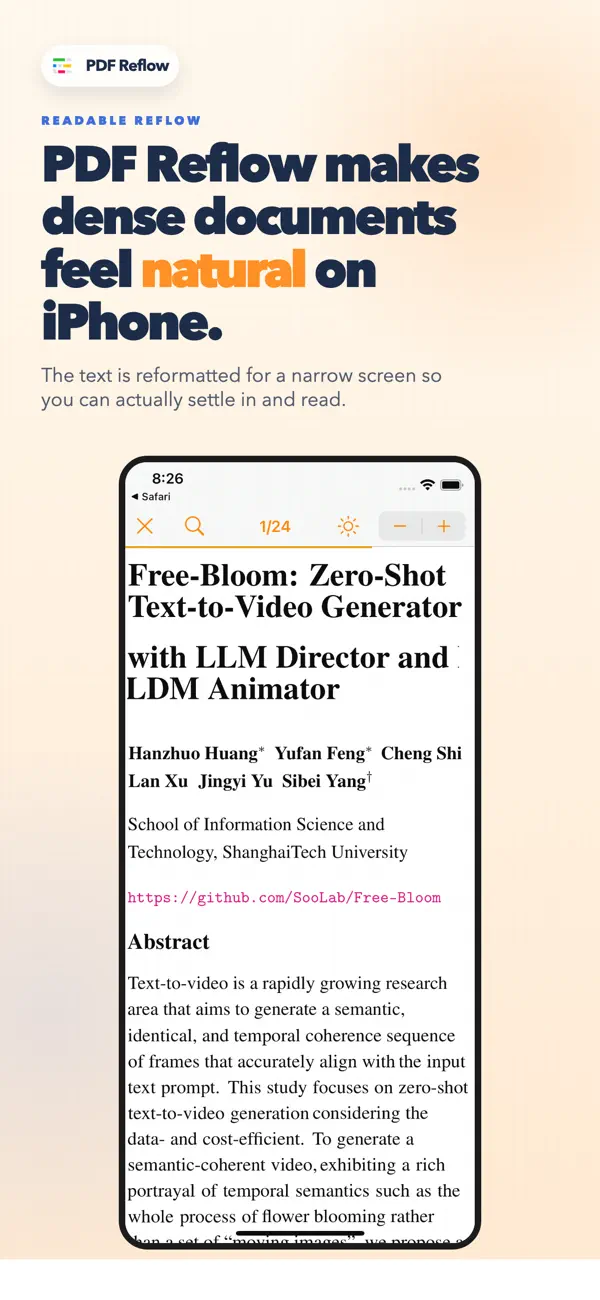
PDF Reflow makes PDFs and Word documents easier to read on mobile by turning them into a clean, phone-friendly reading experience. Instead of zooming in and out or dragging the page left and right, you can read documents in a natural vertical flow that fits your screen width.
It’s especially helpful for:
- research papers
- reports
- manuals
- articles
- Word documents
- PDFs with figures, colors, and formulas
PDF Reflow keeps the look and structure of your document while making it much easier to read on a small screen.
You can also:
- select and highlight text
- search inside documents
- adjust text size up to 300%
- show the PDF in dark mode
- pick a PDF inside the app
If you read PDFs on your phone and hate fighting the layout, PDF Reflow is built for that problem.
Feedback: laurent@appblit.com
Quoi de neuf dans la dernière version ?
- Resume reading where you left off with a quick “Resume from page” shortcut (thanks Jörgen!)
- Export or share highlights as Markdown, including source information when available (thanks Matthew!)
- Organize PDFs into folders to keep your library cleaner (thanks CD!)
- Search across your PDF library, including document text
- Open a PDF from search results and automatically continue that same search inside the reader
- Improved PDF library layout with larger titles, highlight counts, and a cleaner search experience
- Better document title detection, including longer multi-line titles
- Imported PDFs are checked for duplicates
- Recently added documents now appear first without resetting their original added time every time you open them
- Better filename handling for PDFs opened from the share extension when the source app provides a suggested name
- Updated reader controls with zoom, share, theme, and highlighting actions arranged more cleanly across the app and share extension
- Improved dark/light theme controls and navigation bar appearance