EventLog
iOS Universel / Productivité
Keep a log of whatever types of events interest you!
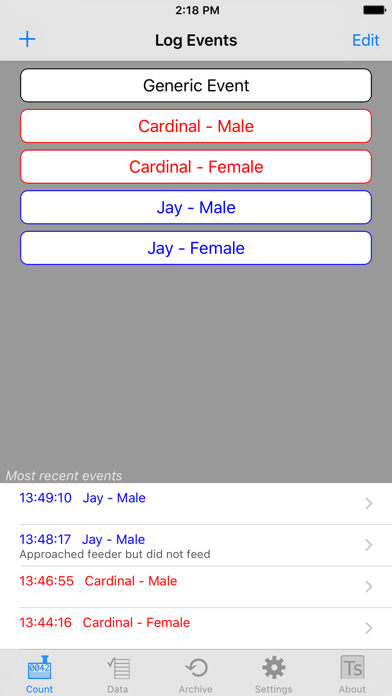
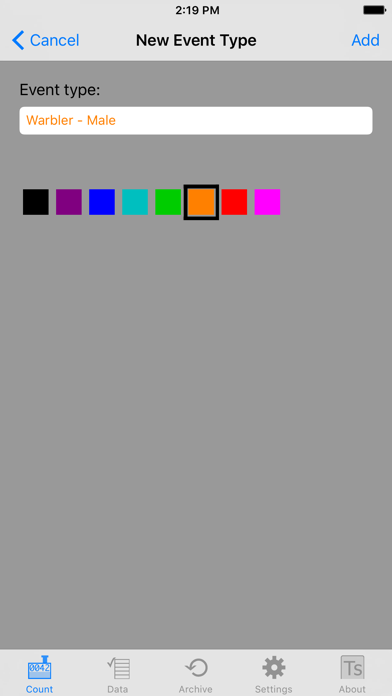
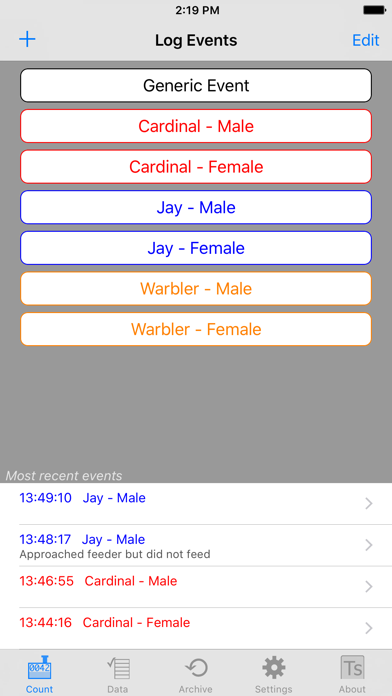
EventLog was inspired by researchers studying ant colonies who needed an easy and portable way to collect data in the field, then transfer it later to analysis programs. Based on those requirements, EventLog has been created to be a generic data logger. The app can be configured to track any types of events you set up. Events are saved real-time with time tags, and you can archive a set of events when you want to start a new one. You can also save the event types, so you don't have to re-enter them when you start collecting new data.
When you need to analyze your data, you can export it as a csv (comma-separated values) file. The csv format is supported my all major analysis programs. NOTE: EventLog file export uses email, so you must have the Mail app on your device configured to send email in order to export data.
A potential user of EventLog might be a tennis coach who wants to track some statistics for one of her players. She would start by entering the event types she wants to track, for example, aces, winners, and unforced errors. Each event type has a button on the Log Events view, and pressing the button logs that event with a time tag. Events can be edited, and notes such as the match score can be added to an event. A Generic Event type is always available, and the coach uses that to mark the start of games and enter other miscellaneous notes. Event counts can be displayed, and different data sets can be kept on the device. After the match the coach exports the data to Numbers or Excel and creates charts to study with her players. She notes that one player has very few winners with her backhand, so that shot can be emphasized in the next practice session.
Other uses might include recording time hacks during a field test, counting which species of birds come to a feeder, tracking which types of product displays shoppers respond to... EventLog works for any scenario where time-tagged events need to be recorded.
We would love to hear how you use EventLog- send your use story to support@touchscience.com
Quoi de neuf dans la dernière version ?
This app has been updated by Apple to display the Apple Watch app icon.
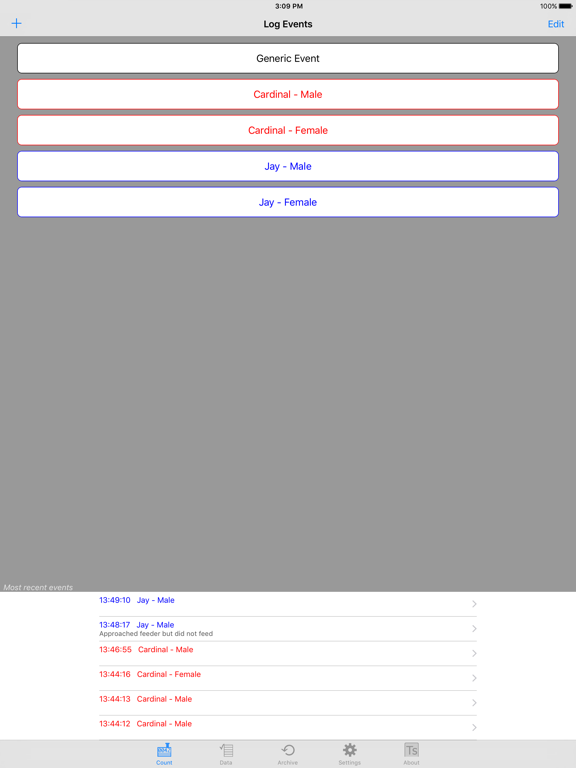
EventLog is now a universal app and has been updated for compatibility with newer devices.