Express Plus Child Support
iOS Universel / Productivité
With the Australian Government’s Express Plus Child Support mobile app you can view your Child Support payments, update your details and more.
To use the app you need to have a myGov account linked to your Child Support online account.
To setup a myGov account go to my.gov.au
If you need help to setup a myGov account, or link to Child Support go to servicesaustralia.gov.au/onlineguides
To sign into the app for the first time, use your myGov sign in details and create a PIN.
You’ll then use your myGov PIN to sign into the app in future.
With our app, you can:
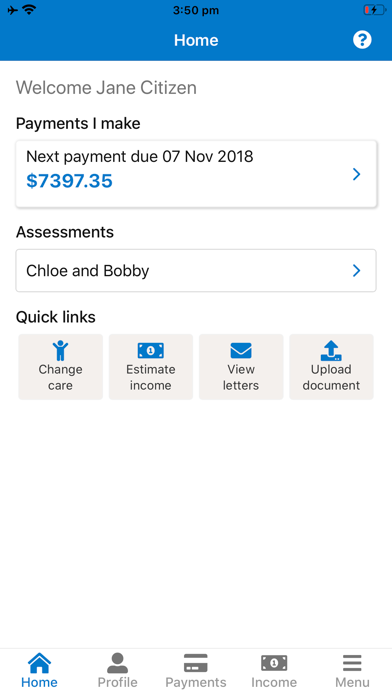
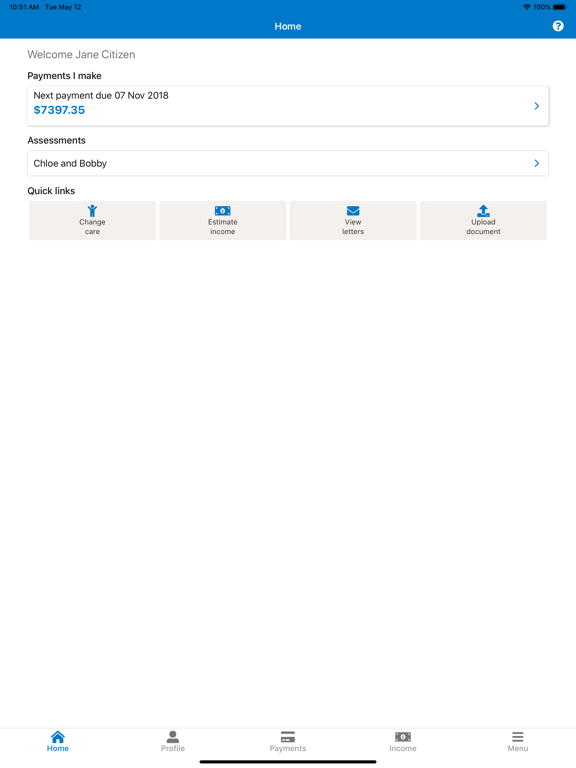
• check when your payments are due
• check how much to pay
• check how much you’ll receive
• view your payment history
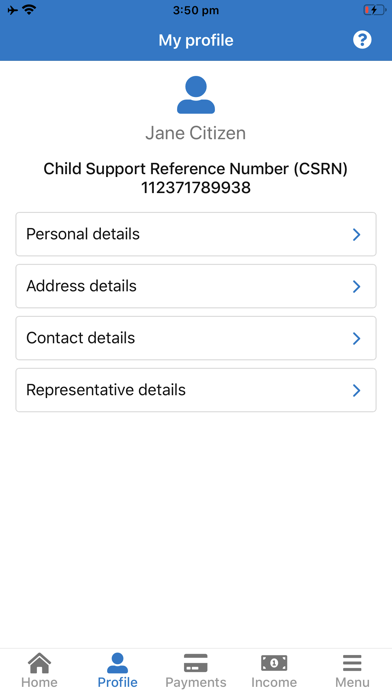
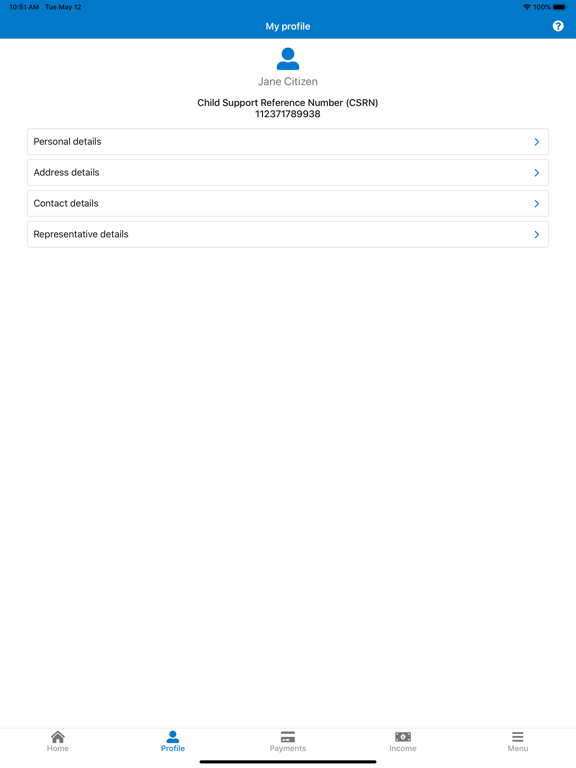
• view and update your personal details
• update change of care arrangements
• upload documents to Child Support
• update your income estimate
• update your income for a previous financial year
• advise of an extraordinary payment
Quoi de neuf dans la dernière version ?
Updating bank details is no longer available in this app.
To update bank details, go to the Child Support online account through myGov.