EZ RFID Check
iOS Universel / Productivité
EZ RFID Check helps shops and inventory teams run faster RFID-based stock verification.
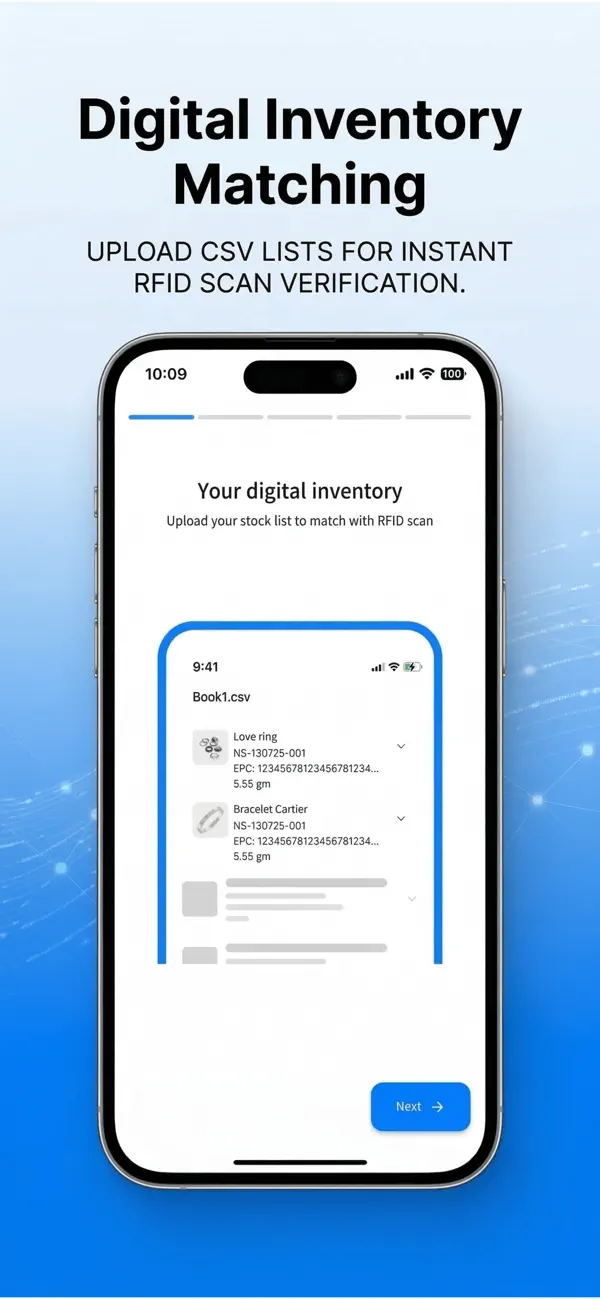
Upload a stock list from CSV, XLS, XLSX, or a public Google Sheet, match your columns to the required fields, then use a compatible Bluetooth UHF RFID reader to scan and compare physical stock against your inventory data.
What you can do with EZ RFID Check:
- Import and manage stock-taking lists
- Map RFID/EPC code and stock code before scanning
- Connect to compatible Bluetooth UHF handheld RFID readers from Vanch
- Review matched, missing, extra, and unknown RFID results
- Filter stock by group and location
- Export scan results as CSV for sharing and record keeping
- Revisit previous stock-taking sessions and refresh inventory data
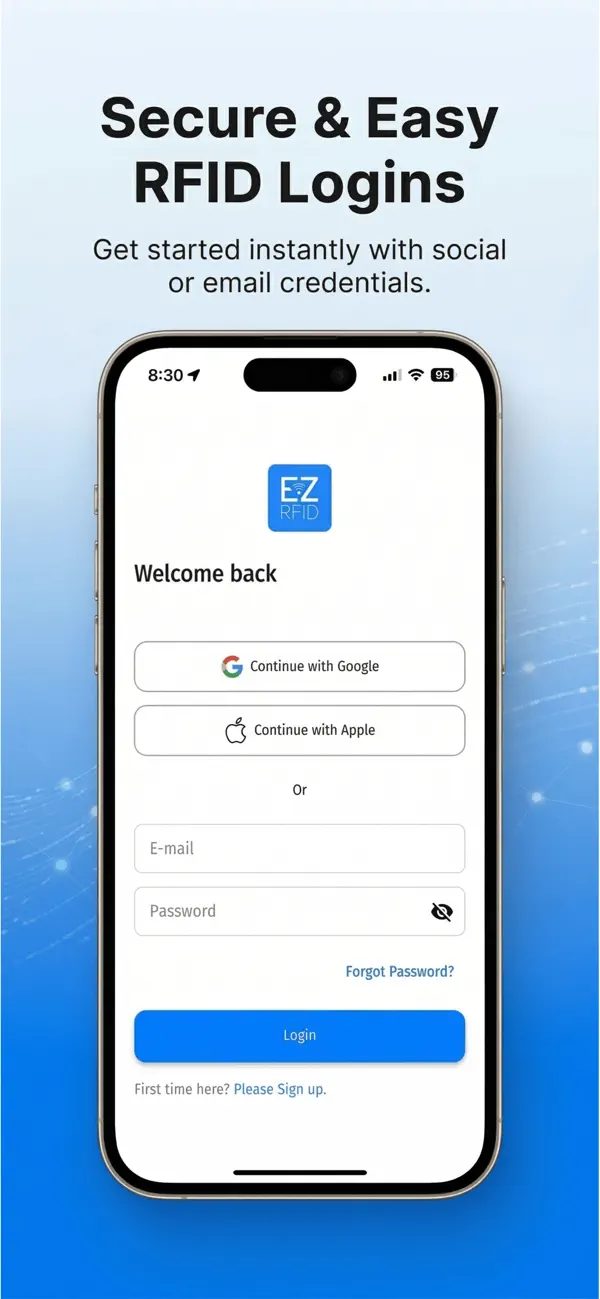
EZ RFID Check is built for business workflows rather than general consumer use. A compatible RFID scanner and an EZ RFID account may be required to access the main scanning flow. Subscription plans are available inside the app.
Quoi de neuf dans la dernière version ?
Version 1.0.1 improves Bluetooth RFID connection stability and overall scanning reliability.
This update also enhances cross-platform compatibility (including Windows handling and Mac Designed for iPhone/iPad support).
We also refined subscription/audit UI and improved error messaging for a smoother experience.