Faxbot
iOS Universel / Productivité
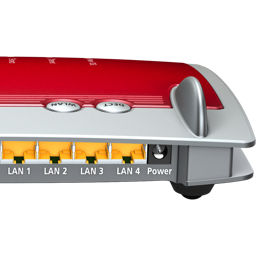
Send faxes with your FRITZ!Box
Faxbot turns your iPhone or iPad into a flexible fax client for your FRITZ!Box. Import PDFs and images, scan paper documents, write a message in the app, or create a cover sheet. Review and annotate everything before sending it to one or multiple recipients.
Import PDFs and images
Open files directly in Faxbot or share them from almost any other app. The document picker gives you access to iCloud Drive and compatible storage providers such as Dropbox, ownCloud, and Documents. Combine as many documents as needed, remove individual PDF pages, and use password-protected PDFs or files that already contain annotations.
Scan paper documents
Capture documents with the iOS camera. Intelligent document detection turns your scans into a PDF that is ready to review and send.
Write faxes and add cover sheets
Need to send a quick note? Compose it directly in Faxbot—no other app required. You can also add a cover sheet to imported documents.
Markup and annotations
Sign documents or add drawings, symbols, arrows, text, highlights, and a magnifier. You can also insert a blank page and edit it directly in the app.
Transmission reports
After each fax, Faxbot creates a detailed transmission report and stores it with the sent document.
Requirements
• FRITZ!Box Fon
• FRITZ!OS 6.00 or later
Quoi de neuf dans la dernière version ?
This update fixes the automatic Pro unlock for existing customers before Faxbot 2.0.