FileXChange - file manager
iOS Universel / Productivité
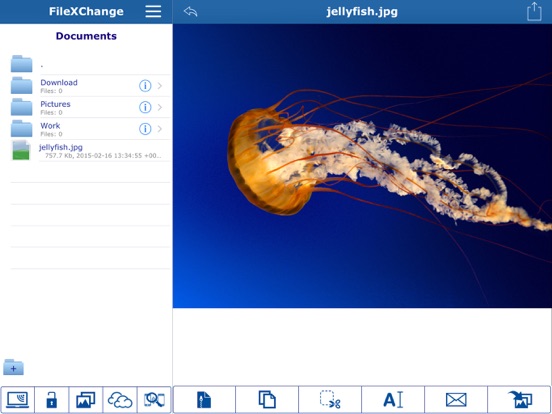
FileXChange is a powerful file manager and browser for iPhone, iPod Touch and iPad.
Bring with you and read virtually any file, anywhere: documents, pdf's, pictures, songs, videos. With all the major Cloud services, in one app only !
**************************
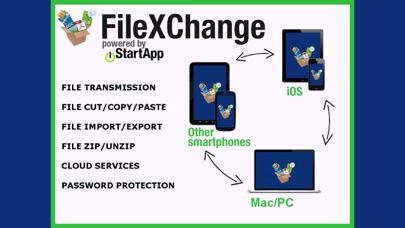
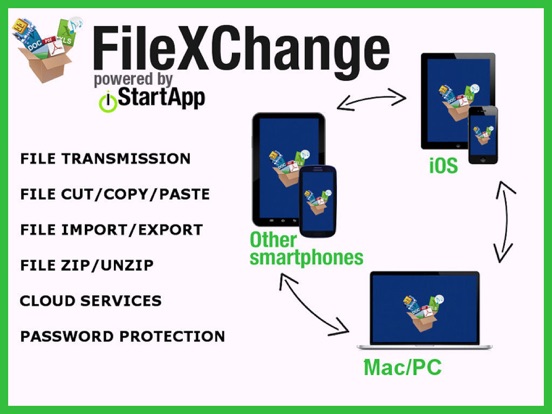
With FileXChange, you can always bring with you ANY file and document to share with other iOS devices, Mac's, PC's and other smartphones.
CAUTION:
Music, video and other iTunes content: you can not, for commercial reasons and copyrights, access with FileXChange your iTunes library to transfer files to and from iTunes.
FileXChange can anyway be used with files of other source, including music, videos and more.
FileXChange features:
** CLOUD SERVICES:
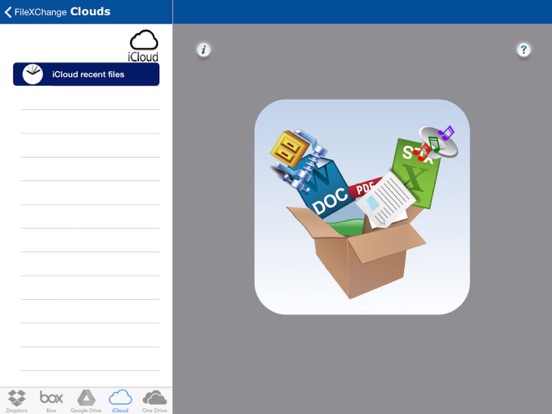
FileXChange supports major services on the cloud for managing files on the move:
- Dropbox
- Google Drive
- Box
- iCloud
- OneDrive
** BACKGROUND FILE TRANSFER FOR Dropbox, Box, Google Drive
Launch transfer and forget. You can start the transfer and then close FileXChange: come back later and see for result.
No need to wait until the file has been transferred. FileXChange takes care of everything without having to stay active.
** VIRTUAL USB DRIVE:
with FileXChange your iPhone or iPad becomes a flash memory where you can transfer and read files from any device, Mac, PC, smartphone, whatever, using the Wi-Fi, only with a simple Internet browser.
** WIRELESS iOS FILE SHARING WITHOUT INTERNET:
you can share files between your iPhone or iPad, with other iOS devices, using the device Wi-Fi, whether you have or not an Internet connection.
You think to your files and contents: FileXChange does the rest!
** COPY, CUT, DELETE AND ZIP FILES:
you can move, delete, zip and unzip files and folders
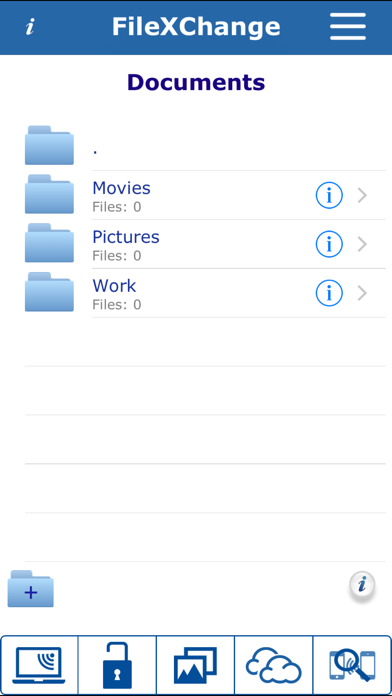
** FOLDERS ADD:
you may add folders and manage files
** FILE DISPLAY:
FileXChange allows you to view and play the most important file formats, including:
■ Text (.doc, .docx, .rtf, and more)
■ PDF (.pdf)
■ Excel (.xls, .xlsx)
■ Powerpoint (.ppt)
■ Keynote (.key)
■ Numbers (.numbers)
■ Pages (.pages)
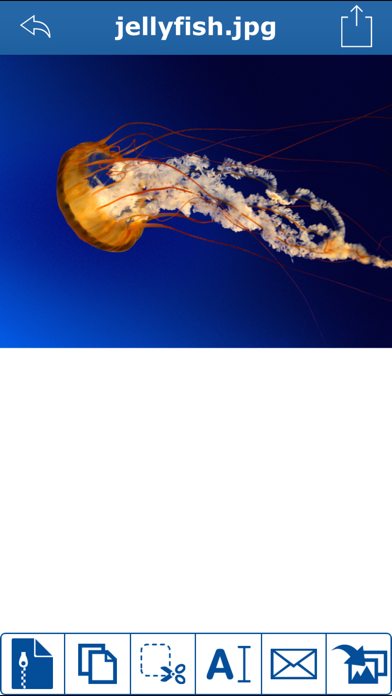
■ Main image formats (.png, .jpg, and more)
■ Main audio formats (.mp3, .wav, .aif, and more)
■ Major video formats (.mov, .m4v, and more)
** ONLINE HELP AND SAMPLE VIDEOS
now easier to use due to sample videos and a useful quick guide you find embedded in the app.
** MULTIPLE SELECTIONS:
you can select multiple files for zip or delete.
** SHARE PHOTOS FROM THE CAMERA ROLL:
With FileXChange you can get the photos taken with your device, enter them in the "Pictures" folder and share them with other devices
** ZIP, UNZIP, E-MAIL:
FileXChange can compress, decompress and email individual files or entire folders.
** USB FILE SHARING:
to exchange large files you may take advantage of the iTunes program on your desktop by connecting your iOS device via the USB cable and saving files to and from your desktop in the FileXChange filesystem.
** PASSWORD PROTECTION:
to maintain the confidentiality of your documents, FileXChange provides for password protection.
********* PRESS
“FIleXChange is the new application to manage and exchange files on your iPhone, iPodTouch and iPad. With a single click, you can send any type of file towards other devices of any type“
Daily iPhone Blog 23/05/2011”
FileXChange: SHARE YOUR FILES THE EASY WAY
Quoi de neuf dans la dernière version ?
This update from Apple will improve the functionality of this app. No new features are included.
• fixed bug that sometimes caused Dropbox to crash