G App Launcher
iOS Universel / Productivité
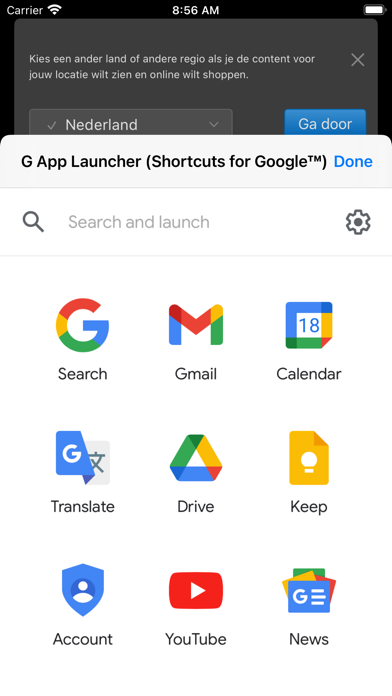
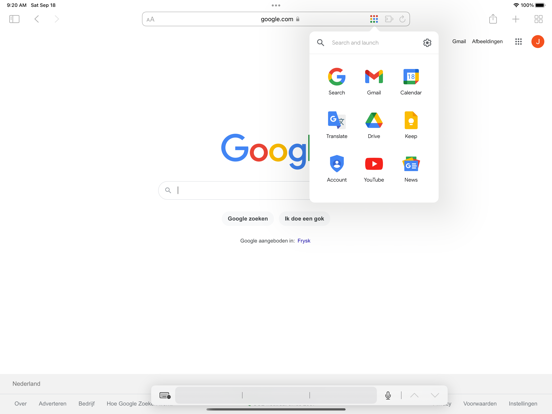
This extension allows you to customize the app launcher and add more than 1000 Google shortcuts. And it is not limited to these 1000 Google shortcuts; the extension also allows you to create custom shortcuts to every website you want.
In the settings page, which you can open via the "Configure" button in the app launcher, you can define which shortcuts you want to display in the app launcher via drag and drop (hold your mouse on a shortcut in the left list, drag it to the right list, and release your mouse). You can add or remove all shortcuts via the two buttons below the left list. The settings page also allows you to filter the 1000+ Google shortcuts via the searchbox and you can easily sort your selection via the "Sort A-Z" button.
If the shortcut you want is not available in the list, you can submit a google shortcut request via the "Suggest a new google Shortcut" button. If you want to add a non Google Shortcut, add a new one via the red "add custom shortcut" button.
Quoi de neuf dans la dernière version ?
Learn more: https://apps.jeurissen.co/g-app-launcher/whatsnew
- The icons have been refined with less glass-effect
- All icons have been updated to match the new color palette for a uniform look and feel
- Added many new shortcuts, including Workspace Studio, Googlebook, Books Your Library, several Advanced Search shortcuts and more
- Add import shortcuts-only wizard with append/replace options
- Improve default set of shortcuts and add ability to use this set when no shortcuts are selected
- 'Export settings' is now 'Export backup file'
- Improve dark-mode detection/matching/updating including dark reader support
- Add factory-reset options
- Improve language matching and translations
- Make most settings apply live-update
- Improve new-tab detection/matching
- Fix keyboard related issues on Mobile
- Add version to settings page
- Improve screenreader support