Home Inventory Remote Entry
iOS Universel / Productivité
Home Inventory Remote Entry is a free helper for our Mac home inventory management application, Home Inventory, from Binary Formations (see our website at http://MacHomeInventory.com for more information about Home Inventory).
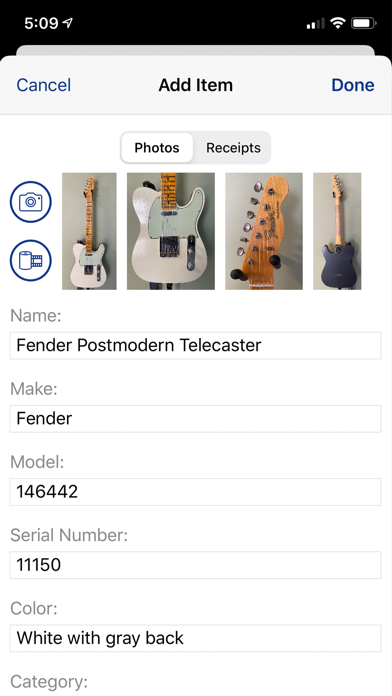
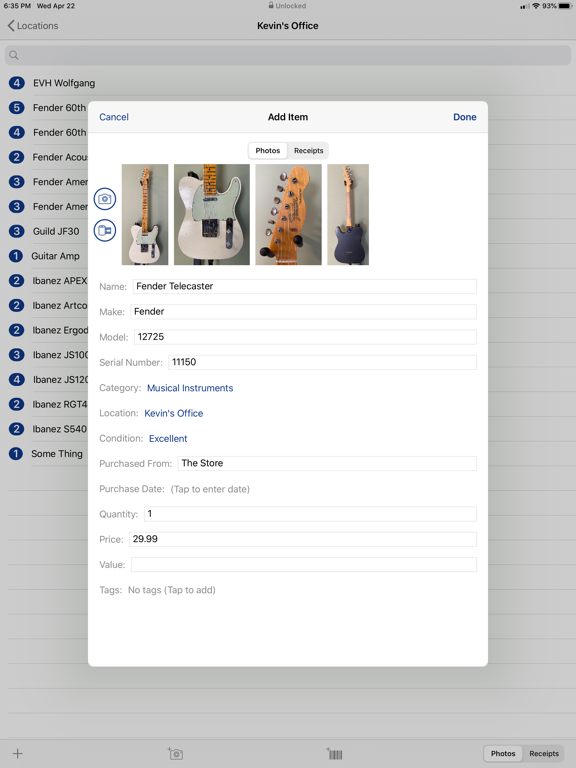
Home Inventory Remote Entry frees you from having to sit in front of your computer to enter items into your inventory. Wander around your home, storage unit, or anywhere else, and build out your inventory using your iPhone, iPad, or iPod Touch. You can create new items, take photos of your items and add receipts. You can also add new locations, collections, categories, conditions, and tags.
Remote Entry replaces Home Inventory Photo Remote for Home Inventory (version 3.3 and later). Unlike Photo Remote, you do not have to be connected to your Mac via WiFi to enter new items. The items you created offline will be added to your inventory the next time you connect to Home Inventory over your home's WiFi network.
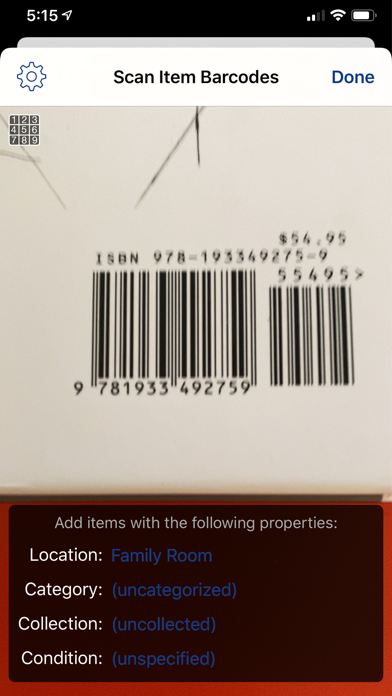
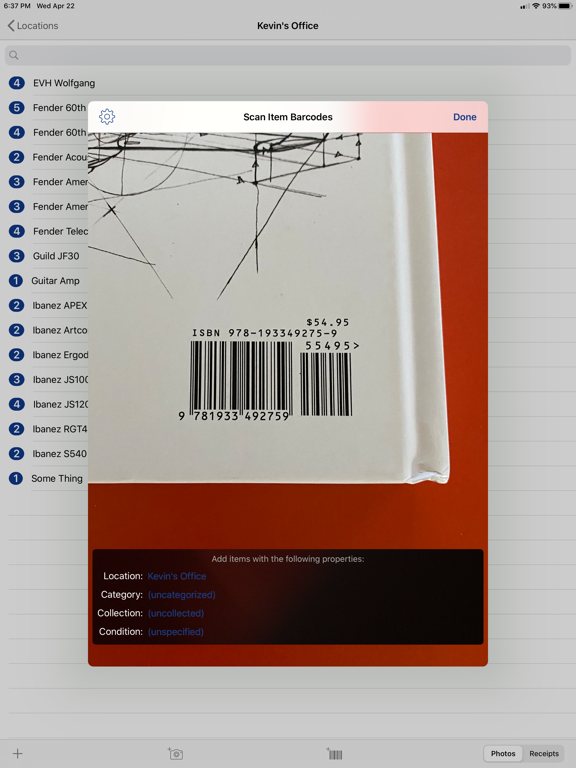
You can also scan information from QR codes, Aztec codes, and other 1D & 2D barcodes directly into item fields. This is helpful for entering serial numbers, asset tags, and other machine readable information quickly.
When connected to your inventory over WiFi, you can also edit existing items and use Remote Entry's built-in barcode scanner to add items to your inventory by looking up their UPC/EAN barcode online.
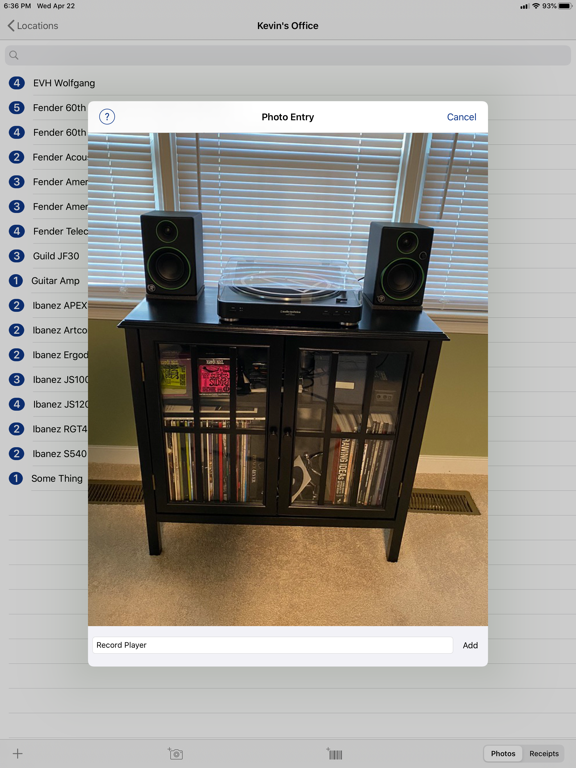
New Photo Entry mode lets you quickly build out your inventory by adding items with just a photo and a name in rapid succession. Photo Entry mode supports dictation so you can add new items and item detail using your voice.
+++ More Noteworthy Features +++
• Supports Home Inventory's custom fields and field layouts.
• Barcode lookup is available for products in the US, UK, Canada, Germany, France, and Japan (barcode lookup is only available when connected to Home Inventory via WiFi).
• Easy navigation through item fields.
• Add photos and receipt images to your items.
• Photo Entry mode lets you quickly build out your inventory by adding items with just a photo and a name in rapid succession.
• App icon badge displays the number of items added in Offline Mode but not yet added to Home Inventory on the Mac (notifications must be allowed to use this feature).
*** To backup your complete inventory to your iPhone, iPad, or iPod touch for viewing and recovery purposes, use our Home Inventory Mobile Backup helper app. It's available for free on the App Store http://appstore.com/homeinventorymobilebackup ***
Quoi de neuf dans la dernière version ?
Fixed a bug where the inventory navigation lists render incorrectly when Dynamic Type is enabled.