House Manual
iPhone / Productivité
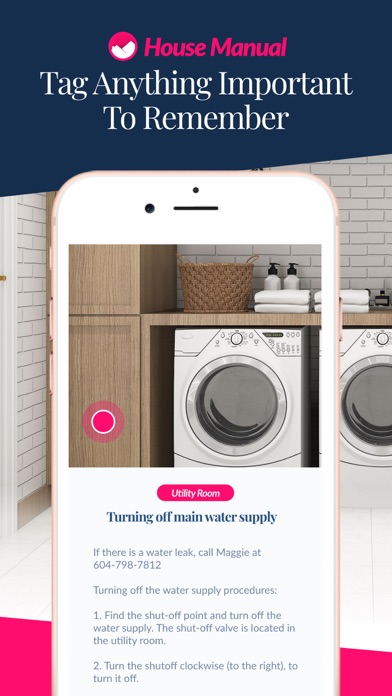
House Manual lets you easily create a secure reference guide to your home for you and household members, plus caregivers, vacation rental guests, cleaners and so much more. It is the easiest way to stay organized, save time, and protect the things most important to you.
Use House Manual to create references for the things most important to your household (residents, guests, house cleaners, nannies, family, house-sitters, friends and more) like:
- Home operating procedures
- Safety Items
- Vacation Rental Information
- Emergency Details
- Caregiver References
- Insurance inventory
- Valuables inventorying
- Medical Records
- Warranty Terms
- And so much more!
Get your first 10 posts free and then choose from three affordable subscription options to either pay per month, every six months, or once a year. Payment will be charged to your Apple ID account at the confirmation of purchase. The account will be charged for renewal within 24 hours prior to the end of the current period, and identify the cost of the renewal. Subscriptions may be managed by the user and auto-renewal may be turned off by going to the user’s account settings after purchase. Any unused portion of a trial period, if offered, will be forfeited when that user purchases a subscription where applicable. You can see more at https://www.housemanual.app/terms.
Quoi de neuf dans la dernière version ?
We have added a House Manual widget! Now add a widget to your Home Screen in a few taps and get quick access to search and share your House Manual posts or add new ones.
Adding your House Manual widget is simple! To get started, just press and hold a blank space on your home screen until the apps start to shake. Tap the plus sign In the upper left corner, and search “House Manual”. Once you’ve selected the House Manual widget, just tap “Add Widget” and presto you’re set!
We hope you love the convenience of the new widget and can’t wait to hear your feedback.