Image Compressor Lite
iOS Universel / Productivité
Steps to use:
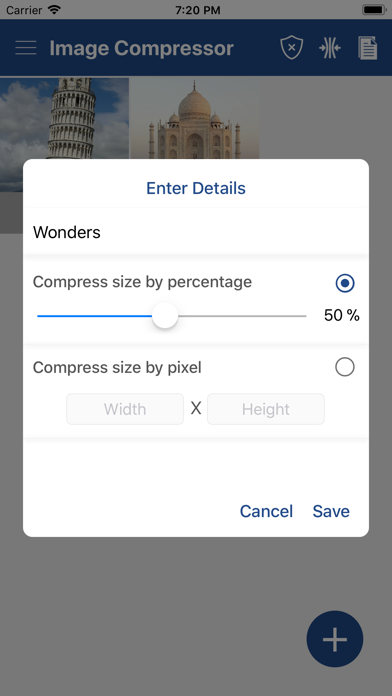
1. Select image/images from gallery with + icon.
2. Deselect unwanted images by long pressing on it.
3. Compress image(s) by percentage or dimension(pixel).
4. View list of all directories containing compressed images.
5. View list of all compressed images in each directory
6. Preview image(s) with compression details.
7. Share or delete compressed image(s) by long pressing the image in the list.
En voir plus...
Quoi de neuf dans la dernière version ?
Bugs fixes and performance improvement.