Image2Text on device OCR
iOS Universel / Productivité
Plain text can be extracted from images (jpeg, png, gif, tiff, bmp, heic) and PDF files. On-device text recognition protects your privacy and operates without internet connection. Text layout is approximated according to the original text locations. Formatting options include indentation preservation and soft wraps removal. Automatic detection of emails, phone numbers, web links and street addresses opens another relevant app with one click. An embedded text editor allows correction of recognized text before exporting it. Supported platforms include iOS, iPadOS, and macOS.
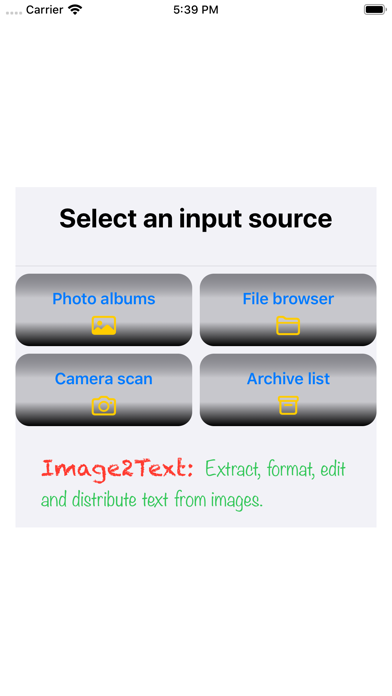
Step 1: Several input methods are provided.
• Selects a photo from Photos app.
• Selects one or more files through Files app on iOS/iPadOS, or Finder-like browser on MacOS.
• Uses camera to take one or more pictures, which automatically detects adjustable document borders to crop.
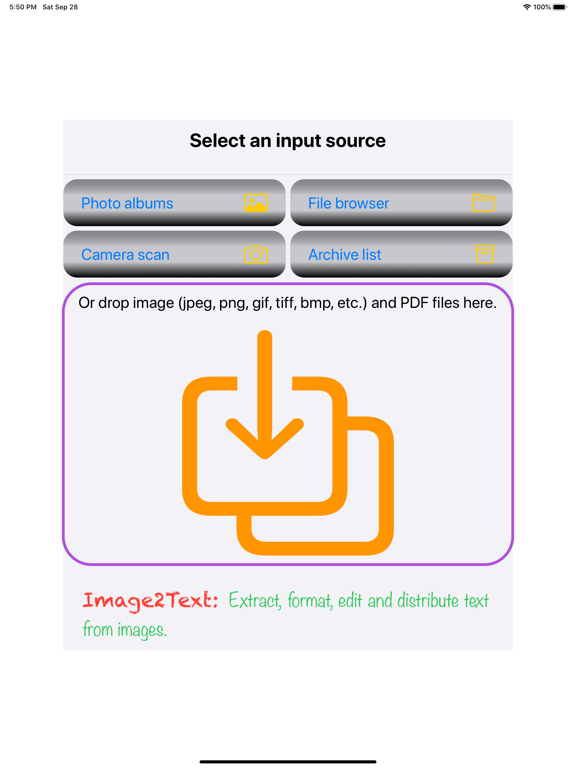
• On macOS and iPadOS, drag and drop from other apps.
• Select this app when opening a mail attachment, or sharing data from other apps like Safari, Photos, Files, or cloud storage apps.
• Selects previously saved files in the local archive of this app.
• Paste images from clipboard .
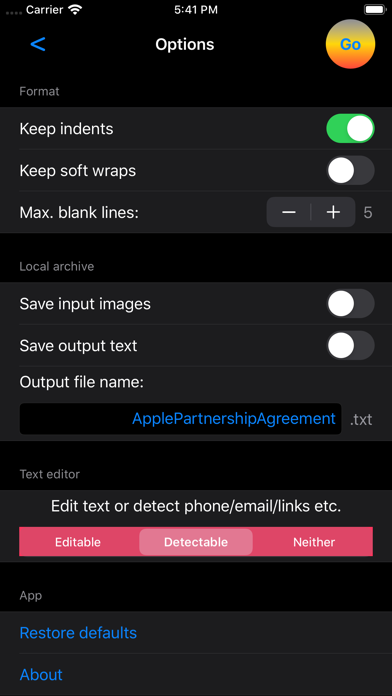
Step 2: Simply use the defaults and go, or configure a few options.
• Formatting options on indentation, soft wraps (artificial line breaks inserted by tools to fit width), maximum blank lines, etc.
• Multi-page, multi-file options include header/footer removal and number of blank lines for each page break.
• Whether to save inputs, outputs, or both.
• A filename for saving or exporting text.
• Viewing text in detecting or editing mode.
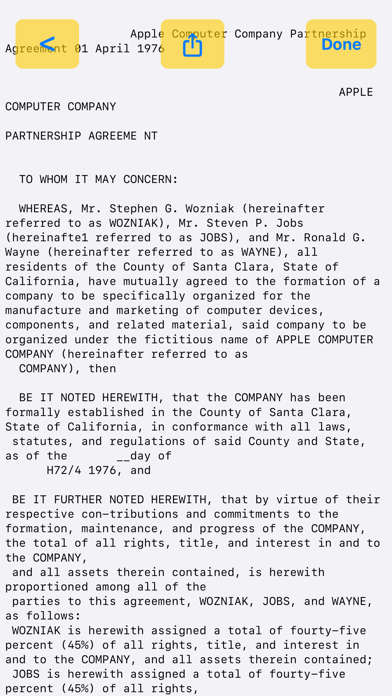
Step 3: Recognized text review.
On iOS/iPadOS, two-finger pinches zoom the text font size bigger or smaller. On MacOS, use zoom buttons or trackpad zoom gestures. On iPhones, portrait mode shows smaller fonts than landscape mode.
In data detecting mode, actionable data are automatically highlighted.
• Tapping an email address opens Mail app.
• Tapping a phone number opens Phone app.
• Tapping a web link opens Safari app.
• Tapping a street address opens Map app.
In editing mode, text can be modified with the keyboard and standard editing gestures like copy/paste and undo/redo.
Step 4: Distribution of the recognized text.
Tap the standard share button to air drop, iMessage, mail, save on cloud storage, post on social media, print, or copy to any other apps supporting plain text files. On macOS, an export button uses Finder-like browser to save a file anywhere.
Speak the text if text to speech is enabled in Accessibility Settings.
The current version of the app recognizes primarily printed English text in upright positions. It is less accurate on hand-written text.
The app offers auto-renewable subscriptions for full access of all app features.
An Introductory free trial period is available and you will not be billed until the free trial is over. Please see the terms of use at https://thingkingland.app/legal/termsOfUse.html .
The app supports universal purchase, and a single subscription enables the app across Mac, iPhone, iPad, and iPod touch devices.
Internet connection is not necessary for normal app functionality, and is only required initially and once each subscription period to validate subscription from App Store.
Quoi de neuf dans la dernière version ?
• Polish user interface.