iPC Me
iOS Universel / Productivité
iPC — Instantly Share Links Between Your iPhone & PC
How It Works
On your iPhone, click share on any link then 1 click the iPC icon in the share sheet.
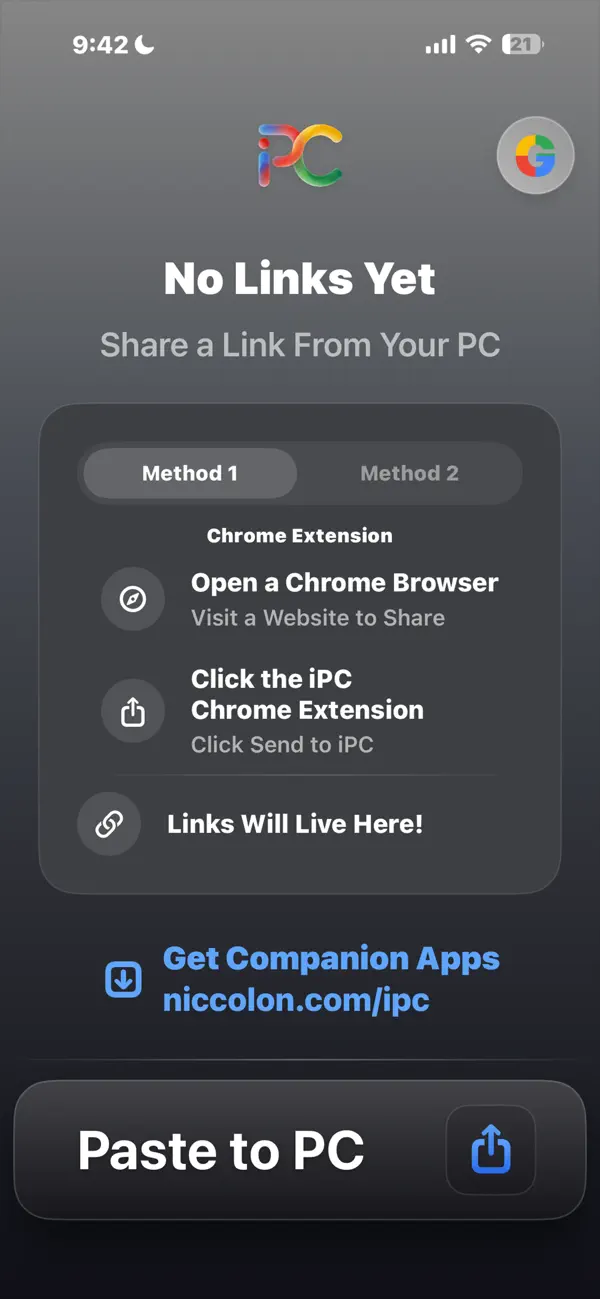
On your PC, use the 1 click iPC Chrome Extension while on any website or manually paste a link in the iPC Windows app.
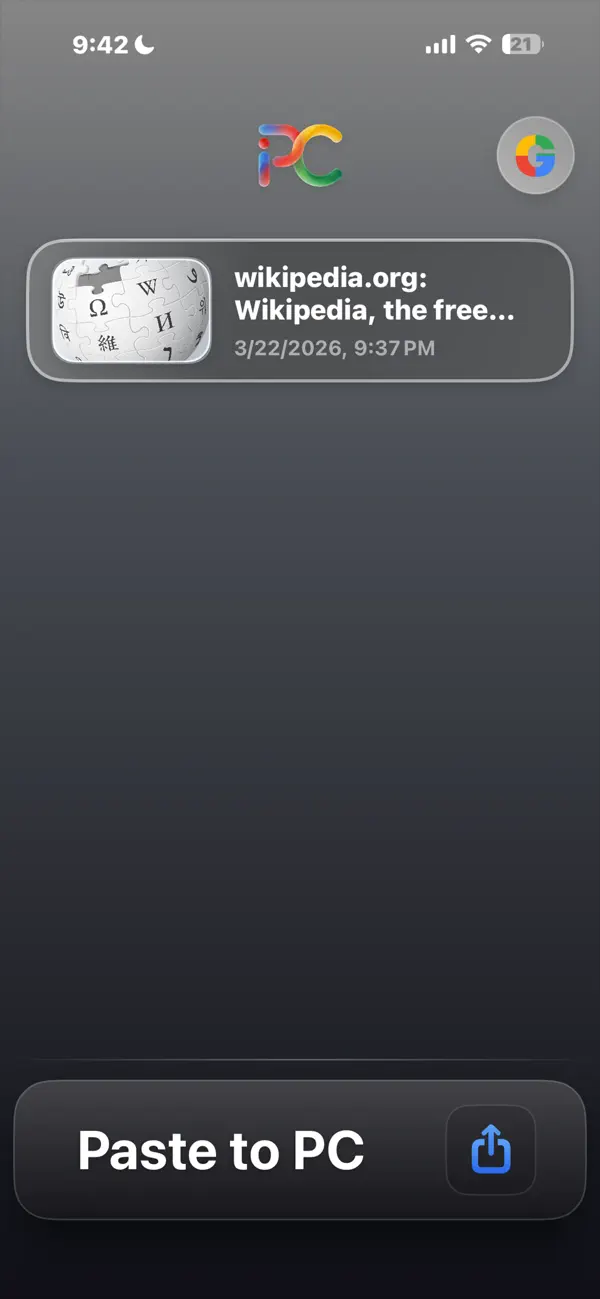
Links arrive on your iPhone & PC in real-time with rich previews showing the page title, thumbnail, and timestamp. Tap any link to open it directly.
Key Features
• Instant delivery — links arrive in seconds
• Rich link previews — see the page title, thumbnail, and time received
• Two-way sharing — send links from your iPhone to PC & PC to iPhone
• Swipe actions — swipe to delete or share links you've received
• Privacy-first — your links are stored securely in your own Google account
• Waits while offline — links patiently remain idle until each device is online
Your Data, Your Control
iPC stores links in your personal Google account using the app-specific data folder. No third-party servers ever see your data. Only you can access your links.
Getting Started
Sign into a Google account on your iPhone & PC.
Install the free Chrome Extension or Windows app from niccolon.com/ipc
Start sharing links instantly