ISO 8601 Keyboard
iOS Universel / Productivité
Type dates the right way instantly.
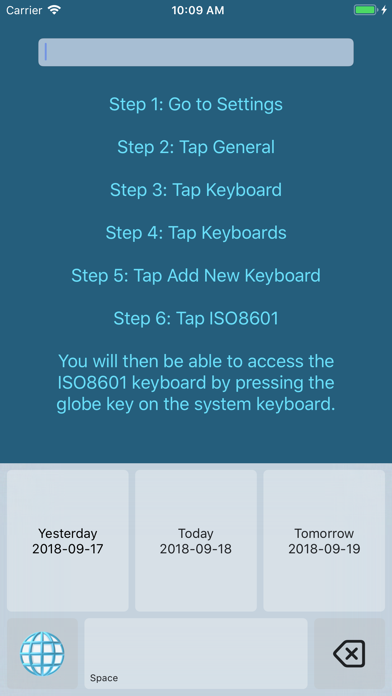
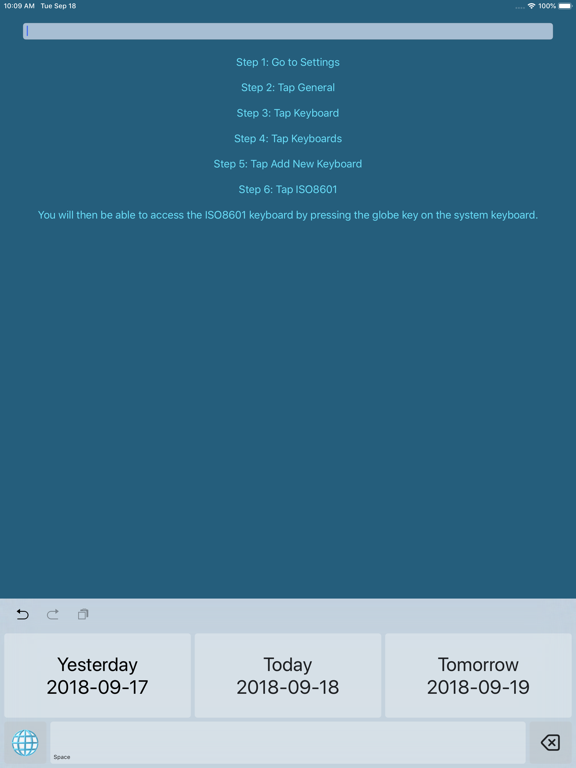
Stop typing dates by hand. ISO 8601 Keyboard puts yesterday, today, and tomorrow's date in YYYY-MM-DD format one tap away. Perfect for developers, researchers, writers, and anyone who works with standardized dates.
INSTANT DATE ENTRY
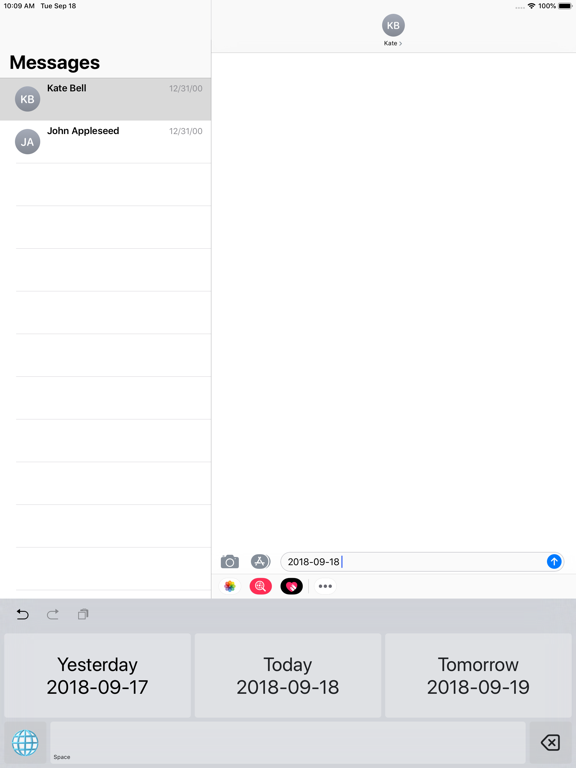
Tap once to insert yesterday's, today's, or tomorrow's date in ISO 8601 format. No typing, no mistakes.
DATE WHEEL FOR ANY DATE
Need a date beyond tomorrow? Or maybe years ago? Swipe left to reveal a date picker wheel and insert any date in YYYY-MM-DD format just as easily.
SMART BACKSPACE
Made a mistake? One tap of the backspace key removes the entire last date you typed — no hunting character by character.
AUTO SPACE
Optionally append a space after every date so your cursor is always ready for the next word.
AUTO KEYBOARD SWITCH
Set the keyboard to automatically return to your previously active keyboard after inserting a date, keeping your workflow seamless.
LIGHTWEIGHT & PRIVATE
ISO 8601 Keyboard uses minimal system resources and never touches your data.
Quoi de neuf dans la dernière version ?
This is the biggest update to ISO 8601 Keyboard ever!
• Brand new look: The keyboard has been completely redesigned for the latest iOS and iPadOS design language. It looks and feels better than ever.
• Date Wheel: Swipe left to unlock a beautiful date picker and insert any date in YYYY-MM-DD format. Not just yesterday, today, and tomorrow.
• Auto Space: Tell the keyboard to automatically drop a space after every date.
• Auto Keyboard Switch: The keyboard can now automatically jump back to your previous keyboard after inserting a date.