Jotter (Handwriting Notepad)
iOS Universel / Productivité
Jotter is the most appropriate tool to write a note on an iPhone or an iPad.
Jotter is like a notebook. You can easily write something quickly or draw a simple diagram with Jotter conveniently. Instead of a notebook, you can use Jotter to write or draw your idea in a quick, easy and convenient way. Jotter is acting like a real notebook. The size of you device is the size of your notebook, which will rotate automatically as you rotate the device, so what you see is what you get. If you want to use it in portrait mode, you can lay the device lengthwise. If you want to use it in landscape mode, you can lay your device widthwise.
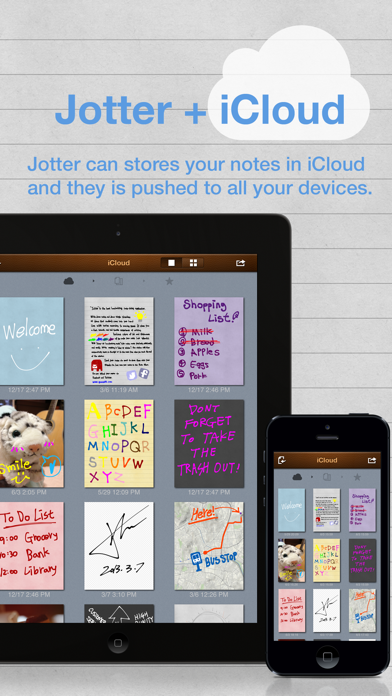
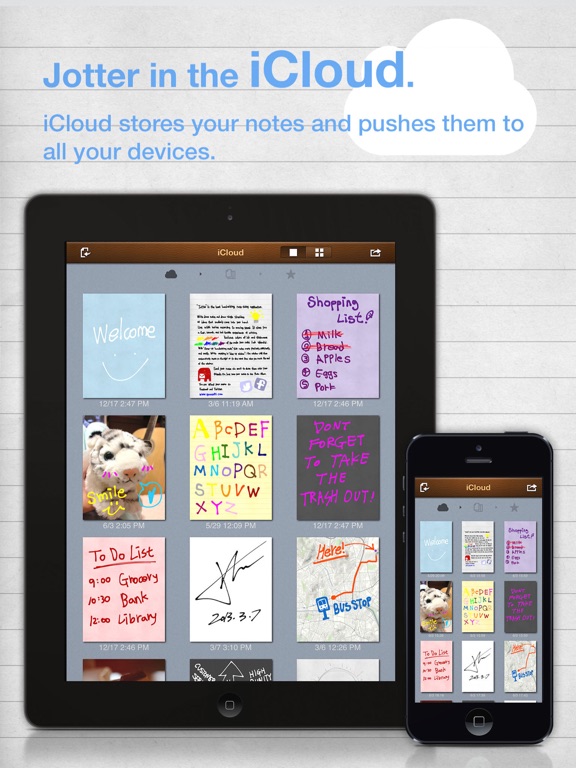
Jotter provides three note lists: ‘My Notes’ list to manage note prepared on the device; ‘Favorites’ list showing notes designated as favorites; and iCloud list showing notes on iCloud. You can edit notes on ‘My Notes’ list and upload them to iCloud, if you have an iCloud account. You can change the type of a list by swiping the list view left or right.
You can use Jotter on all iOS devices (iPhone and iPad). If you have several devices, you can share your notes on all devices via iCloud.
Handwriting
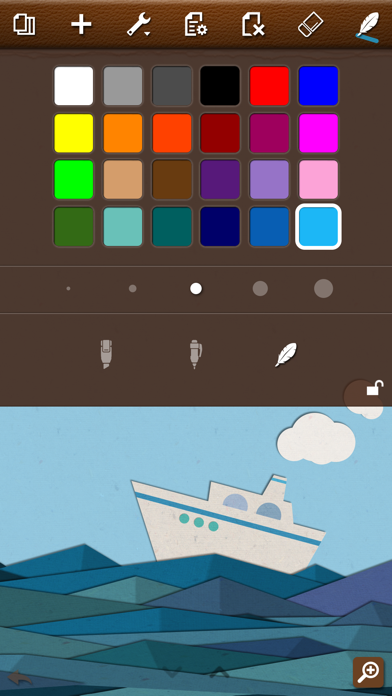
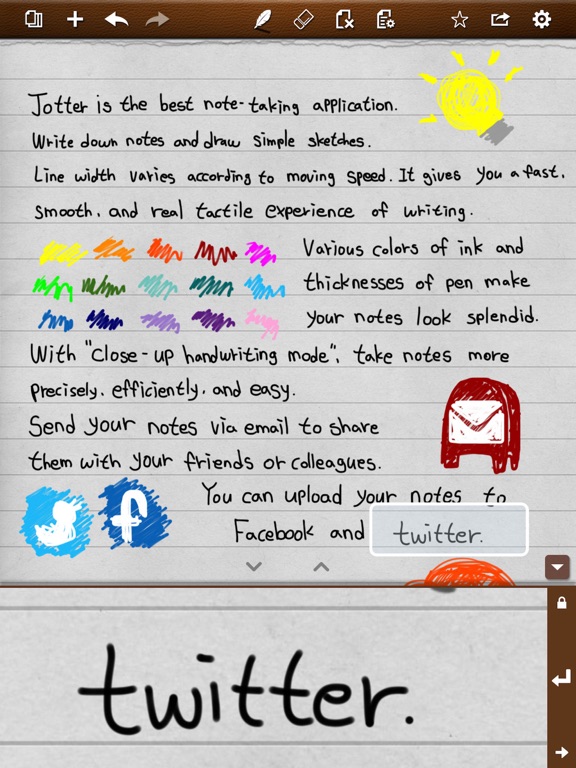
• Provide a variable-width pen optimized for handwriting: if you write fast, the pen width becomes thinner, and vice versa. You can also use a fixed-width pen.
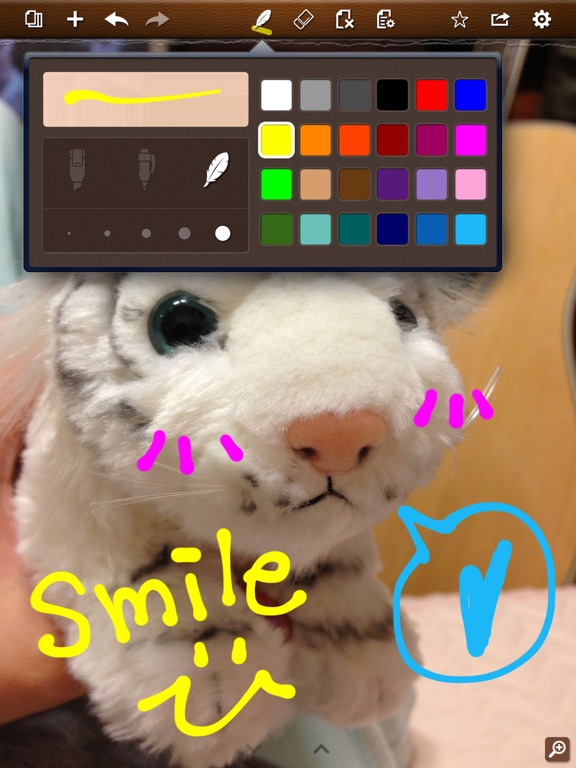
• Provide a highlighter with which you can draw a translucent line over text.
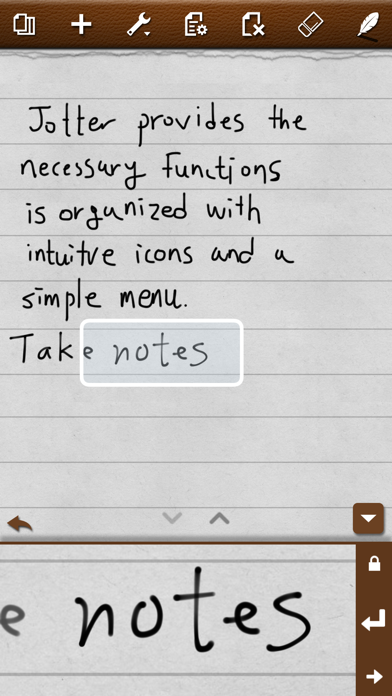
• Provide a zoom-in window, with which you can enter much more content on a limited space. It will also support you to write text more comfortably.
• When writing on the zoom-in window, the window will move automatically to write without additional control. When you reach the right margin of the page, it will automatically move to the next line.
• The zoom-in window supports both text directions: right-to-left and left-to-right.
iCloud
• As notes made on several devices are stored in an iCloud stream, you can see all the notes on each device.
• You can download a note to your device among notes stored in the iCloud stream. You can edit the downloaded note, and share it with other devices via iCloud.
• For notes with different sizes (made on other devices), you can change the size and position of the notes when opening them.
Share
• You can send a note to other people via email as a JPEG or PNG file.
• You can upload a note on SMS by using Copy function. Copy your content and paste it on a SMS window, then it will be sent to SMS.
• You can store notes in My Photo list.
• You can send your notes to your Twitter account set on your device.
• You can send your notes to your Facebook account set on your device, or upload them by logging in Facebook.
• You can send a note to other apps as a PDF file by using ‘Open with other app’ function.
• Jotter will send an image as you can see on the screen. If you want to share a portrait image, lay the device widthwise and share the image. If you want to share a landscape image, lay the device lengthwise and share the image.
Quoi de neuf dans la dernière version ?
This app has been updated by Apple to display the Apple Watch app icon.
- Fixed bugs